Webflow and Squarespace are two of the most popular website builders on the market, each with strong design features and built-in ecommerce functionality. But which one is best for your online store?
After researching and testing both tools, I’ve broken down how Webflow and Squarespace perform across the key areas that matter most for ecommerce: pricing, sales features, ease of use, templates, SEO tools, and scalability.
Both platforms have strengths.
Webflow is ideal for full design control and complex content structures, while Squarespace stands out for simplicity, polished templates, and fast setup.
I’ll walk you through the differences to help you find the best fit for your business.
Quick Comparison: Webflow vs Squarespace
Here’s a quick overview of how Webflow and Squarespace compare side by side.
| Feature | Webflow | Squarespace |
|---|---|---|
| Ease of Use | Intermediate to advanced | Beginner-friendly |
| Templates | Design starting points | Pre-designed and polished |
| Customization | High (CSS-level control) | Limited (template-based) |
| Ecommerce Features | Flexible, but limited integrations | Strong built-in tools |
| CMS | Advanced and scalable | Simple and limited |
| SEO Tools | Highly customizable | Basic |
| App Integrations | Zapier, Make, APIs | Limited third-party apps |
| Payment Gateways | Stripe only | Stripe, PayPal, Apple Pay, Afterpay |
| Support | Email + community | Live chat + support docs |
| Pricing Range (USD) | $14 to $212 per month | $16 to $49 per month |
Best for Pricing: Squarespace
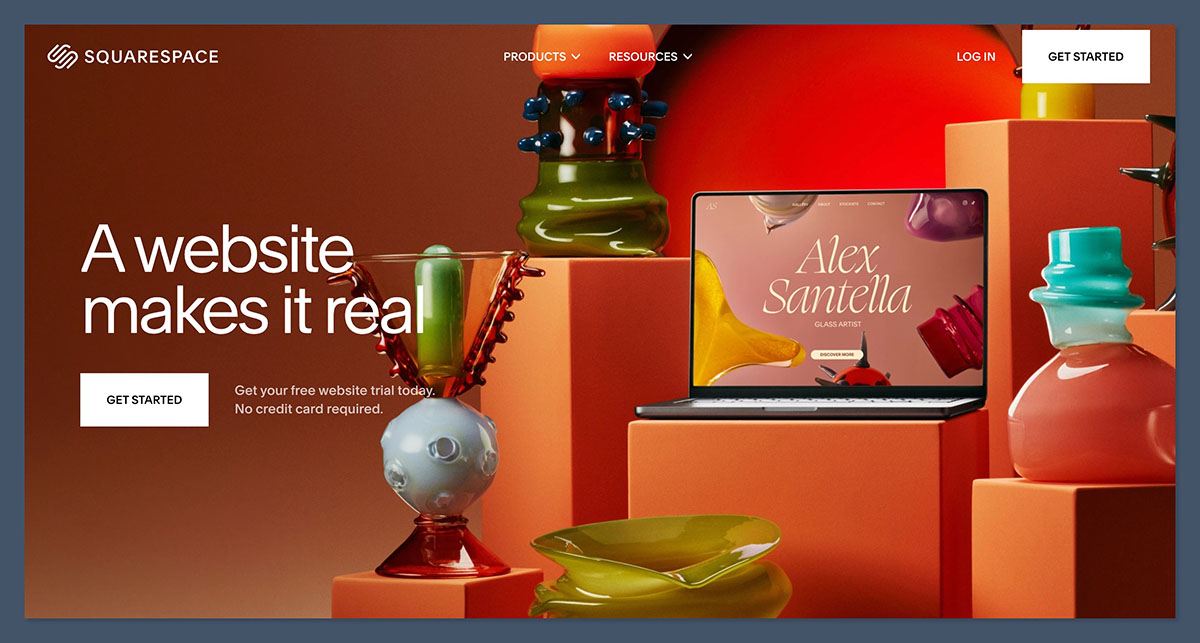
Both builders offer plans designed for different business needs, but Squarespace is more straightforward and offers better value for new or smaller stores.
Webflow Pricing
Webflow’s pricing is split into multiple categories, which can make it confusing for new users. You’ll need to choose between Site Plans, Ecommerce Plans, and Workspace Plans depending on your goals.
Ecommerce plans (billed annually):
- Standard: $29 per month (2% transaction fee)
- Plus: $74 per month (no transaction fee, more features)
- Advanced: $212 per month (higher product and sales limits)
If you’re just looking to publish content or run a small blog, Webflow also has a CMS plan at $23 per month, but it lacks ecommerce tools.
Squarespace Pricing
Squarespace offers simpler all-in-one plans that include hosting, templates, and ecommerce features without any hidden extras.
Plans (billed annually):
- Personal: $16 per month (no ecommerce)
- Business: $23 per month (basic ecommerce, 3% transaction fee)
- Commerce Basic: $27 per month (no transaction fees, built-in features)
- Commerce Advanced: $49 per month (advanced selling tools)
Squarespace’s pricing is more accessible, especially if you don’t want to deal with extra platform fees or setup complexity. It also includes a 14-day free trial, while Webflow offers a forever-free plan for testing designs.
Winner: Squarespace
Squarespace is more affordable and easier to understand. Webflow’s pricing is scalable, but complex and more expensive as your needs grow.
Best for Design Freedom: Webflow
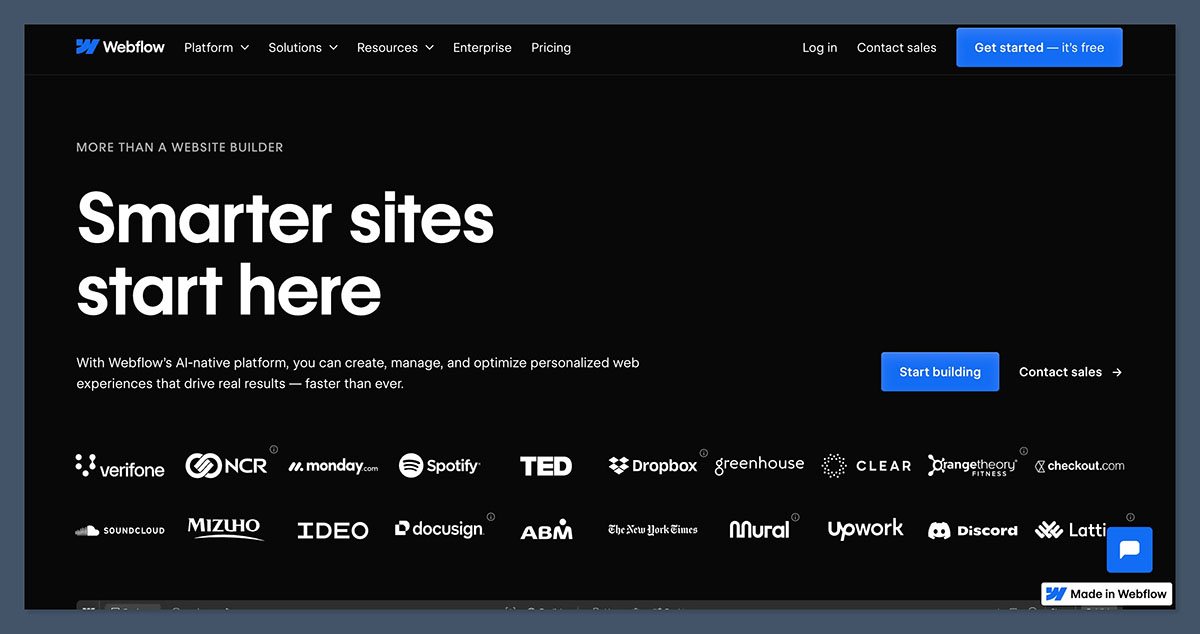
Design is one of the main areas where these two platforms take very different approaches.
Webflow Design Features
Webflow gives you full visual control over your site’s layout and structure. Instead of using locked templates, you can create custom designs from scratch using drag-and-drop elements that mirror HTML and CSS properties.
What you can do with Webflow:
- Build layouts using flexbox and grid
- Customize spacing, positioning, and typography
- Add animations, hover effects, and scroll interactions
- Create responsive designs with custom breakpoints
- Use reusable components and style classes
Webflow feels more like a visual front-end development tool than a traditional website builder. It’s powerful, but it also comes with a learning curve.
You’ll need to understand some basic web design principles to get the most out of it.
Squarespace Design Features
Squarespace focuses on simplicity and speed. You choose from a set of professionally designed templates, then customize fonts, colors, and content using its style editor.
Limitations of Squarespace:
- Layouts are fixed and based on sections
- Customization options vary by template
- Advanced interactions require custom CSS or JavaScript
- Less flexibility for unique content layouts
For most users, Squarespace is more than enough in terms of design flexibility. But if you want total freedom to create something visually distinct, Webflow is the better choice.
Winner: Webflow
Webflow gives you more control and flexibility to design your store exactly how you want it. Squarespace is easier to use, but less customizable.
Best for Selling Online: Squarespace
When it comes to ecommerce, both platforms allow you to sell products, manage inventory, and accept payments. But the way they handle ecommerce is very different.
Webflow Ecommerce Features
Webflow’s ecommerce tools are built into the platform but feel like a layer added on top of its CMS.
You can create custom product pages, design your own checkout flow, and integrate with Stripe for payments.
Webflow ecommerce strengths:
- Fully custom product pages and shopping experiences
- Native CMS to manage product catalogs
- Dynamic templates for different product types
- Fine-tuned control over layout and styling
Webflow limitations:
- Stripe is the only supported payment gateway
- No built-in POS or multi-currency support
- Basic inventory and order management features
- No abandoned cart recovery or subscriptions without third-party tools
Webflow is best suited for content-rich stores that want a custom experience, but it may not offer everything needed for high-volume or multi-channel selling.
Squarespace Ecommerce Features
Squarespace offers a strong, beginner-friendly ecommerce solution out of the box.
It supports multiple payment gateways, has no platform transaction fees on most plans, and includes all essential features.
Key ecommerce features:
- Support for Stripe, PayPal, Apple Pay, and Afterpay
- No platform transaction fees on Commerce plans
- Built-in inventory, tax, shipping, and coupon tools
- Abandoned cart recovery and product subscriptions
- Digital products and limited services support
Squarespace is better for stores that want reliable ecommerce features with minimal setup or extra apps. It’s not as flexible as Shopify or Webflow, but it covers the essentials well.
Winner: Squarespace
Squarespace provides a more complete ecommerce feature set for most small businesses. Webflow is powerful for custom stores, but lacks some built-in tools.
Best for SEO: Webflow
Search engine optimization is important for any ecommerce store that wants to grow organically. Both platforms include basic SEO features, but Webflow offers more control.
Webflow SEO Features
Webflow is built with clean code and customizable SEO settings, making it easier to optimize for rankings.
SEO tools included:
- Fully editable title tags and meta descriptions
- Custom canonical tags
- Schema markup via custom embeds
- Image alt text and structured file naming
- 301 redirect manager and clean URLs
- Automatically generated XML sitemaps
You can also integrate Google Analytics, Search Console, and custom tracking scripts directly into Webflow’s site settings.
Squarespace SEO Features
Squarespace handles SEO basics but limits how much you can customize.
Included SEO tools:
- Editable page titles and descriptions
- Automatic XML sitemap
- Clean, mobile-friendly templates
- Image alt text
- Basic URL structures
However, Squarespace lacks advanced features like full control over URL slugs, dynamic metadata templates, and structured data support unless you use custom code.
Winner: Webflow
Webflow gives you more control over every SEO element on your site. Squarespace is fine for basic optimization, but less suitable for large or complex sites.
Best for Ease of Use: Squarespace
If you’re looking for the fastest, most beginner-friendly way to get online, Squarespace takes the lead.
Webflow Ease of Use
Webflow has a professional-grade interface that resembles Adobe design tools. While powerful, it can be intimidating for beginners. There’s a learning curve, and you may need to reference tutorials to get started.
Webflow is best for:
- Designers and developers
- People with layout and coding experience
- Projects that need full design freedom
Squarespace Ease of Use
Squarespace was built for non-technical users. Everything from templates to ecommerce tools is designed to work out of the box, with minimal configuration.
Squarespace is best for:
- Solo creators and freelancers
- Small business owners
- Anyone launching a site quickly
Its editor is intuitive, and you don’t need to touch any code unless you want to. That makes it perfect for users who just want to launch and sell with minimal effort.
Winner: Squarespace
Squarespace is far easier to set up and manage. Webflow is powerful, but better suited for those with technical experience.
Best Templates and Design Quality: Squarespace
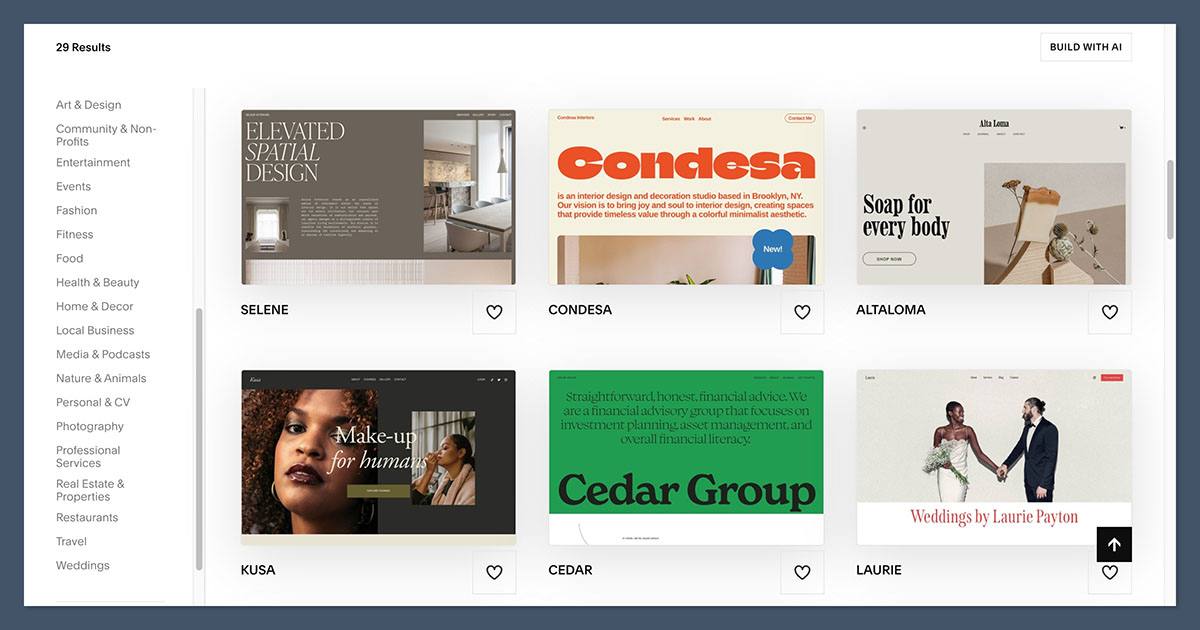
Both platforms offer high-quality templates, but Squarespace has the edge for design polish and user experience.
Webflow Templates
Webflow offers free and premium templates as a starting point, but they’re generally intended for users who will heavily customize them.
- Template library: Around 100 options
- Pricing: Free to $129 (one-time payment)
- Focused on modern, minimalist designs
Webflow templates are ideal for designers who want a base to build on. They aren’t as plug-and-play as Squarespace themes.
Squarespace Templates
Squarespace templates are beautifully designed and optimized for mobile, with minimal setup required. Y
ou can switch between templates at any time, and most support full ecommerce functionality.
- Template library: 110+ options
- Pricing: Included with your plan
- Categorized by business type (e.g. portfolios, stores, services)
Winner: Squarespace
Squarespace offers more polished, professional templates that work well right out of the box.
Best for Business Growth and Scalability: Webflow
If you plan to scale your business or need custom functionality down the road, Webflow is more flexible.
Webflow’s CMS, custom fields, and design freedom give you room to build advanced content structures and unique customer experiences. It also integrates with automation tools like Zapier, Make, and custom APIs.
Squarespace is better for smaller or simpler sites. While it does support ecommerce growth, its CMS and integration options are limited in comparison.
Winner: Webflow
Webflow offers more long-term flexibility for growth and content-driven ecommerce brands.
Final Verdict: Which One Should You Choose?
Both Webflow and Squarespace are capable website builders, but they suit very different users.
| Choose Webflow if: |
|---|
| You need full design freedom |
| You’re building a content-rich ecommerce site |
| You have technical skills or a dev team |
| You want scalable CMS and custom layouts |
| Choose Squarespace if: |
|---|
| You want a fast, beginner-friendly setup |
| You need a simple ecommerce store |
| You value beautiful templates with no setup |
| You prefer an all-in-one solution |
If you’re still unsure, think about whether you want more control or more convenience.
Both platforms are strong in their own right, but the right choice comes down to how much time and flexibility you need to build and grow your store.


