I rebuilt my test site on Webflow after the May 13, 2026 pricing change, and learned that most Webflow plan names still quoted online no longer exist. CMS and Business merged into Premium, and the bill now comes in two layers.
In this webflow review, I’ll cover what Webflow costs today, what building a CMS site felt like, what it removed, and how it compares to Wix, Squarespace, WordPress, and Framer.
Why You Can Trust This Review
- Hands-on build: I signed up free, built in the Designer, set up a CMS Collection, and priced out going live
- Current pricing only: every figure reflects the plans in place since May 13, 2026
- Same criteria every time: we test website builders for a living at WebAppMeister
- Independent and unsponsored: Webflow had no input into this review
Key Takeaways
- Webflow offers the most design control of any visual builder I’ve tested, but it is not for beginners
- The real entry cost for a CMS site is Premium, at $25 per month billed annually, or $39 month to month, per site
- Native logins and automation are gone: Logic ended June 27, 2025, and User Accounts (formerly Memberships) ended January 29, 2026
- Buy it if you are a designer, freelancer, or small team building content-rich sites
- Skip it if you need a site live this weekend or built-in memberships
Webflow Pros and Cons
Need the verdict in ten seconds? Here is what kept me on Webflow, and what tested my patience while building on it.
What I Like
✔️ Design control down to real CSS, with classes, flexbox, grid, and the full box model exposed in a visual editor, so nothing is locked to a template’s idea of layout
✔️ Clean, fast output served from AWS infrastructure behind Cloudflare’s global CDN, with free SSL on every site
✔️ CMS Collections that behave like a real database, with 20,000 items included on Premium
✔️ Webflow University is free and genuinely good, and its Webflow 101 crash course runs about 2.5 hours
✔️ A huge template marketplace, priced from free to roughly $149, that hands you a working structure to pull apart and learn from
What I Dislike
❌ A learning curve measured in weeks, not hours, because you are effectively learning how web layout works
❌ Two-layer billing, where you pay per site and then again for Workspace plans and extra seats once anyone else touches the project
❌ Less bandwidth for the money, since Premium includes 50 GB a month, half what the old Business plan gave, and extra blocks start at $20 per month billed annually
❌ Logic and Memberships were sunset, so automation and user logins now mean paying for a third-party tool
❌ Ticket-only support on self-serve plans, with no phone line and no live chat
How Much Does Webflow Cost? 2026 Pricing Explained
Webflow repriced its site plans on May 13, 2026. If you see a $23 CMS plan or a $39 Business plan quoted anywhere, it predates the change: both merged into a single Premium plan, and existing CMS and Business sites move to Premium automatically at their next renewal (on or after June 29, 2026 for most sites, and on or after November 16, 2026 for sites in Freelancer or Agency Workspaces).
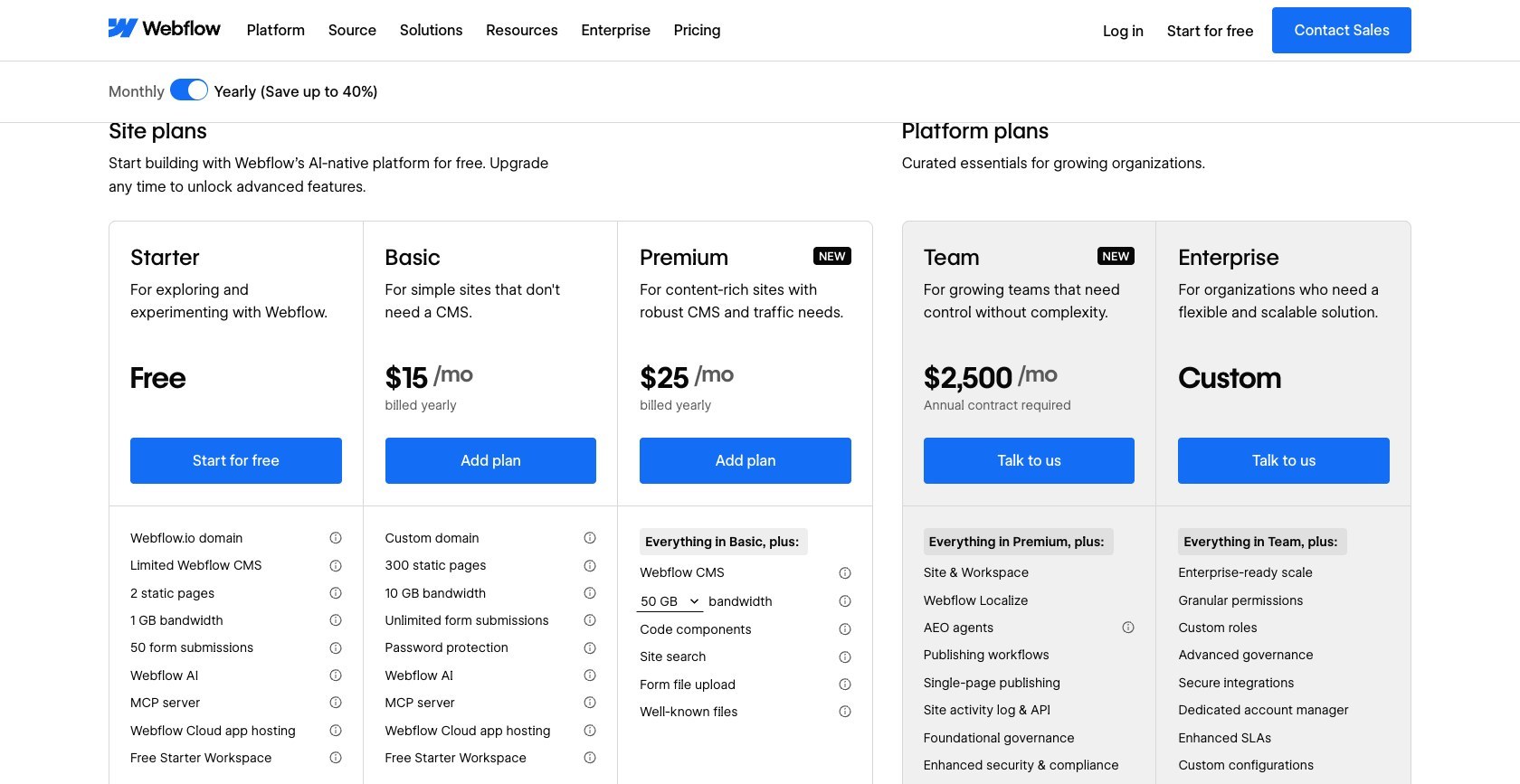
Site plans are priced per site, in USD, before tax:
| Plan | Billed annually | Billed monthly | What you get | Best for |
|---|---|---|---|---|
| Starter | Free | Free | webflow.io domain, 2 pages, 50 CMS items, 1 GB bandwidth | Learning and prototyping |
| Basic | $15/mo | $25/mo | Custom domain, 300 pages, 10 GB bandwidth, no CMS | Static brochure sites |
| Premium | $25/mo | $39/mo | CMS with 20,000 items and 40 collections, 300 pages, 50 GB bandwidth | Blogs and content sites |
| Team | $2,500/mo | Annual contract only | 5 full and 5 limited seats, 99.00% uptime SLA, 24/7 priority support | Larger marketing teams |
Bandwidth is the quiet catch: Premium includes 50 GB a month, and extra blocks start at +50 GB for $20 per month billed annually, or $30 month to month (+100 GB costs $40 annually, or $60 monthly). Surge protection covers short spikes, but go over the limit two months in a row and Webflow upgrades your plan automatically, so watch a growing site’s traffic.
Ecommerce plans sit on a separate track and were untouched by the May change. Each includes hosting and CMS, and the Webflow fee applies on top of Stripe or PayPal processing:
| Ecommerce plan | Billed annually | Billed monthly | Ecommerce items | Webflow transaction fee |
|---|---|---|---|---|
| Standard | $29/mo | $42/mo | 500 | 2% |
| Plus | $74/mo | $84/mo | 5,000 | 0% |
| Advanced | $212/mo | $235/mo | 15,000 | 0% |
Then comes the second layer. Workspace plans cover collaboration and seats, and you pay them on top of your site plans. The free Starter Workspace includes one full seat.
| Workspace or seat | Billed annually | Billed monthly | Key extras |
|---|---|---|---|
| Core (in-house) | $19/mo | $28/mo | 10 staging sites, code export, Shared Libraries |
| Growth (in-house) | $49/mo | $60/mo | Unlimited staging, site-level roles, publishing permissions |
| Freelancer | $16/mo | $24/mo | 10 staging sites, 1 free client seat per site, client payments |
| Agency | $35/mo | $42/mo | Unlimited staging, 3 free client seats per site |
| Extra full seat | $39/mo | $45/mo | Designs in the Designer |
| Extra limited seat | $15/mo | $19/mo | Edits content or builds with components |
Is Webflow Good Value for Money?
Here is what the two layers add up to in practice, before bandwidth add-ons and tax:
- A freelancer with 3 client Premium sites pays 3 x $25 plus a $16 Freelancer Workspace, which comes to $91 a month, or about $1,092 a year on annual billing. Swap in an Agency Workspace and it becomes about $1,320 a year. Pay month to month and the Freelancer setup runs $141 a month.
- A solo business with 1 Premium site and 2 content editors pays $25 for the site plus 2 limited seats at $15, which is $55 a month, or about $660 a year billed annually ($77 a month billed monthly). Confirm the seat types at checkout, because that math assumes your editors qualify for limited seats.
- Annual plans are a real commitment. You can cancel anytime, but you still pay out the rest of the term you signed up for.
- Freelancer Workspaces include client payments, worth a look if you would rather clients cover their own site plans.
Author’s Testing Notes
For what it does, Webflow’s pricing is fair for professionals and hostile to casual budgets. A designer billing clients absorbs $1,092 a year easily. A hobbyist who only needs a blog is paying Premium rates for power they will never touch, and should look at a simpler builder first.
My Experience Building a Site With Webflow
Webflow’s reputation is “powerful but hard.” I wanted to see what “hard” actually looks like, so I built a small content site from the signup screen to a published page. Here is how it went.
Signing Up and the First Wall
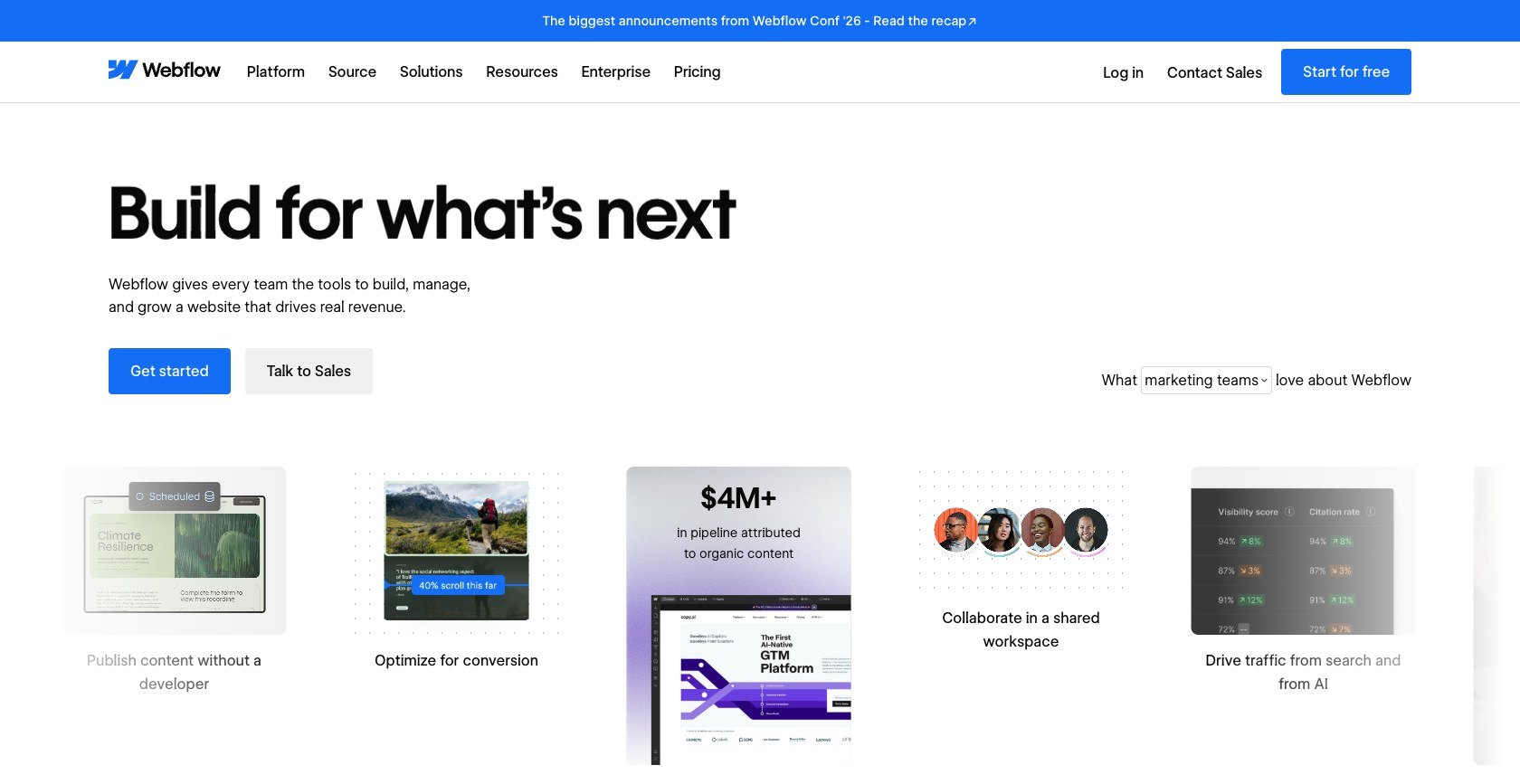
Signing up gave me a free Starter Workspace and a free Starter site plan, and because Starter has no time limit, there was no trial clock running in the background. Clicking New Site in the dashboard offered three starting points: a template, a blank canvas, or the AI site builder, which drafts up to five pages for you.
I picked the blank canvas, because that is where the learning curve shows most honestly. The Designer looks like a design tool, but the panels speak the language of CSS: margin, padding, display, flexbox, grid, and position. Before I had styled a single heading, Webflow wanted me to name a class for it.
[Screenshot needed: Webflow Designer on a blank canvas, Style panel open showing class selector, layout, spacing, and position controls]
The Designer exposes the full box model from the first click. Source: webappmeister.com
Learning to Think in Classes
This is the mental shift that separates Webflow from Wix or Squarespace. You style a class, not an element, so every heading that shares a class changes when you edit it once. That is powerful on a 30-page site and confusing on day one, because a careless edit can restyle elements on pages you are not looking at.
I stopped guessing and took Webflow 101, the free crash course on Webflow University: 20 lessons over about 2.5 hours. It was the best time I spent on the whole build. Plan on roughly a week of focused practice for the basics of layout and styling, and several weeks before you feel confident on client work.
Building With the CMS
The CMS is where the effort starts paying back. I created a Collection, added fields for a title, an image, a summary, and a body, and Webflow generated a Collection template page that every item uses. Binding the template’s elements to those fields means one design serves every entry, each with its own URL.
[Screenshot needed: Webflow CMS panel showing a new Collection’s field list next to the Collection template page with elements bound to fields]
One Collection template page renders every CMS item. Source: webappmeister.com
The free plan gives you 20 collections and 50 items, enough to prototype a blog or directory structure before paying anything.
Publishing and What It Costs to Go Live
Publishing to the free webflow.io subdomain costs nothing, and it is fine for previews. A custom domain needs at least the Basic plan, at $15 per month billed annually, or $25 month to month, but Basic has no CMS at all, so my Collection-driven site needed Premium. Hosting and SSL came included the moment I published. The last step is handing editors a limited seat or a client seat so they can update content without touching the design.
[Screenshot needed: Webflow site settings showing the Site plan picker with Basic and Premium, and the custom domain connection screen]
A custom domain needs a paid site plan, and CMS sites need Premium. Source: webappmeister.com
Author’s Testing Notes
Do the 2.5-hour course before you build anything real. Webflow punishes improvisation in a way drag-and-drop builders do not, and a messy class structure is far harder to untangle later than to avoid now. Name your classes for what they do, not where they sit, and the site stays editable at page 30.
Design Freedom, Templates, and the 2026 AI Tools
If you can picture a layout, Webflow can build it without a workaround, and that is the payoff for the learning curve.
Design Control and GSAP Interactions
Because the Designer writes real CSS, I could set exact flexbox and grid layouts, adjust the design at each responsive breakpoint, and control spacing down to the pixel. Motion goes just as deep. Webflow bought GSAP, the animation library, in 2024, and its visual Interactions editor now runs on GSAP, with a horizontal timeline and reusable interactions. Classic Interactions are still there, and both come with Basic and every paid plan above it.
The AI Site Builder
The AI site builder launched in February 2025, and a February 5, 2026 update added multi-page generation (up to five pages) with built-in GSAP animations. You find it under New Site in the dashboard. It gets a first draft onto the canvas quickly, but you still need to understand classes to edit what it produces cleanly, so treat it as a starting layout rather than a finished site.
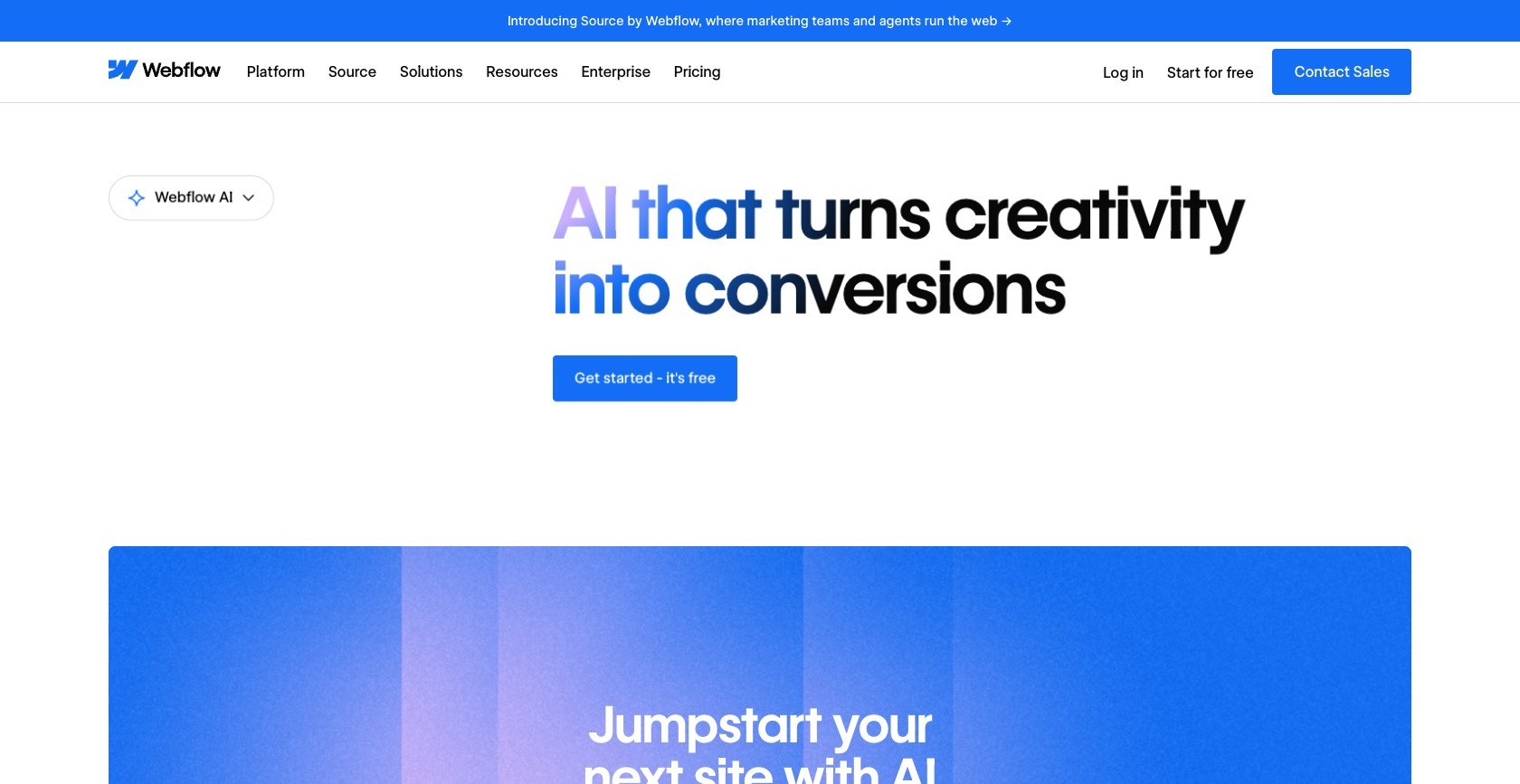
AI use is now metered. Workspaces get 200, 300, or 400 AI credits a month depending on the plan, with limits enforced from June 29, 2026. Extra credits cost $20 per month billed annually, or $25 month to month, for 2,000 credits.
Templates
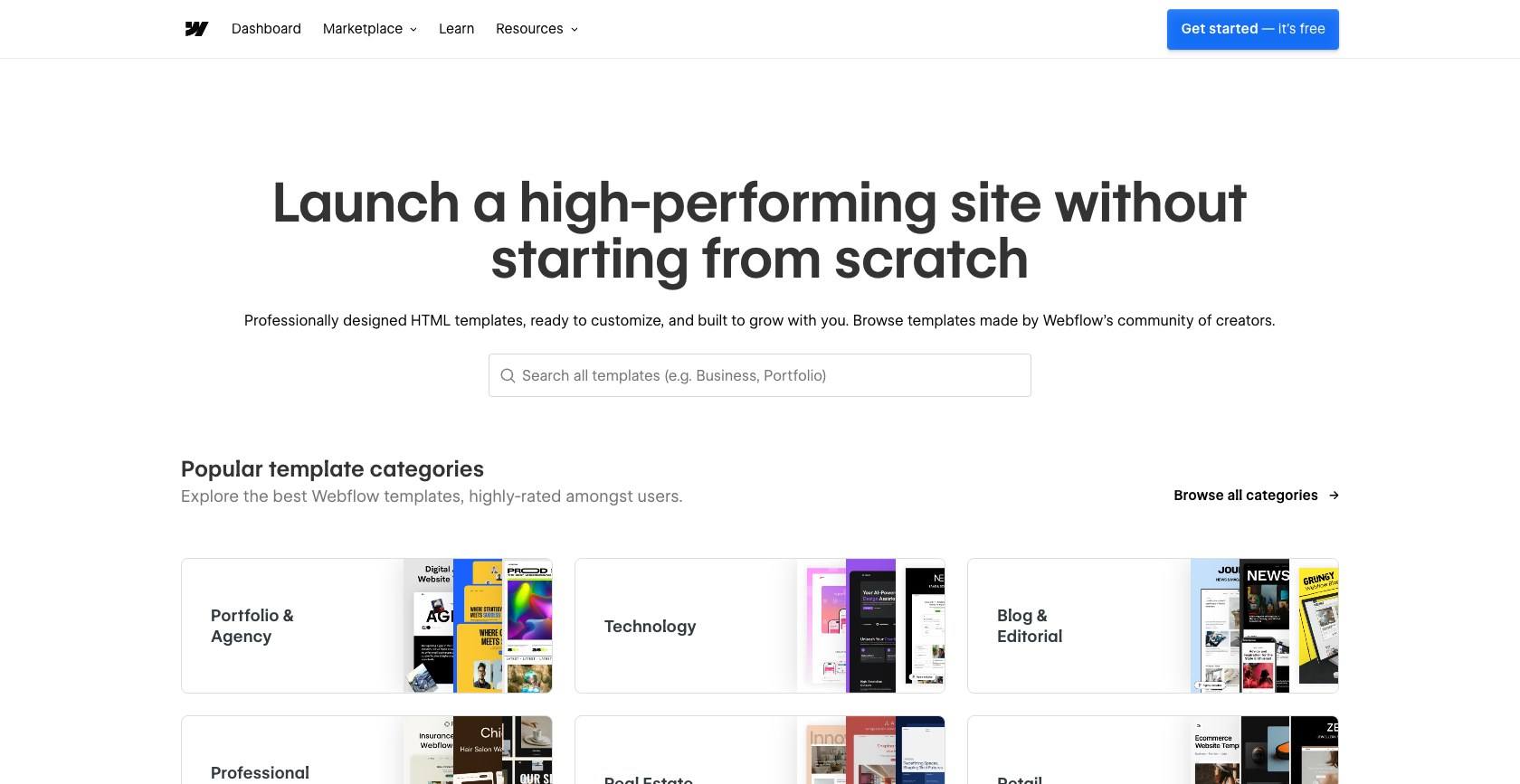
The marketplace runs from free to about $149, and the most common paid price points are around $49 and $79. A good template is a head start, but you inherit another designer’s class naming, and a sloppy one teaches bad habits you then have to unlearn.
The Webflow CMS: Collections, Limits, and Who Hits Them
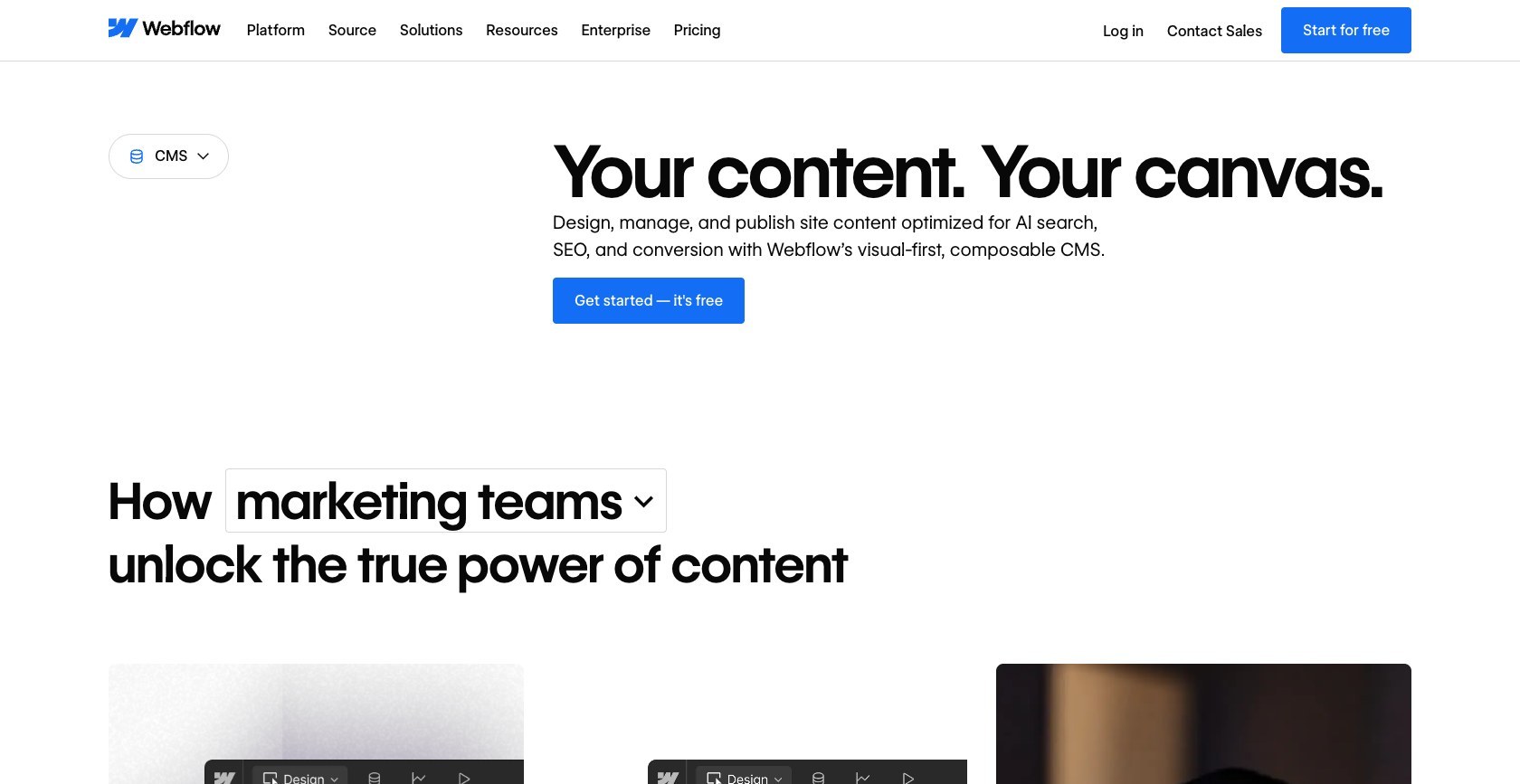
The CMS is why most content teams pick Webflow, and the ceilings are the fine print worth reading first. Collections are custom content types with your own fields, references between Collections, and a template page per type, which makes blogs, directories, team pages, and case-study libraries easy to model.
Collection and item limits by plan:
- Starter (free): 20 collections and 50 items
- Premium: 40 collections and 20,000 items, plus scheduled and per-item publishing and site search
- Team: 100 collections, with up to 100 fields and 20 reference fields per collection
Since May 2026 there are no CMS item add-ons to buy. Once you reach the item cap, expect publishing of new items to stop until you delete entries or move up a plan, and the next site plan up is Team at $2,500 a month on an annual contract.
Who hits the caps? Programmatic SEO sites that generate thousands of location or comparison pages, large directories, and catalogs that try to run product data through the CMS. A company blog publishing weekly would take centuries to reach 20,000 items. Heavy API users should also note the Content Management API allows 120 requests per minute on Premium.
For clients, the editing side is the quiet strength. Limited seats and client seats edit content without touching the design, so a client can publish a post without breaking the layout I built.
What Webflow Walked Away From: Logic and Memberships
Two features that used to make Webflow look like an app builder are gone, and both dates are behind us:
- Logic, Webflow’s native workflow automation, ended on June 27, 2025. Existing flows were disabled, and forms connected to Logic became standard forms.
- User Accounts, formerly Memberships, ended on January 29, 2026. Its APIs and webhooks ended too, and user pages became static pages.
Webflow now points builders to Zapier or Make for automation and Memberstack or Outseta for logins and gated content, and offered discounts on those partners when the sunsets were announced.
In practice, client portals, paid communities, gated courses, and anything that needs a user to log in now require a third-party tool and a second monthly bill. If you are planning a booking app or a members area, price that tool in before you commit to Webflow.
I read the sunsets as strategic clarity rather than decline. Webflow has chosen to be a platform for marketing sites, built around design, the CMS, localization, analytics, and optimization, and to leave memberships and automation to partners. If a marketing site is what you need, that focus works in your favor. If you came for an all-in-one app builder, this is no longer the tool.
Selling With Webflow Ecommerce: The Real Limits
The mistake I see most often is buying Webflow Ecommerce as a Shopify substitute. It is a beautiful storefront builder with a modest commerce engine behind it.
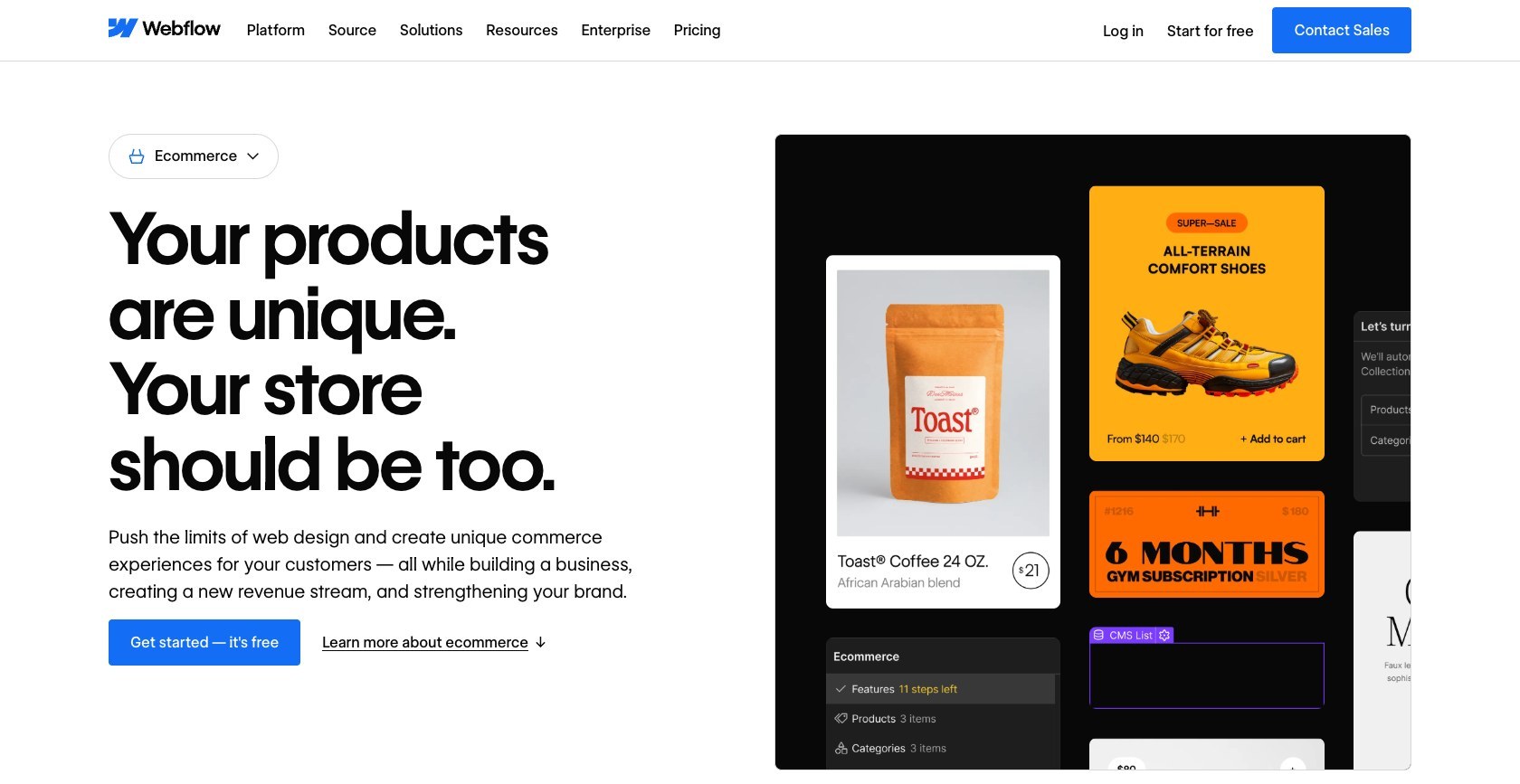
Standard caps you at 500 ecommerce items and adds a 2% Webflow transaction fee on top of your Stripe or PayPal processing fees. Plus and Advanced drop that fee to 0% and raise the cap to 5,000 and 15,000 items. Products, variants, and categories all count as ecommerce items, so a catalog with lots of size and color options burns through 500 faster than you expect.
The gaps to plan around:
- No native multi-currency checkout, which no ecommerce plan lists
- No native subscriptions, so recurring products need an outside tool
- Limited inventory management, with no point-of-sale or dropshipping built in
- Abandoned cart recovery reportedly limited to a single reminder email
My verdict: Webflow Ecommerce suits boutique and brand-led stores that sell a focused catalog and care more about how the shop looks than about operations. Stores heading past roughly 5,000 products, selling internationally in several currencies, or running subscriptions usually outgrow it and land on Shopify. If your store is small and design matters most, the Standard plan at $29 per month billed annually, or $42 month to month, is a reasonable place to start.
SEO, Hosting, and Support
Webflow’s code and hosting are genuinely strong; support is the weak leg of the platform.
SEO Controls
The SEO basics are built in and editable without plugins:
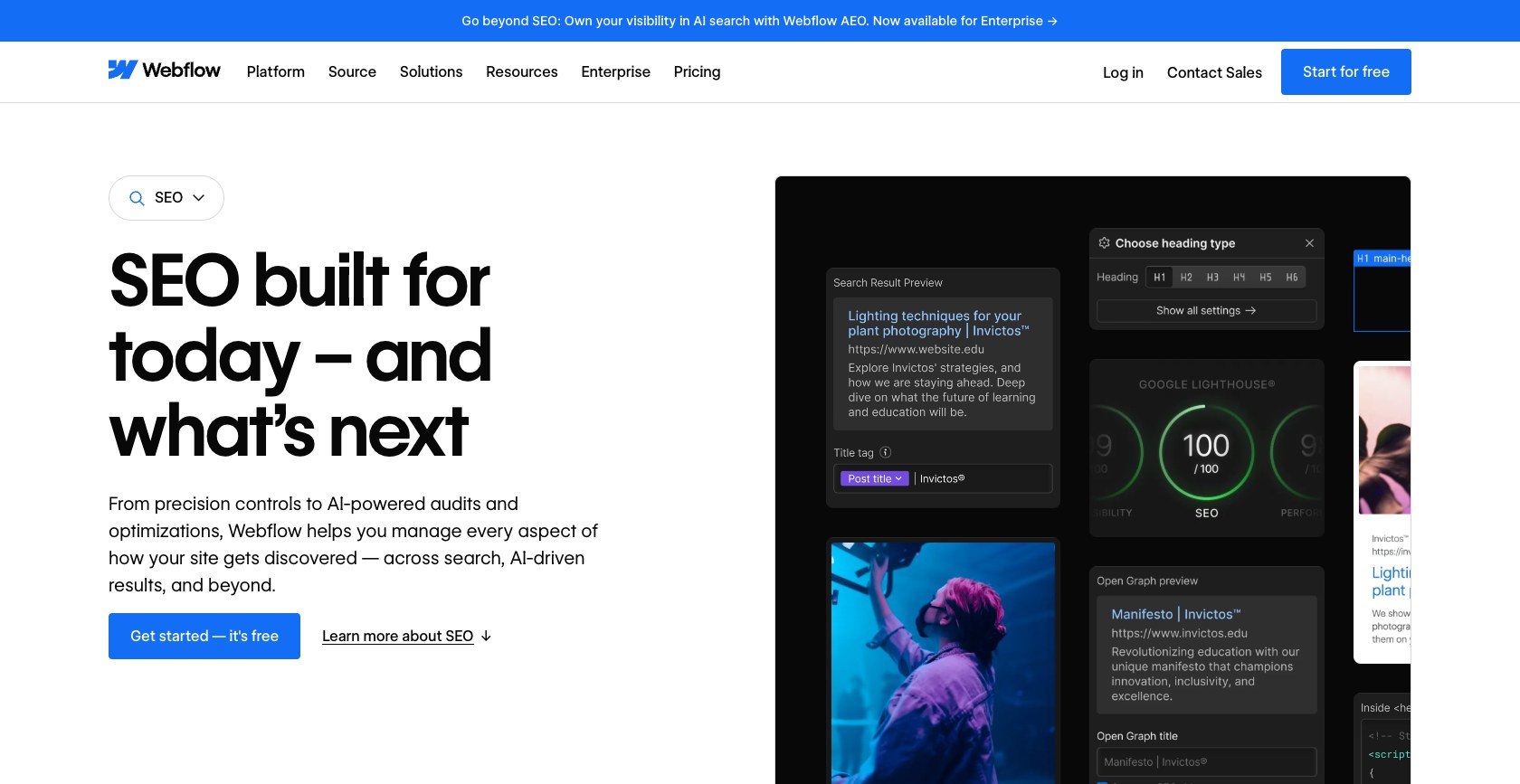
- Meta titles, descriptions, and social sharing (Open Graph) settings per page, which bind to CMS fields on Collection pages
- An auto-generated XML sitemap and canonical tag settings
- 301 redirects for restructured URLs
- Well-known files on Premium, for the site-level files crawlers and services look for
Hosting
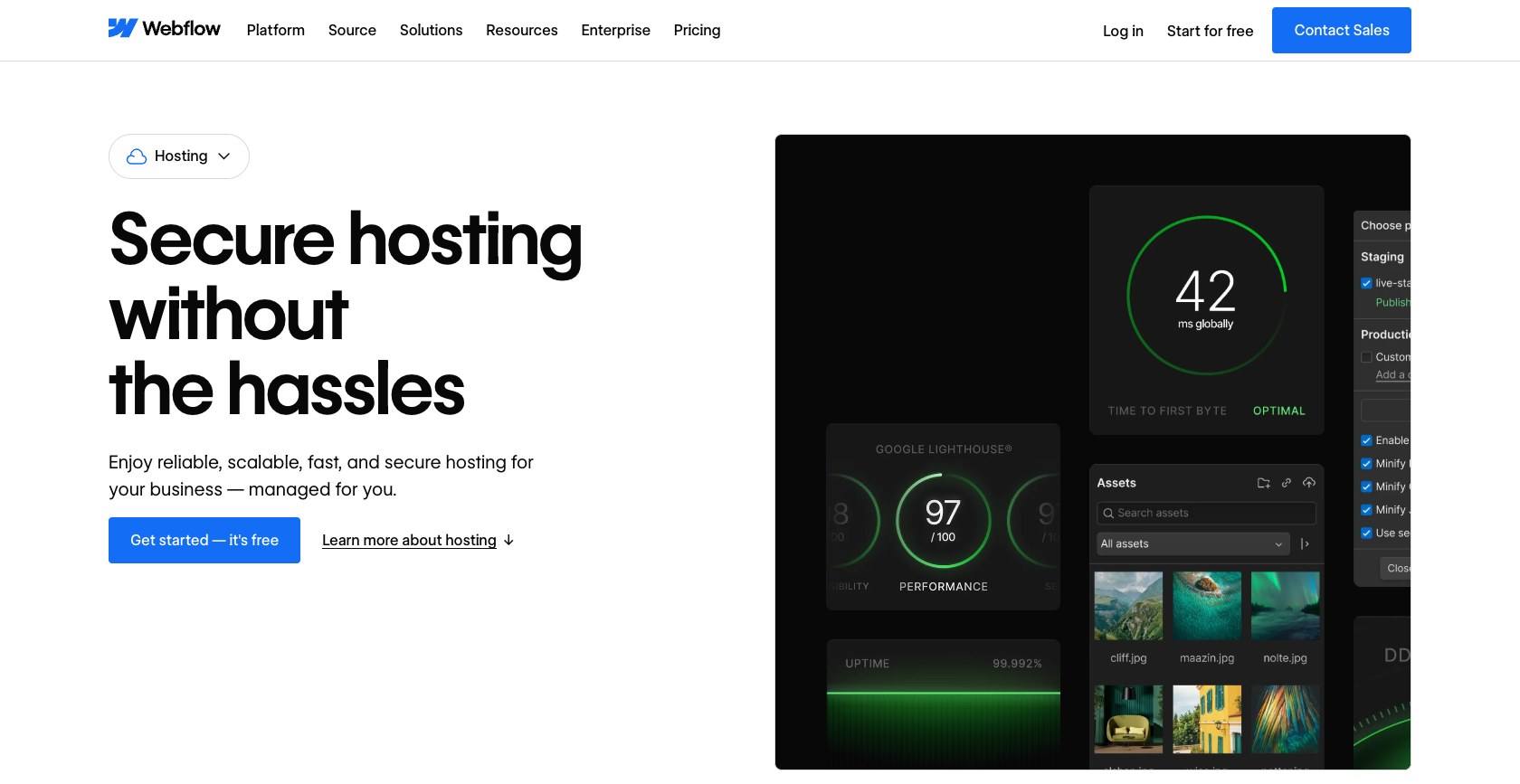
Webflow hosts every site on AWS infrastructure with Cloudflare’s global CDN in front, with free auto-renewing SSL, DDoS and bot protection, and SOC 2 Type II compliance. My pages felt fast, which matches Webflow’s claim of reaching 95% of the world in under 50 ms. The fine print: there is no contractual uptime SLA on Basic or Premium. Team carries a 99.00% hosting SLA, and Enterprise 99.99%.
Support
Self-serve plans get the Help Center and a ticket-based Support Portal, with no phone line and no live chat. Team adds a 24/7 priority queue, and phone support starts at Enterprise. Some users report waiting around two business days for a reply, so do not count on Webflow for an urgent fix on launch day.
What softens the blow is Webflow University. Its free courses answered more of my questions than a ticket would have, and faster.
How Webflow Compares to Wix, Squarespace, WordPress, and Framer
If you are choosing between Webflow and one of these, here is the one decision that should send you to each.
| Platform | Pick it when | Starting price |
|---|---|---|
| Webflow | You want design control plus a mature CMS on managed hosting | Basic $15/mo billed annually ($25 monthly); Premium $25/mo billed annually ($39 monthly) |
| Wix | You want to be live fast with minimal learning | About $29/mo for Core |
| Squarespace | You want polished templates with simple controls | About $36/mo for Business |
| WordPress | You want plugins and full ownership | Free software; hosting costs vary |
| Framer | You want the fastest design-to-live workflow for a small site | About $10/mo Basic, $30/mo Pro, billed yearly |
| Shopify | You are building a serious store | $29/mo billed yearly, or $39 monthly |
Wix and Squarespace prices vary with billing term, so confirm the current figure on their pricing pages before you pay.
- Wix gets you live faster. Its editor asks almost nothing of you and its app market is huge, but you give up the precise layout and CMS control Webflow offers, and templates tend to lock your design in place.
- Squarespace gives you simpler polish. Its templates look finished out of the box with all-in-one hosting, though its custom content structures are far shallower than Webflow Collections, and its Business plan charges a 3% transaction fee on sales.
- WordPress wins on plugins and ownership. The software is free and runs on any host, which suits deeply customized, content-heavy sites, but you take on hosting, security, updates, and plugin upkeep yourself.
- Framer is the real 2026 rival. It is faster and cheaper for motion-heavy sites under about 50 pages, while Webflow keeps the deeper CMS, ecommerce, localization, and compliance features. Framer’s Basic plan allows only 2 CMS collections.
- Shopify is the pick for serious commerce, with multi-currency, abandoned checkout recovery, point-of-sale, and unlimited products, all things Webflow lacks or caps.
If none of these fits and you just want a cheap, simple site, browse our roundup of the best Webnode alternatives for lighter options.
Webflow Review: Should You Build Your Next Site With It?
So, is Webflow worth it? After building on it, my answer is yes for design-led sites, as long as you accept both the learning curve and the layered bill.
Choose Webflow if you are a designer, freelancer, or small marketing team who wants pixel-level control, a real CMS, and fast managed hosting, and you are willing to invest a few weeks in learning it.
Look elsewhere if you are a total beginner who wants a site live this weekend, you need logins or automation built in, or you are running an operations-heavy store. For a cheap first site, my Webnode review covers a far gentler option.
My advice: start on the free Starter plan and spend your first weekend on Webflow 101. It costs nothing, and within a couple of days you will know whether thinking in classes feels like freedom or like homework.
FAQ
Is Webflow worth it in 2026?
Yes, for design-led marketing and content sites. Premium costs $25 per month billed annually, or $39 month to month, and gives you a 20,000-item CMS, fast AWS and Cloudflare hosting, and design control no drag-and-drop builder matches. It is poor value if you need memberships, live support, or a large international store, since each of those means extra tools or a different platform entirely.
Is Webflow good for beginners?
Not really. Webflow asks you to learn classes and the CSS box model from the first click, which is a steeper start than Wix or Squarespace. The free Webflow 101 course, about 2.5 hours long, makes the basics manageable, but plan on several weeks before you feel confident building real sites.
How much does Webflow really cost?
It comes in two layers. First you pay per site: Basic is $15 per month billed annually ($25 monthly) and Premium is $25 ($39 monthly). Then Workspace plans and seats sit on top, from $16 per month billed annually for Freelancer or $19 for in-house Core. A freelancer running 3 Premium client sites pays about $1,092 a year.
Can you build an app or membership site on Webflow?
Not natively anymore. User Accounts, formerly Memberships, ended on January 29, 2026, and Logic automation ended on June 27, 2025. Webflow points you to Memberstack or Outseta for logins and Zapier or Make for automation. Code-based apps can run on Webflow Cloud beside your site, but the visual builder is for websites only.
Is Webflow better than Framer or WordPress?
It depends on the site. Framer is faster and cheaper for small, motion-heavy sites, while Webflow has the deeper CMS, ecommerce, and localization. WordPress offers more plugins and full ownership, but you manage hosting, security, and updates yourself. Webflow sits between them: managed hosting with serious design control.


