Webnode’s free plan hands you 100 MB of storage, a sticky blue “Powered by Webnode” banner, a webnode.page subdomain, and no way to sell anything. Worse, its cheapest paid plan, Limited at $4.50/mo, still shows those ads and locks you into a 1, 2, 5, or 10-year prepayment with only a 15-day refund window. If that feels stingy, you are not imagining it. I have tested most mainstream builders, and Webnode sits near the bottom for free-tier generosity.
So I pulled together the Webnode alternatives that actually save you money or give you a usable free plan, with every price verified and every catch spelled out. The traps are real: headline rates almost always need annual or multi-year billing, and renewal prices spike hard (Hostinger jumps roughly 5x, Wix users report 50 to 100%+ increases). I will flag each one.
How I tested this
- What I did on each: signed up, built a test page, ran a real checkout wherever the plan allowed selling, and pushed every free tier to its limits, including storage caps, branding and ads, bandwidth, and custom-domain gating.
- Paid vs trialed: some plans I paid for and used outright, and the rest I ran on free trials.
- Same filters for all ten: the five budget filters listed below were applied to every builder, with no exceptions.
- Pricing: re-verified directly from each vendor’s own pricing page, in USD exactly as each vendor displays it.
- Region: tested from the EU (Romania), which is relevant for the EU and GDPR picks further down.
The single most important distinction for a budget shopper is free PLAN versus free TRIAL. Some builders let you keep a live site at $0 forever. Others only let you look around for 14 days before locking you out. Here is how the picks split:
Real free plan: Wix, WordPress.com, Square Online, GoDaddy, Jimdo, Webflow
Trial only (no free plan): Squarespace, Hostinger, Shopify
What I looked for in each cheap website builder, and what you should too:
- The real free-tier limits (ads, branding, storage, bandwidth, custom-domain gating)
- The cheapest ad-free paid tier with a custom domain
- Whether the free or cheapest plan actually lets you sell
- Transaction fees per sale
- The renewal price, not just the intro price
Quick top-line if you want to skip ahead: Wix is the best all-rounder (ToolTester ranks it #1), Hostinger is the cheapest paid option, and Square Online is the best genuinely free pick, especially for selling (SiteBuilderReport’s top free ecommerce choice). Everything below is sorted by best-for category.
Quick Verdict: Top Webnode Alternatives
Best All-Rounder: Wix – 2,000+ templates, the strongest free plan for non-selling sites.
Cheapest Paid: Hostinger – From $1.99/mo on a 48-month term. Fastest loads, but renews around 5x higher.
Best Genuinely Free: Square Online – Sell unlimited products at $0/mo with a real checkout. The least intrusive free-plan ad here.
Here is the full shortlist at a glance. Webnode sits in the top row as the baseline you are comparing against, and the three category winners are highlighted.
| Builder | Best For | Cheapest Paid (billing note) | Free Plan? | Rating |
|---|---|---|---|---|
| Webnode (baseline) | Multilingual baseline | $4.50/mo (annual, ads remain) | Yes (100 MB, ads, no selling) | 3.95/5 |
| Wix | All-rounder | $17/mo (annual) | Yes (ads, 500 MB, no selling) | 4.8/5 |
| Hostinger | Lowest price | $1.99/mo (48-mo; renews ~$10.99) | No (14-day trial) | 4.2/5 |
| Square Online | Free ecommerce | $49/mo (Plus) | Yes (sells free) | Best free ecommerce |
| WordPress.com | Blogging | $4/mo (annual; $9 monthly) | Yes (ads, no plugins) | Best for blogging |
| Squarespace | Design | $16/mo (annual) | No (14-day trial) | 4.5/5 |
| GoDaddy | Fast setup | $9.99/mo (annual) | Yes (scrolling ad) | 4.1/5 |
| Webflow | Designers | $15/mo (annual) | Yes (2 pages only) | Best for designers |
| Jimdo | EU/GDPR | $11/mo (annual) | Yes (5 pages) | 3.5/5 |
| Shopify | Serious ecommerce | $29/mo (Basic, annual) | No (trial only) | 4.2/5 |
1. Wix: Best All-Rounder and Most Feature-Rich Free Plan
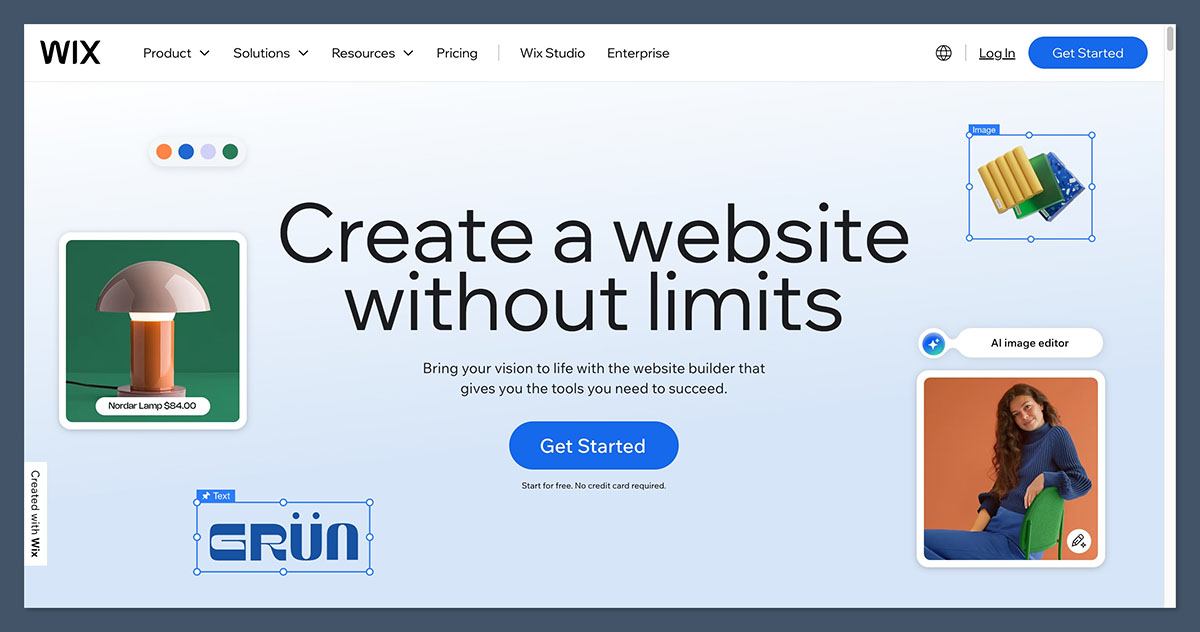
You can launch a real Wix site today for $0, with hundreds of templates and a stack of AI tools. The catch is what the free plan quietly hides.
Wix is the most versatile mainstream builder I have used. It packs 2,000+ templates, 24/7 phone and chat support, and one of the biggest app markets around. WebsiteBuilderExpert rates it 4.8/5, ToolTester gives it 4.5/5 and ranks it #1 overall for flexibility.
Wix pricing (billed annually):
- Free: perpetual, no time limit
- Light: $17/mo (cheapest ad-free tier with a custom domain)
- Core: $29/mo (minimum tier that lets you sell)
- Business: $39/mo
- Business Elite: $159/mo
Monthly billing costs more (Light jumps to $24/mo), so the headline rates assume you pay for a year up front.
The free plan reality: 500 MB storage, 1 GB bandwidth, a wixsite.com subdomain, and a sticky header ad that follows the visitor down the page. SiteBuilderReport calls it the most intrusive free-plan ad of any builder, and I agree. You also get no ecommerce and no custom domain on the free tier. To go ad-free with your own domain you need Light at $17/mo, and to sell anything you need Core at $29/mo.
Pros
- ✔️ Biggest template library with 2,000+ designs, more than any rival here
- ✔️ Best general-purpose free plan for non-selling sites
- ✔️ 24/7 phone and chat support, which Squarespace and Hostinger do not offer
- ✔️ Strong AI tools, including a conversational site builder
- ✔️ Huge app market for extending functionality
Cons
- ❌ Sticky free-plan ad is the worst offender for branding on a free site
- ❌ Ecommerce locked to Core at $29/mo, not the cheapest paid tier
- ❌ Template lock-in means you cannot switch designs after going live without a full rebuild
- ❌ Documented renewal shock: one user reported a jump from $95 to over $600, another from 384 EUR to 590 EUR (Trustpilot 1.3/5, PissedConsumer 1.5/5 with only 10% recommending)
- ❌ Apps cost extra, often $3 to $100+/mo on top of your plan
Best for beginners who want one capable tool that can grow with them. Skip it if you mainly want to sell on the cheap (selling starts at $29/mo) or you cannot stand an ad sitting on your free site.
2. Hostinger Website Builder: Best Cheap Paid Plan and Lowest Intro Price
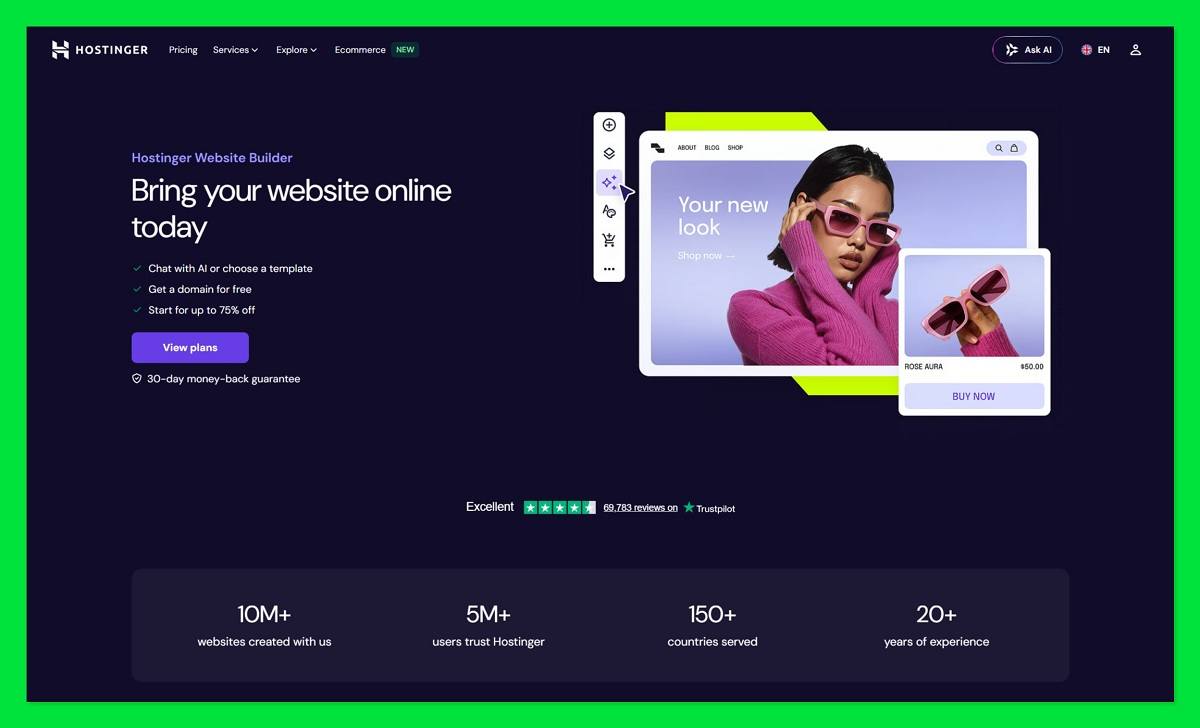
Under $2/mo sounds unbeatable. Then you learn it is a four-year prepayment that renews at roughly five times the price.
Hostinger is the budget value champion here. Pages load fast (it beats Wix and Squarespace in independent speed tests), the Kodee AI tools are genuinely useful, and WebsiteBuilderExpert ranks it #3 for budget at 4.2/5. The pricing, though, needs a close read.
Hostinger pricing (the headline rate needs a 48-month term):
- Premium, 48-mo: $1.99/mo, which is $95.52 up front plus 3 free months
- Premium, 24-mo: $2.99/mo
- Premium, 12-mo: $3.49/mo
- Premium, monthly: $12.99/mo
- Business, 48-mo: $2.99/mo, which is $143.52 up front
- Business, monthly: $18.99/mo
There is no free plan. You get a 14-day trial (the site cannot go live during it) plus a 30-day money-back guarantee. For an audience hunting free tiers, that matters, so I am stating it plainly.
Pros
- ✔️ Lowest intro price of any mainstream paid builder
- ✔️ Business plan includes ecommerce with 0% transaction fees on up to 1,000 products
- ✔️ Fast page loads, the quickest of the builders I tested
- ✔️ Free domain and SSL for year one on annual plans
- ✔️ Strong AI tools for content and site generation
Cons
- ❌ No free plan, just a 14-day trial
- ❌ Renewal shock: Premium renews at $10.99/mo and Business at $16.99/mo, a 5x+ jump from the intro rate
- ❌ Closed platform: you cannot export or download your site if you leave
- ❌ No app marketplace, so extensibility is limited
- ❌ Only 300 templates and ecommerce capped at 1,000 products
A TechRadar editor left Wix for Hostinger purely on cost, calculating roughly $168/yr in savings for the first four years and admitting they “was probably paying too much” with Wix. Run that same math before you sign: the four-year Premium term costs $95.52 up front but renews at $10.99/mo, so the deal only holds if you plan to leave or renegotiate before year five. For light ecommerce on a budget, Hostinger Business at $2.99/mo (4-year term, 0% fees) is the standout value.
3. Square Online: Best Genuinely Free Plan for Ecommerce

Nearly every “free” website builder forbids selling. Square Online lets you run a real store at $0/mo with unlimited products.
This is the standout pick for this audience. SiteBuilderReport and WebsiteBuilderExpert both name it the best free ecommerce option in 2026, and it syncs deeply with Square POS, which is gold if you also sell in person.
Square Online pricing:
- Free: perpetual, unlimited products, real checkout, 3.3% + $0.30 per transaction
- Plus: $49/mo, removes ads, adds a custom domain, drops the fee to 2.9% + $0.30, adds abandoned-cart recovery
- Premium: $149/mo, real-time shipping rates, 24/7 phone support
The free plan reality: you get a square.site subdomain and minimal ads (bottom of the page only, far less intrusive than Wix’s sticky header or GoDaddy’s scrolling banner). There is no custom domain, no analytics, and limited theme control. One change to flag: on January 13, 2026, Square raised the free-plan online processing rate from 2.9% + $0.30 to 3.3% + $0.30, a 14% bump that hit existing free users with no advance discount.
Pros
- ✔️ Only mainstream free plan with functional selling, full checkout included
- ✔️ POS sync for businesses selling online and in person
- ✔️ Unlimited products and bandwidth on the free tier, which is rare
- ✔️ Least intrusive free-plan ad of any builder here
Cons
- ❌ Higher per-sale fee on the free plan at 3.3% + $0.30
- ❌ Square branding and no custom domain until you jump to Plus at $49/mo
- ❌ Weak design customization versus Wix or Squarespace
- ❌ Commerce-focused, not built for content or portfolio sites
- ❌ Underlying Weebly tech is in maintenance mode, so it is showing some age
If you run a restaurant or shop with an existing Square POS, the integration alone makes this the obvious move: inventory syncs automatically, and curbside pickup and local delivery are built in. Compared with Weebly’s free plan, which displays products but cannot actually process a sale, Square Online genuinely sells, and Square now steers new users here instead of Weebly. One more option worth a mention: if you want a truly free, ad-light general site with unlimited storage (not ecommerce), Webador is the other “best truly free” pick, called out by SiteBuilderReport and WebsitePlanet as the only mainstream builder with unlimited free-tier storage.
4. WordPress.com: Best Value for Blogging and Content Sites
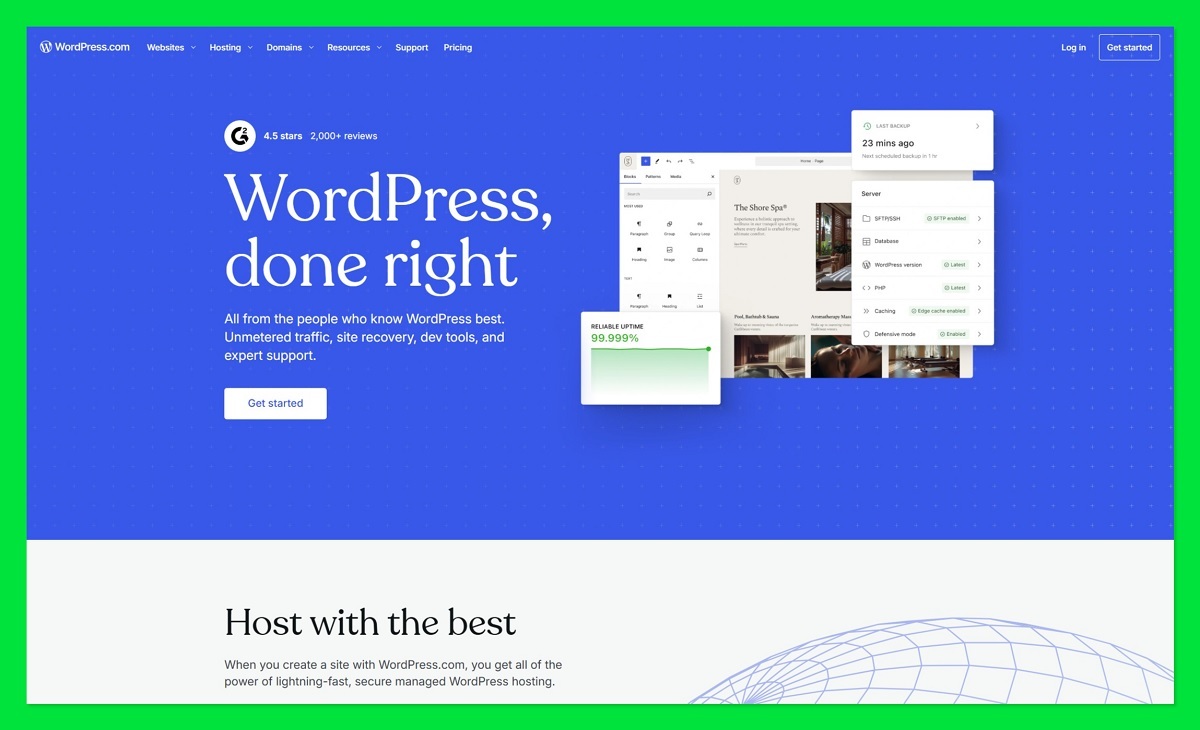
A 2026 update quietly turned WordPress.com’s cheapest paid plan into a real bargain for bloggers by adding plugins.
If you write, this is your platform. WordPress.com has best-in-class blogging tools, powers 43%+ of the web, and scales from a free blog to enterprise. For content-first switchers leaving Webnode, nothing else here competes on writing and SEO.
WordPress.com pricing (annual rate, with monthly in parentheses):
- Free: perpetual
- Personal: $4/mo annual ($9/mo monthly)
- Premium: $8/mo annual ($18/mo monthly)
- Business: $25/mo annual ($40/mo monthly)
- Commerce: $45/mo annual ($70/mo monthly)
Note the $4/mo Personal rate is annual-only. The free plan gives you 1 GB storage, a wordpress.com subdomain, WordPress.com ads shown to visitors, no plugins, basic themes, and 7-day stats. The 2026 update to Personal changed the math: it now adds plugins, a custom domain, removes visitor ads, and bumps storage to 6 GB. As the WordPress specialists at DoinDigital put it, the Personal plan “is not the same product it was even a year ago.”
Pros
- ✔️ Unbeatable blogging and SEO tooling
- ✔️ Cheap $4/mo annual entry that now includes plugins
- ✔️ Massive ecosystem of themes and extensions
- ✔️ Scales from free blog to full enterprise
Cons
- ❌ Free plan shows ads and blocks plugins
- ❌ Full ecommerce needs Commerce at $45/mo annual via WooCommerce
- ❌ Personal does payment buttons only, not a real store
- ❌ Less point-and-click friendly than Wix or Squarespace for non-bloggers
- ❌ Enterprise jumps to $25,000/yr, a steep cliff
Once plugins unlock on Personal, you get the same SEO tools, contact forms, and social-sharing add-ons that used to be gated behind the $25/mo Business plan, which is why this tier finally competes on value. Best for bloggers and content-heavy sites chasing long-term SEO value on the cheap. Skip it if you need a real online store (its ecommerce tier is pricey next to Square Online or Shopify, though Commerce does let you sell in 60+ countries) or you want pure drag-and-drop simplicity.
5. Squarespace: Best for Design and Templates (No Free Plan)
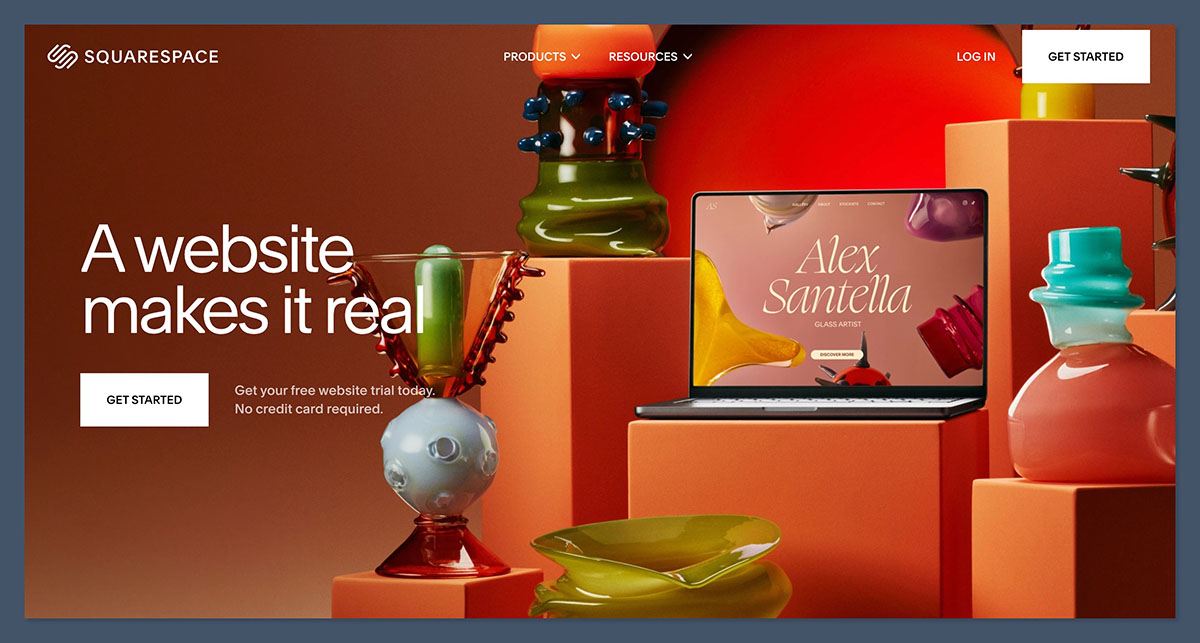
If Webnode’s blocky templates feel dated, Squarespace is the upgrade. Just do not expect a free plan.
Squarespace has the most design-forward templates of any mainstream builder, and its grid-based editor is rated the easiest to use without making a mess (WebsiteBuilderExpert ranks it #2 at 4.5/5). Ecommerce is available on every plan, which is unusual.
Squarespace pricing (annual rate, with monthly in parentheses):
- Basic: $16/mo ($21/mo monthly)
- Core: $23/mo ($32/mo monthly)
- Plus: $39/mo ($48/mo monthly)
- Advanced: $99/mo ($119/mo monthly)
The free-plan reality is simple: there is no free plan. You get a 14-day free trial with no credit card required, and the site locks when the trial ends. For a budget audience that wants to keep testing, that is a genuine disadvantage. Annual plans do include a free domain and Google Workspace email for year one (email renews at $6 to $22/user/mo).
Pros
- ✔️ Best templates and design in the category
- ✔️ Beginner-safe grid editor that prevents layout mistakes
- ✔️ Ecommerce on every tier, no forced upgrade just to sell
- ✔️ Unlimited bandwidth on all plans
- ✔️ 0% transaction fee from Core up
Cons
- ❌ No free plan, only a 14-day trial
- ❌ Basic charges a 2% transaction fee, so Core at $23/mo is the real ecommerce minimum
- ❌ No autosave, so you can lose work
- ❌ Fewer integrations (around 50) than Wix’s app market
- ❌ Monthly billing is notably pricier, and the domain renews around $20/yr
If you run a service business, the Plus plan folds in Acuity Scheduling for bookings, which can offset its higher price. If design is your priority and you will pay for it, start the free trial and commit annually to Basic at $16/mo. But if you plan to sell anything, budget for Core at $23/mo to escape that 2% fee, and remember that selling digital products on Basic carries a steeper 7% cut.
6. GoDaddy Website Builder: Best for Fast, Simple, Cheap Setup
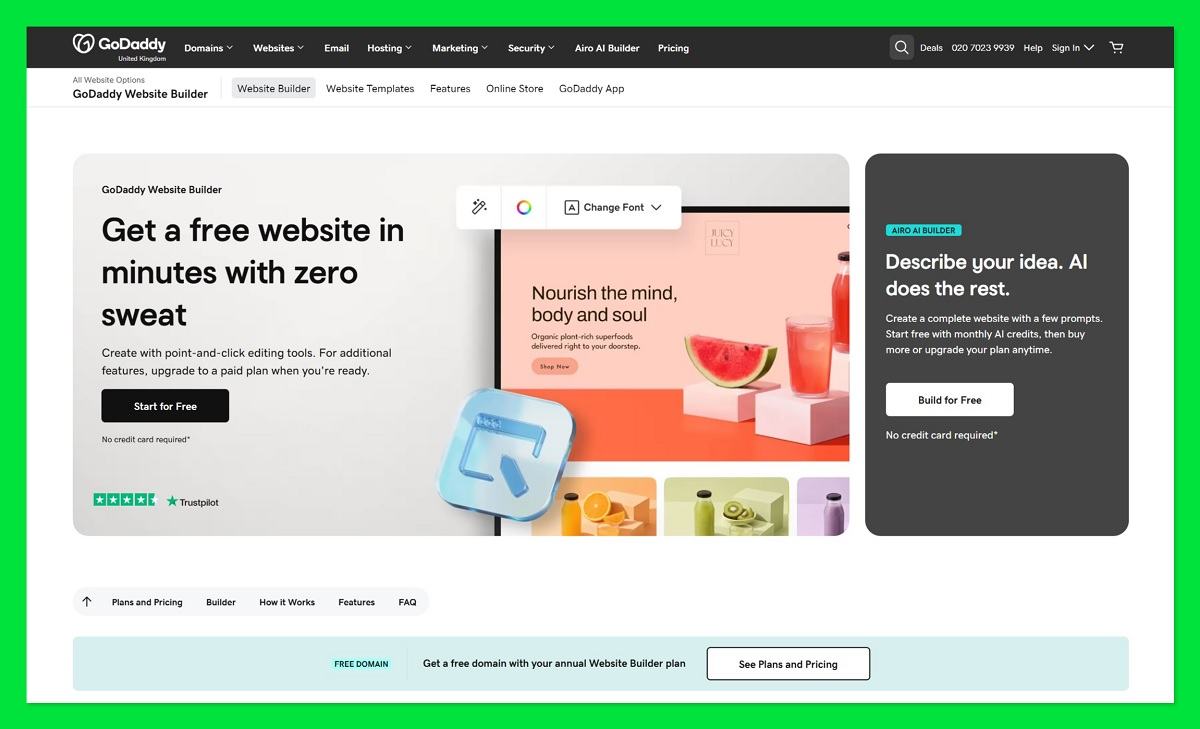
GoDaddy can have a full site live in under 30 minutes, the fastest setup of any builder I have tested.
It uses AI to generate a site based on your business type, and it consistently posts the fastest page-load speeds in independent tests (TechRadar ranked it first for loading). For a non-technical owner who wants something up today, it is hard to beat on speed.
GoDaddy pricing (billed annually):
- Free: perpetual
- Basic: $9.99/mo (adds a custom domain)
- Standard: $14.99/mo
- Premium: $16.99/mo
- Ecommerce: $29.99/mo
Monthly billing costs more (Basic becomes $14.99/mo). The free plan gives you unlimited storage and SSL, but it slaps a large GoDaddy banner ad that scrolls with the page (worse than Square’s bottom-only ad), restricts you to a basic PayPal button instead of a real checkout, and offers no custom domain plus severely limited SEO. Basic at $9.99/mo adds a custom domain and free business email for year one, though the domain renews around $17.99/yr.
Pros
- ✔️ One of the cheapest paid tiers with a custom domain at $9.99/mo
- ✔️ Fastest setup, a full site in under 30 minutes
- ✔️ Fastest page loading in independent speed tests
- ✔️ Real perpetual free plan with unlimited storage
- ✔️ Marketing and scheduling tools included on all plans
Cons
- ❌ Scrolling free-plan ad that follows visitors down the page
- ❌ Section-based editor that limits design control and blocks repositioning individual elements
- ❌ Auto-changing URLs that break SEO every time you edit a page title
- ❌ No undo button and no way to export your site (total lock-in)
- ❌ Generic templates and renewal price increases
Every plan bundles email marketing, a content creator, and appointment scheduling, so a solo owner gets the basics without bolting on extra apps. Best for non-technical owners who want a simple site up fast and cheap. Skip it if search traffic matters to you (the auto-URL flaw is a real dealbreaker) or you might ever want to move your site elsewhere.
7. Webflow: Best for Designers (Has a Free Plan, but Not for Beginners)
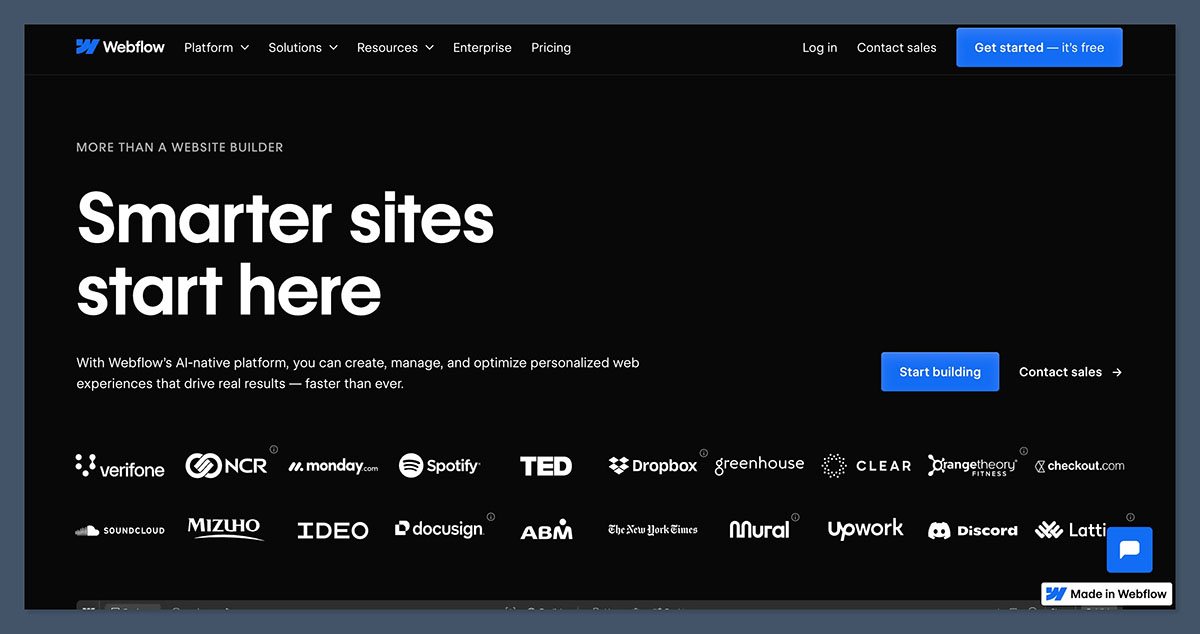
Webflow gives designers pixel-perfect control and a free plan. So why do I tell most budget switchers to skip it?
Webflow is a professional design tool with clean code output and a built-in CMS and hosting. It is powerful, but it is not built for non-technical users, and that is the whole problem for this audience.
Webflow pricing (annual, after the May 2026 simplification):
- Starter: free
- Basic: $15/mo (the true entry point, adds a custom domain)
- Premium: $25/mo (full CMS, 2.5 TB bandwidth, site search)
- Ecommerce Standard: $29/mo (2% fee)
- Ecommerce Plus: $74/mo
- Ecommerce Advanced: $212/mo
A heads-up: the Pro workspace plan jumped from $35 to $60/mo in that May 2026 change, which adds $360/yr on top of your site plan. The free Starter plan is perpetual but severely limited: only 2 static pages, 1 GB bandwidth, 50 CMS items, 50 lifetime form submissions, a webflow.io subdomain, and a Webflow badge. It is fine for testing, unusable as a real site.
Pros
- ✔️ Full design control with pixel-perfect precision
- ✔️ Clean code output that developers appreciate
- ✔️ Competitive Basic plan at $15/mo annual
- ✔️ Built-in CMS and hosting
- ✔️ Free plan to experiment before paying
Cons
- ❌ Steep learning curve, genuinely not for non-technical users
- ❌ 2-page free limit makes the free plan impractical for real sites
- ❌ Expensive, separate ecommerce at $29 to $212/mo
- ❌ May 2026 price hikes raised effective costs
- ❌ Workspace plan stacks on top of your site plan
It is a brilliant tool in the wrong hands here. I would only recommend it if you have design or code skills and want full control. Otherwise, pick Hostinger, GoDaddy, Wix, or Jimdo instead.
8. Jimdo: Best for EU/GDPR Compliance and Simple Micro-Businesses
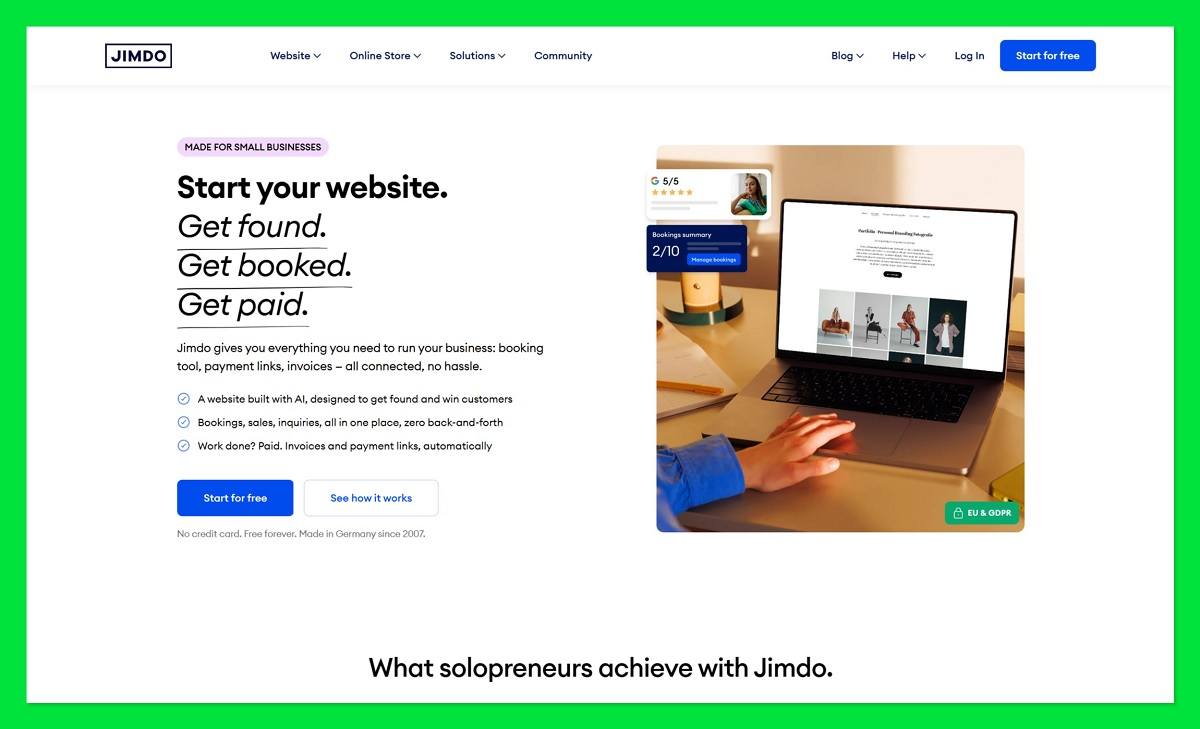
EU sellers wiring up privacy policies and impressums by hand, this one is for you. Jimdo auto-generates them.
Jimdo is a German builder running on AWS EU servers in Ireland, with a built-in Legal Text Generator that creates your privacy policy, terms, and impressum. It charges 0% transaction fees on all ecommerce plans and sets you up fast with an AI wizard.
Jimdo pricing (2026):
- Free (Play): perpetual
- Start: $11/mo (removes ads, adds a free domain)
- Grow: $17/mo
- E-commerce Basic: $18/mo
- Business: $21/mo
- VIP: $28/mo
The free plan gives you a jimdosite.com subdomain, Jimdo branding, 500 MB storage, 2 GB bandwidth, up to 5 pages, and no ecommerce. Start at $11/mo removes the ads and adds a free domain, which makes it one of the cheapest ad-free paid tiers in this whole list.
Pros
- ✔️ Built-in GDPR and legal tooling for EU compliance
- ✔️ EU data residency on AWS Ireland servers
- ✔️ 0% transaction fees on all ecommerce plans
- ✔️ Very simple AI wizard and automatic mobile optimization
- ✔️ Cheap ad-free Start plan at $11/mo
Cons
- ❌ Only 16 templates, a severe design limitation
- ❌ No blogging feature at all
- ❌ Ecommerce capped (10 products on the Basic store), with no cart abandonment or customer accounts
- ❌ Single currency only on ecommerce
- ❌ 3.5/5 rating, below Wix, Squarespace, and Hostinger, plus a pay-before-you-preview template policy
The trade-off lands hardest if you value design or want to blog, since Jimdo does neither well and its 0% fees only matter once you are actually selling. Compared with Webnode, which is also European and multilingual, Jimdo wins on built-in GDPR tooling and zero fees but loses on blogging and template choice. Choose Jimdo for compliant micro-stores, not for content sites.
9. Shopify: Best for Serious Ecommerce on a Growing Budget
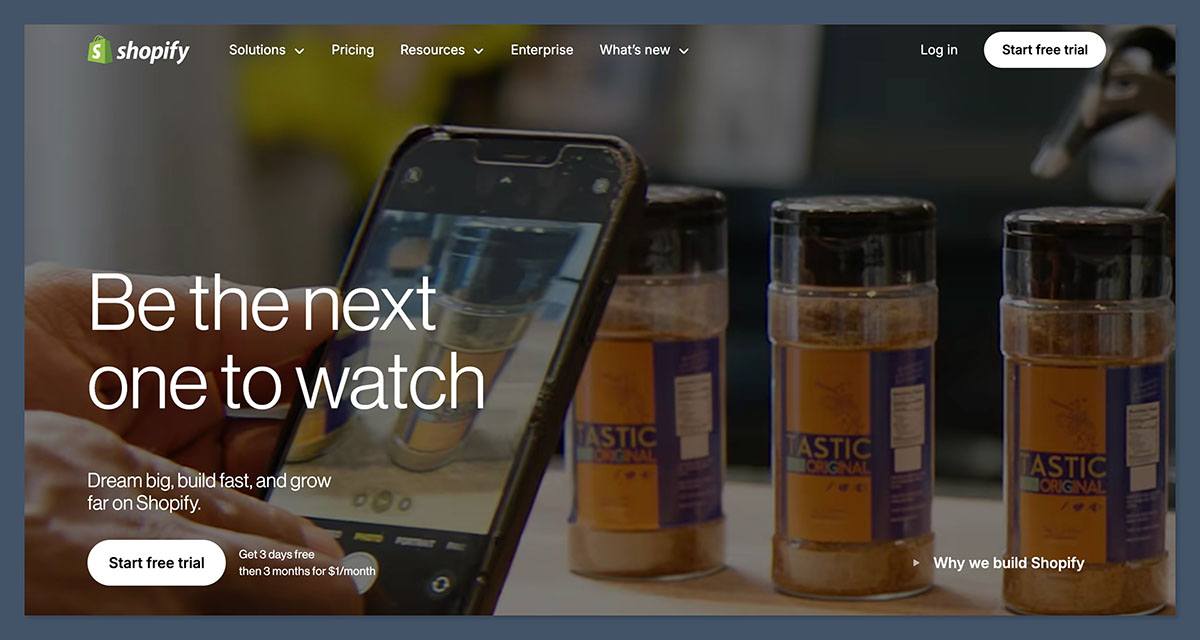
Shopify’s $5/mo plan is not a website at all, and assuming it is catches beginners out constantly.
Shopify is the industry-leading ecommerce platform, with 6,000+ apps, built-in POS, the Sidekick AI assistant, and 24/7 support. If you are serious about building and scaling a store, this is the toolset. For a simple personal site, it is overkill.
Shopify pricing (annual rate USD, with monthly in parentheses):
- Starter: $5/mo (social selling and buy buttons only, NOT a full storefront)
- Basic: $29/mo ($39/mo monthly), the real entry point for a full store
- Grow: $79/mo ($105/mo monthly)
- Advanced: $299/mo ($399/mo monthly)
- Plus: from $2,300/mo
The intro offer is 3 days free, then $1/mo for 3 months. There is no free plan, only that trial, and no refunds on any plan, so use the $1/mo window to test properly before committing.
Pros
- ✔️ Best-in-class ecommerce features for inventory, shipping, and tax
- ✔️ Largest app ecosystem with 6,000+ add-ons
- ✔️ Built-in POS for in-person and online selling
- ✔️ 24/7 support on all plans
- ✔️ Lower transaction fees on higher tiers
Cons
- ❌ No free plan and no refunds on any plan
- ❌ $5 Starter is buy-buttons-only, so a real store needs Basic at $29/mo
- ❌ Extra 2%/1%/0.6% fee if you do not use Shopify Payments
- ❌ Weak editor for content-style sites
- ❌ Only 9 free themes, and apps add $9 to $99+/mo
The fee structure rewards scale: Basic pays 2.9% + $0.30 per card sale, dropping to 2.7% on Grow and 2.5% on Advanced, so the higher tiers earn their keep only once your volume is real. Best for switchers committed to growing a real online store. Skip it if you want a general or content site, or a free way to sell. For budget free selling, Square Online (pick #3) is the better fit.
10. Webnode Alternatives Compared: Price, Free Plan, and Best For
Here is the whole shortlist in one view, built as a budget decision tool so you can pick in about ten seconds. Webnode sits in the top row as the baseline you are comparing against, and every figure below is verified.
| Tool | Cheapest Paid (billing note) | Free Plan? | Best For | Transaction Fee | Rating |
|---|---|---|---|---|---|
| Webnode (baseline) | $4.50/mo (annual, ads remain) | Yes (100 MB, ads, no selling) | Multilingual baseline | Store from $16.90/mo | 3.95/5 |
| Wix | $17/mo (annual) | Yes (ads, 500 MB, no selling) | All-rounder | 2.9% + $0.30 | 4.8/5 |
| Hostinger | $1.99/mo (48-mo; renews ~$10.99) | No (14-day trial) | Cheapest paid | 0% (Business) | 4.2/5 |
| Square Online | $49/mo (Plus) | Yes (sells free) | Free ecommerce | 3.3% + $0.30 free / 2.9% Plus | Best free ecommerce |
| WordPress.com | $4/mo (annual; $9 monthly) | Yes (ads, no plugins) | Blogging | 0% (Commerce) | Best for blogging |
| Squarespace | $16/mo (annual) | No (14-day trial) | Design | 2% Basic / 0% Core+ | 4.5/5 |
| GoDaddy | $9.99/mo (annual) | Yes (scrolling ad) | Fast setup | 2.7% + $0.30 | 4.1/5 |
| Webflow | $15/mo (annual) | Yes (2 pages only) | Designers | 2% (Ecommerce Standard) | Best for designers |
| Jimdo | $11/mo (annual) | Yes (5 pages) | EU/GDPR | 0% | 3.5/5 |
| Shopify | $29/mo (Basic, annual) | No (trial only) | Serious ecommerce | 2.9% + $0.30 | 4.2/5 |
One footnote worth keeping: Webador is the truly-free option with unlimited storage if you just want a basic general site with light branding and no selling.
The short version stays the same across every angle. Wix is the best all-rounder if you want one tool that scales. Hostinger is the cheapest paid plan, as long as you accept the four-year term and the renewal jump. And Square Online is the best genuinely free pick, especially if you need to sell without paying a monthly fee.
Webnode Alternatives FAQ: Free Plans, Hidden Costs, and Migration
Which Webnode alternative has a truly free plan, and what’s the catch?
Wix, WordPress.com, Square Online, GoDaddy, Jimdo, and Webflow all have genuine, perpetual free plans. The catches vary: Wix shows a sticky ad and blocks selling, WordPress.com shows ads and blocks plugins, GoDaddy runs a scrolling banner, Jimdo caps you at 5 pages, and Webflow at just 2 pages. Square Online is the only one that lets you sell for free. Webador offers unlimited free-tier storage for a basic site.
What’s the cheapest Webnode alternative with no ads and a custom domain?
WordPress.com Personal at $4/mo (annual) is the cheapest if you only need a blog or content site. GoDaddy Basic at $9.99/mo (annual) and Jimdo Start at $11/mo (annual) are the cheapest general builders with a custom domain and no ads. Hostinger advertises $1.99/mo, but that needs a 48-month term and renews at $10.99 to $16.99/mo.
Which builder is best for free ecommerce?
Square Online is the clear winner for free ecommerce in 2026. Its free plan supports unlimited products with a real, working checkout, and you pay only 3.3% + $0.30 per sale (up from 2.9% in January 2026). The free plans on Wix, GoDaddy, WordPress.com, and Webnode cannot sell at all. Weebly’s free plan displays products but cannot process a payment.
Why is Hostinger so cheap, and what’s the catch?
Hostinger’s $1.99 to $2.99/mo rates require a 48-month upfront payment of $95 to $144, then renew at $10.99 to $16.99/mo, a 5x+ increase. There is no free plan, only a 14-day trial. The platform is closed, so you cannot export your site if you leave, and ecommerce is capped at 1,000 products.
Is Weebly still worth using in 2026?
Generally no, not for new sites. Weebly has been in maintenance mode since Square’s 2018 acquisition: its mobile app is discontinued, no new features are shipping, bugs are increasing, and its Trustpilot score sits at 1.2/5. Square now directs new users to Square Online, which shares the same underlying technology and is actively developed. Existing Weebly sites still run.
How do I move my Webnode site to a new builder without paying for migration?
Copy your content by hand: text, images, and your product list. Rebuild it on the new platform’s free plan or trial, then point your domain at the new site. Webnode, GoDaddy, and Hostinger do not allow a full export, so plan to recreate pages manually rather than relying on an automatic transfer. Doing the rebuild yourself keeps migration cost at zero.
Which builder is best for EU users concerned about GDPR?
Jimdo is the top pick for EU and GDPR-focused users. It is a German company running on AWS EU servers in Ireland, and its built-in Legal Text Generator auto-creates a GDPR-compliant privacy policy, terms, and impressum. Webnode, a Czech company, is also European and strong for multilingual sites, while Wix, GoDaddy, Squarespace, and Hostinger are all US-headquartered.


