After building the same lead form, survey, and payment form in both tools, Tally is my pick for most small teams because its free plan gives you unlimited responses, payments, and e-signatures without paying a cent.
But don’t write off Typeform. Its one-question-at-a-time forms get noticeably more people to the finish line, and its CRM integrations are in a different league.
Below, I’ve compared both form builders side by side so you can decide which one fits the way you work.
Why You Can Trust This Comparison
We signed up for both tools, built identical forms in each, and scored them on the same criteria we use for every form builder we cover: pricing, free plan, completion rates, ease of use, design, integrations, payments, and support. Prices are current as of October 2026.
Key Takeaways
- Tally’s pricing is better value, with a free plan that has no response cap, while Typeform’s free plan stops at 10 responses a month
- Typeform gets more forms completed, especially on cold traffic, thanks to its conversational one-question layout
- Tally is easier to pick up, since building a form feels just like typing a document in Notion
- Typeform has the better design tools, from custom fonts and video backgrounds to smooth question transitions
- Typeform wins on integrations, with 300+ native connections including HubSpot and Salesforce, against Tally’s handful plus Zapier
- Tally is cheaper for taking payments under about $580 a month in sales, even with its 5% commission on the free plan
How Do Typeform and Tally Compare?
For a quick comparison of Typeform and Tally, refer to the table below:
| Tally (Best Free Form Builder) | Typeform (Best for Conversions) | |
|---|---|---|
| Starting price | $29 per month (Pro) | $28 per month (Basic, billed annually) |
| Free plan | Yes, unlimited responses | Yes, 10 responses a month |
| Editor style | Document-style, slash commands | Slide-style, one question per screen |
| Conditional logic on free plan | Yes, including page-level logic | Yes |
| Native integrations | 9, plus Zapier, Make, and n8n | 300+ |
| AI features | Field suggestions, MCP server for Claude, ChatGPT, and Cursor | Creator AI, Clarify with AI, FAQ with AI, Data Enrichment |
| Payments | Stripe on the free plan (5% commission), 0% on Pro | Stripe on Plus and above, PayPal on Growth Flow |
| Compliance | GDPR, EU hosting by default | SOC 2 Type II, GDPR, HIPAA on Enterprise |
| Customer support | Email only | 24/7 live chat on paid plans |
| Recommended for | Solo founders, small teams, internal forms, and simple checkouts | Marketing teams running lead-gen and branded forms |
Is Typeform or Tally’s Pricing Better Value?
Tally is better value than Typeform at almost every team size, with a free plan you can actually run a business on and a Pro plan ($29 per month) that unlocks unlimited team members. Typeform charges per response tier and per seat, so the bill climbs quickly as you grow.
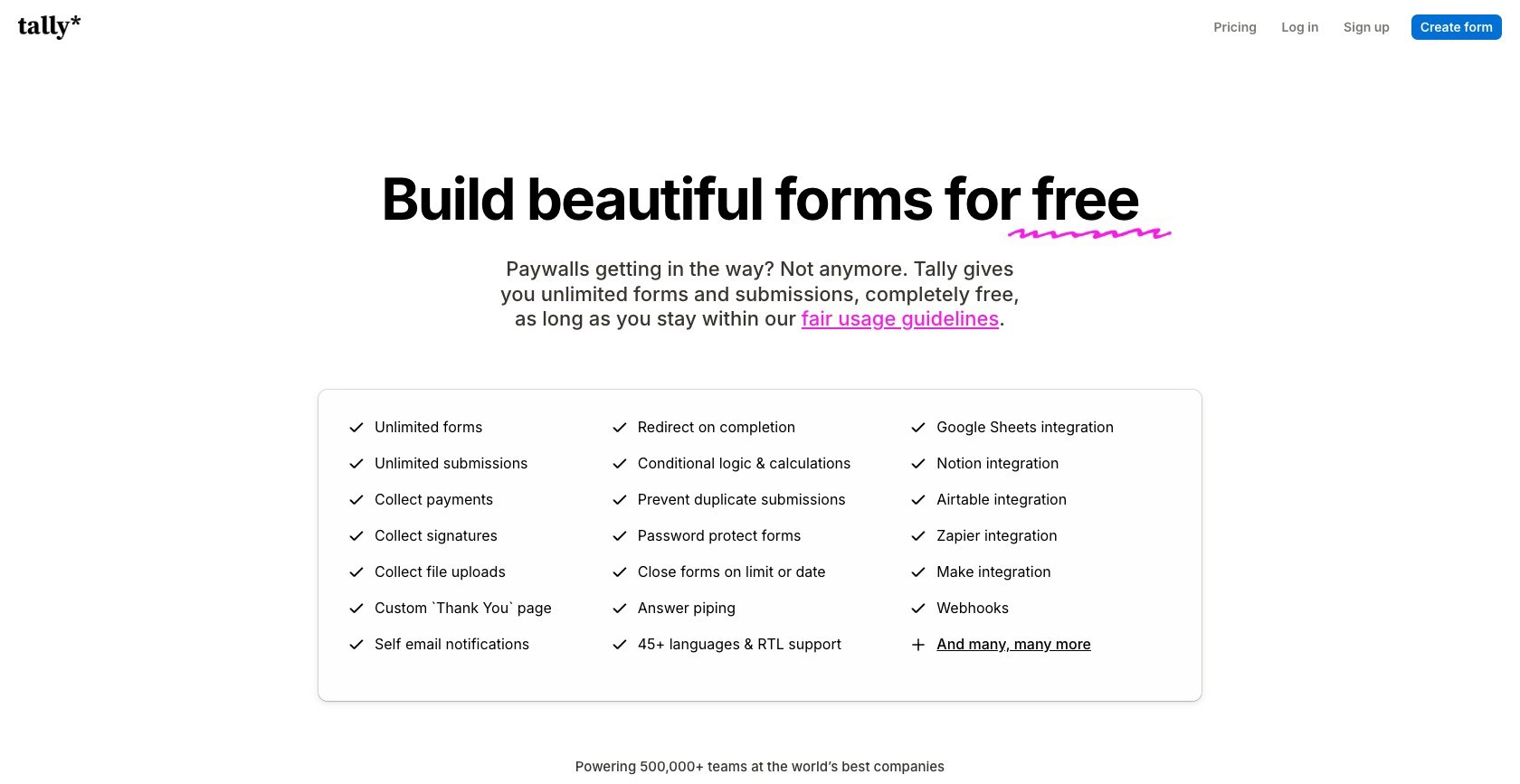
How Much Does Tally Cost?
Tally’s pricing runs from $0 to $89 per month, and the free plan covers most of what small teams need.
- Free: $0, unlimited forms and responses (fair use up to 50,000 a month)
- Pro: $29 per month, removes Tally branding, adds a custom domain, unlimited team members, and drops the payment commission to 0%
- Business: $89 per month, adds data retention controls, email verification, and 90-day version history
Paying annually gets you two months free on either paid plan.
How Much Does Typeform Cost?
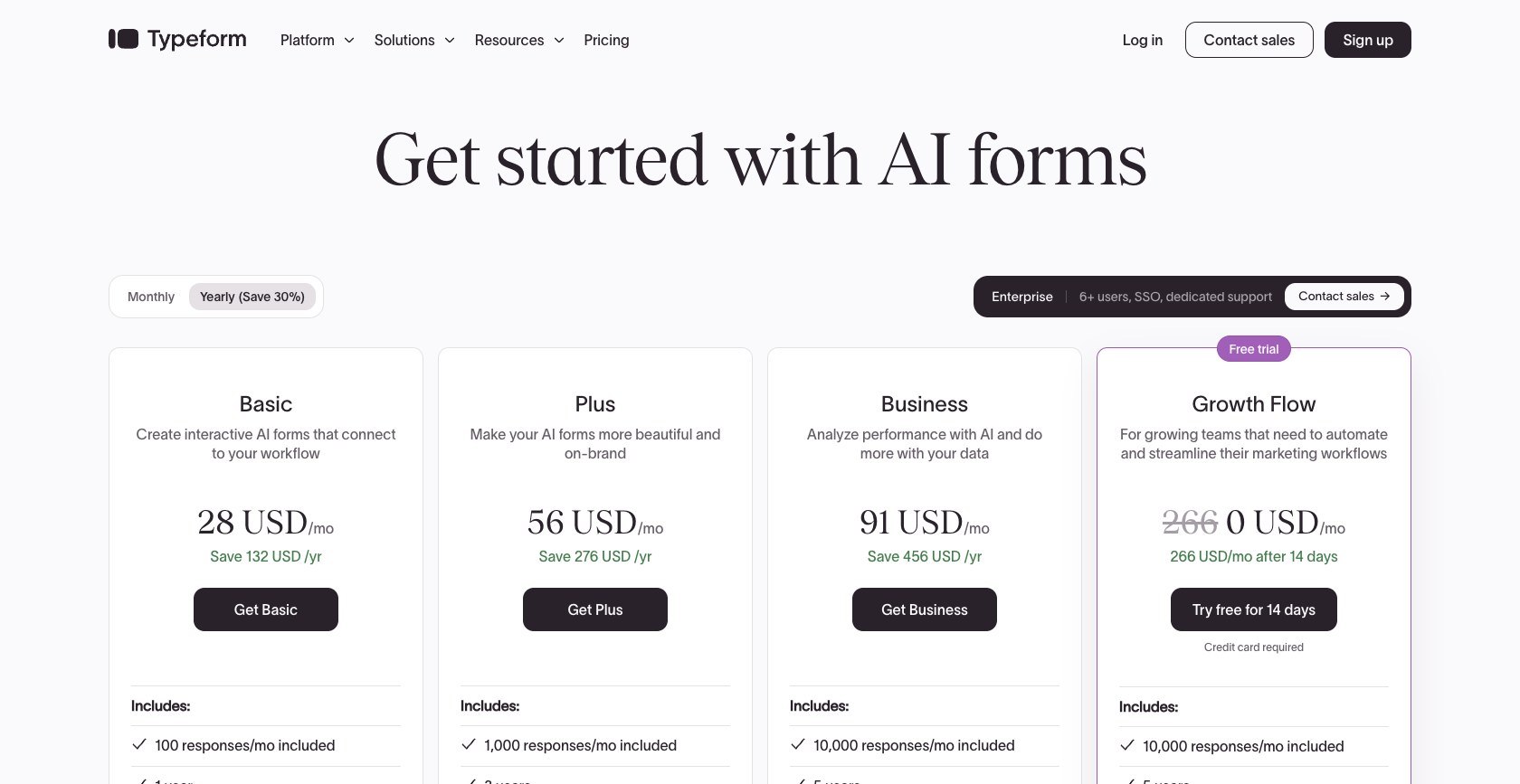
Typeform’s pricing runs from $28 to $91 per month (billed annually) for its core plans, or $39 to $129 if you pay month to month.
- Basic: $28 per month, 100 responses, 1 user
- Plus: $56 per month, 1,000 responses, 3 users, custom subdomain
- Business: $91 per month, 10,000 responses, 5 users, drop-off analytics, Salesforce integration
There’s also a Talent plan ($169 per month) for hiring forms, a Growth Flow plan ($266 per month, billed annually) that bundles automation and AI enrichment, and custom Enterprise pricing for SOC 2, HIPAA, and SSO.
What does a team actually pay? A solo user pays $0 on Tally against $336 a year on Typeform Basic. At 5 users, you’re looking at $0 on Tally Free or about $290 a year on Pro, compared with $672 or more on Typeform Plus, which only includes 3 seats. The gap keeps widening with every person you add.
What Do You Get for Free?
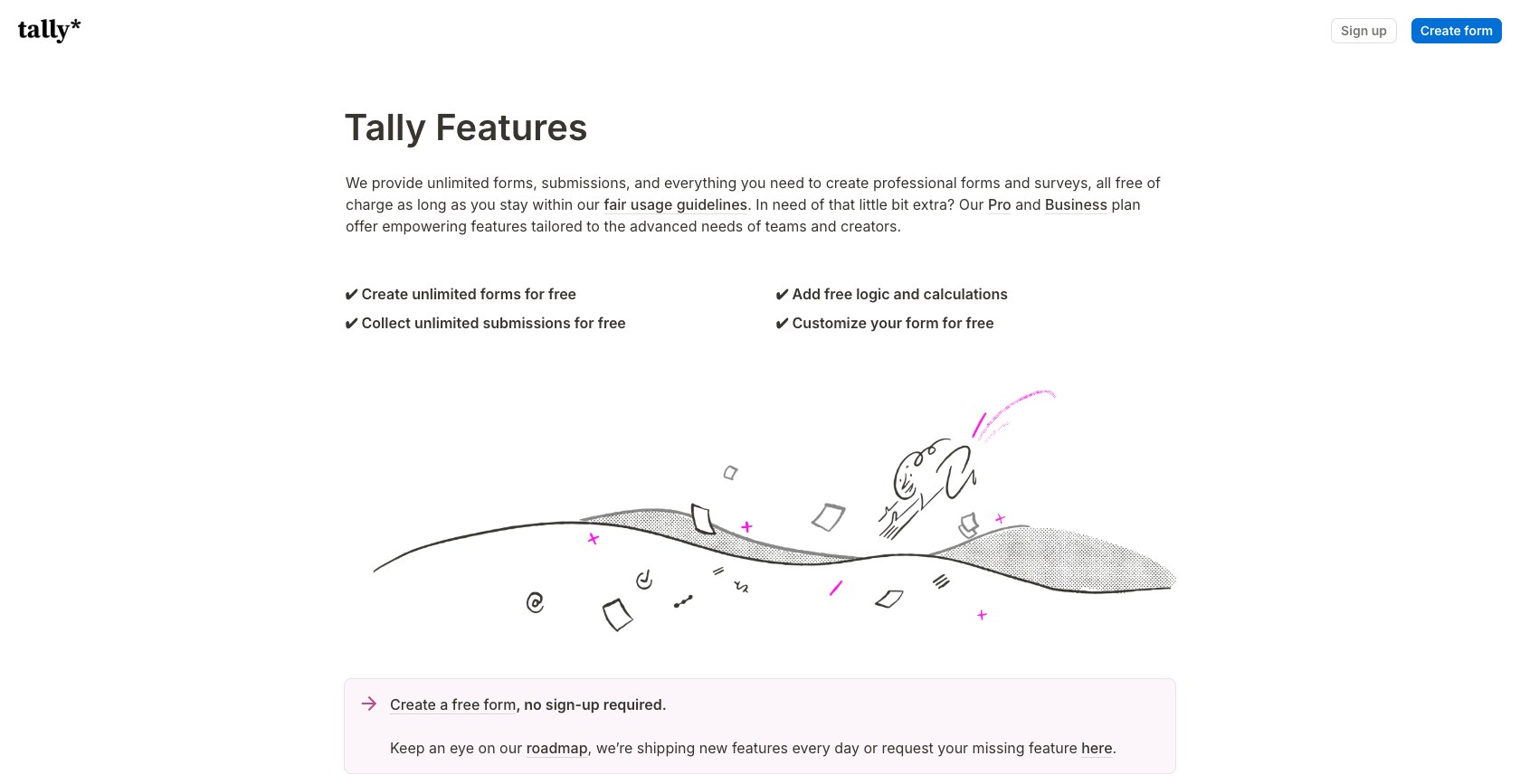
Tally’s free plan is the most generous I’ve found in any form builder. On it, you get:
- Unlimited forms and responses
- Conditional logic, calculations, and answer piping
- File uploads (up to 10MB per file)
- Stripe payments and a native e-signature block
- Native connections to Google Sheets, Notion, Airtable, Slack, and more
Typeform’s free plan is closer to a trial. You get 10 responses a month across all your forms, one user, and Typeform branding you can’t remove, with no file uploads or payments.
That’s not to say Typeform’s free plan is useless. It’s a fair way to try the conversational format with your team before you commit to a paid plan.
Which Form Builder Gets More Responses?
Typeform gets more people to finish your form than Tally, with conversational forms typically completing at 40% to 60% on cold traffic, compared with 15% to 30% for document-style forms like Tally’s.
The reason is simple. Typeform shows one question at a time and moves you forward automatically, so the form never looks long. Tally shows the whole page at once, which is fine for people who already know you, but it can scare off strangers.
| Form type | Typeform | Tally |
|---|---|---|
| Cold lead capture | 45% to 55% | 18% to 25% |
| Quiz | 50% to 60% | 20% to 30% |
| Post-purchase feedback | 35% to 45% | 25% to 35% |
| Internal employee survey | 40% to 50% | 40% to 50% |
| Long application form | 30% to 40% | 15% to 22% |
Watch out for Typeform’s “87%” claim. That figure refers to users saying they got more responses than with their previous tool, not an actual completion rate. The more useful stat Typeform shares is that multi-step forms with one question per screen convert 86% better than single-page forms.
That said, the gap disappears when your audience is already committed. On internal surveys, both tools finished at about the same rate, so paying for Typeform there makes little sense.
Is Typeform or Tally Easier to Use?
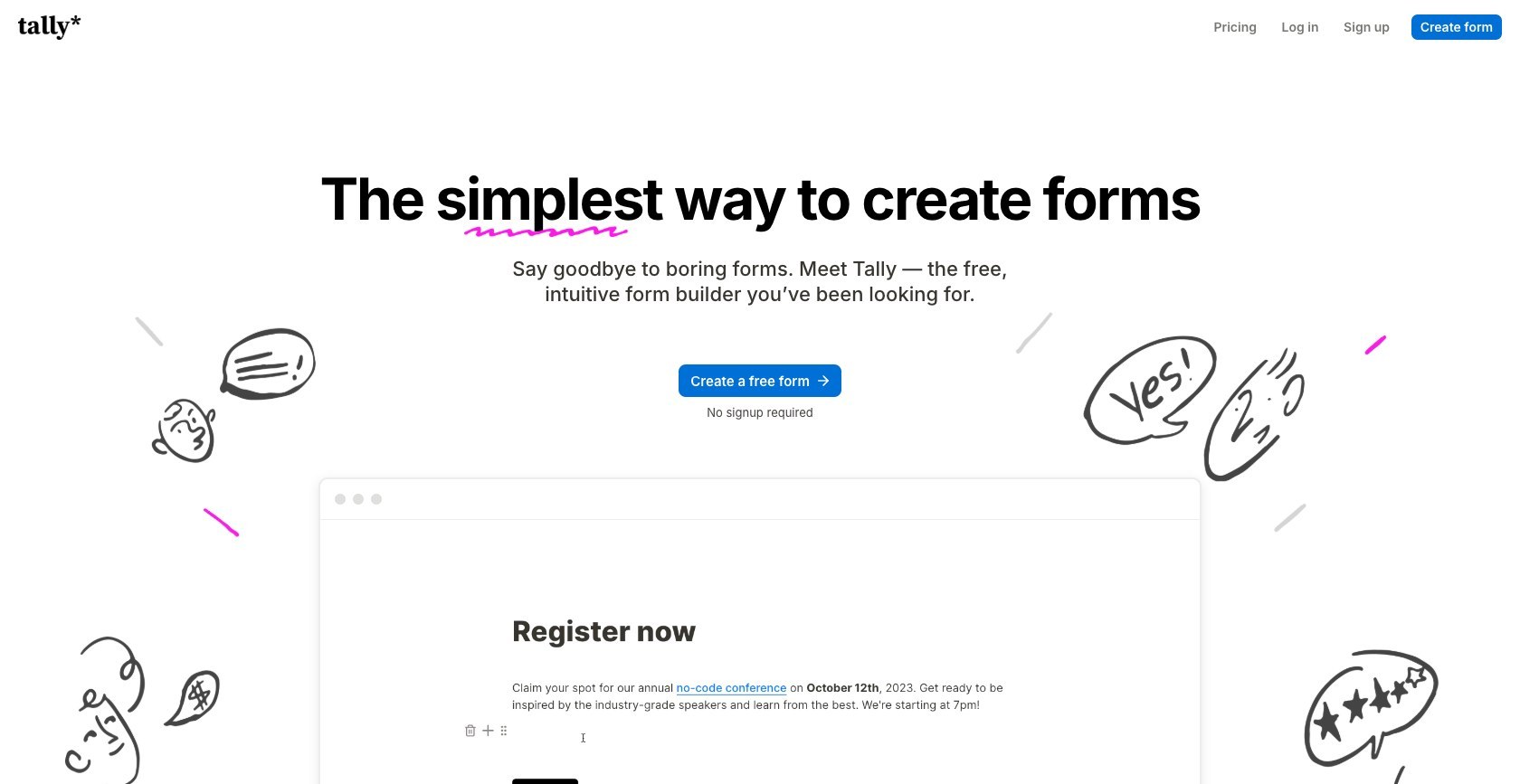
Tally is easier to use than Typeform, because building a form feels exactly like writing a document. If you’ve used Notion, you’ll have your first form live in about five minutes.
How Do I Build a Form With Tally?
With Tally, you just start typing your question on a blank page. Press / to add a field (like /email, /dropdown, or /payment), and press @ to drop a previous answer into a later question.
Keyboard shortcuts handle the rest. Ctrl+Shift+L adds conditional logic to a block, and Ctrl+Shift+R makes a question required, so I rarely had to reach for the mouse.
Tally also added mobile editing in April 2026, so you can tweak a form from your phone. Typeform still recommends building on a desktop.
How Do I Build a Form With Typeform?
Typeform takes a more visual approach. You click “Create typeform,” pick question types from a sidebar, and each question becomes a slide in a timeline, a bit like building a presentation in Keynote.
Logic jumps are set up in a visual branching panel, and “Recall information” lets you pipe someone’s name or earlier answers into later questions.

It takes a little longer to learn than Tally, but if your team thinks visually, the slide layout makes it easy to see exactly what respondents will see.
Which Builder Has the Best Templates and Design Options?
Typeform has the better design tools, with custom fonts, background images and video, full white-labeling, and smooth animations between questions. Its brand kit also applies your colors and fonts across every form automatically.
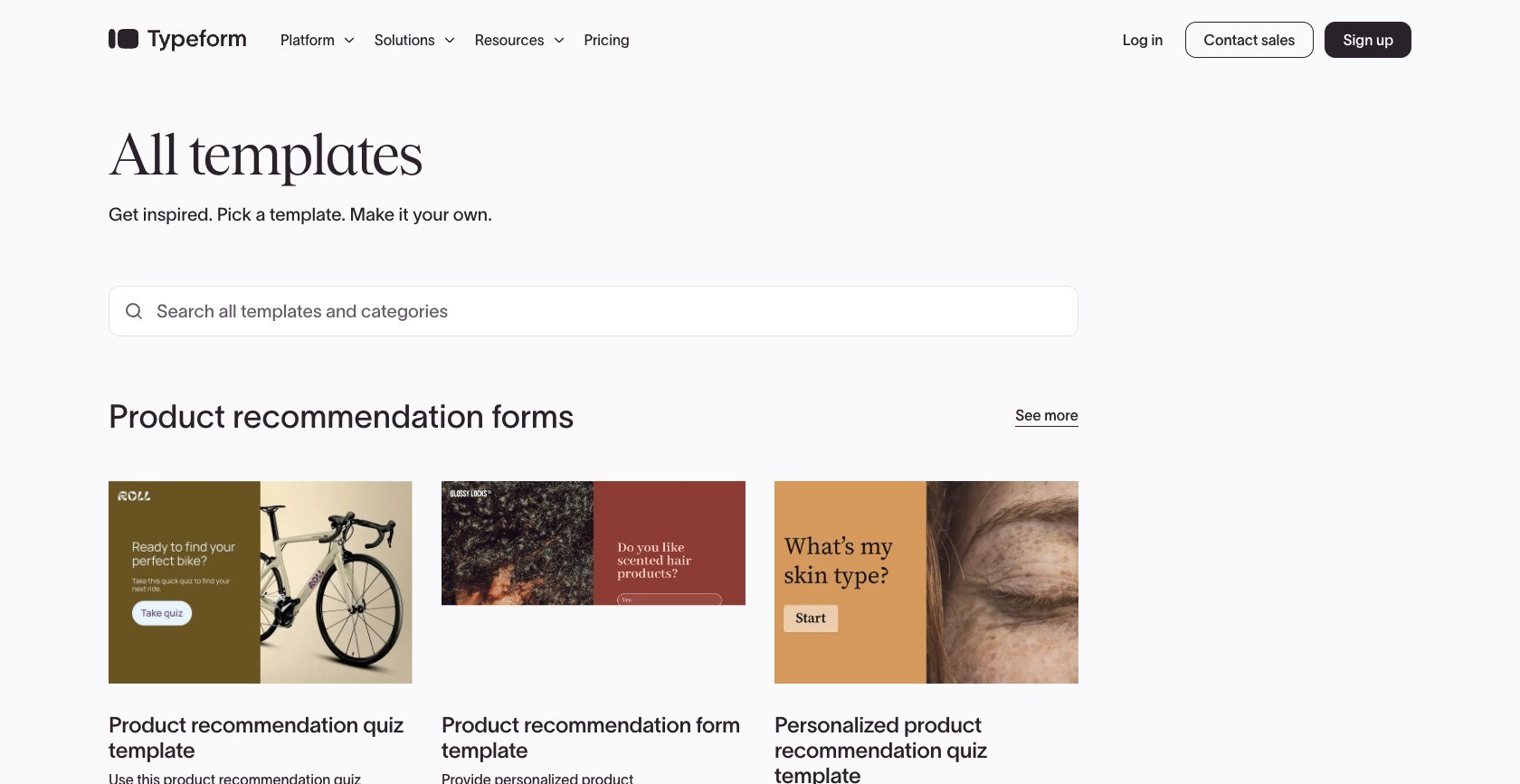
Tally’s templates are simpler and look more like clean documents than branded experiences. However, Tally gives you more control under the hood, including custom CSS on Pro, Google Analytics and Meta Pixel tracking, foldable pages, and a table of contents for longer forms.
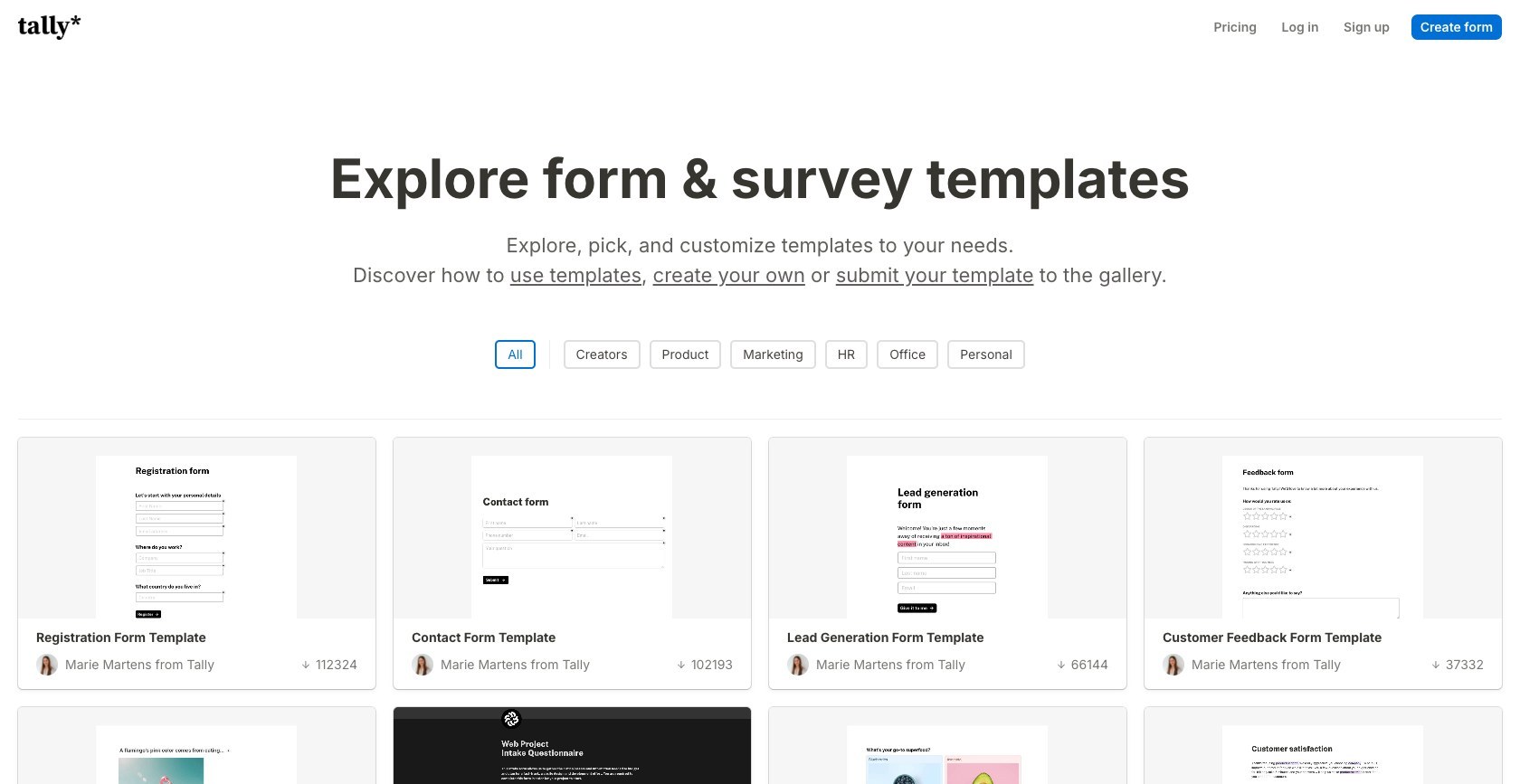
Tally’s co-founder, Marie Martens, has said she built Tally because existing tools “either force you in a specific format or bombard you with countless limits.” That shows in the product: it’s flexible, but it won’t make your form look stunning out of the box.
Which Platform Has Better Integrations and AI?
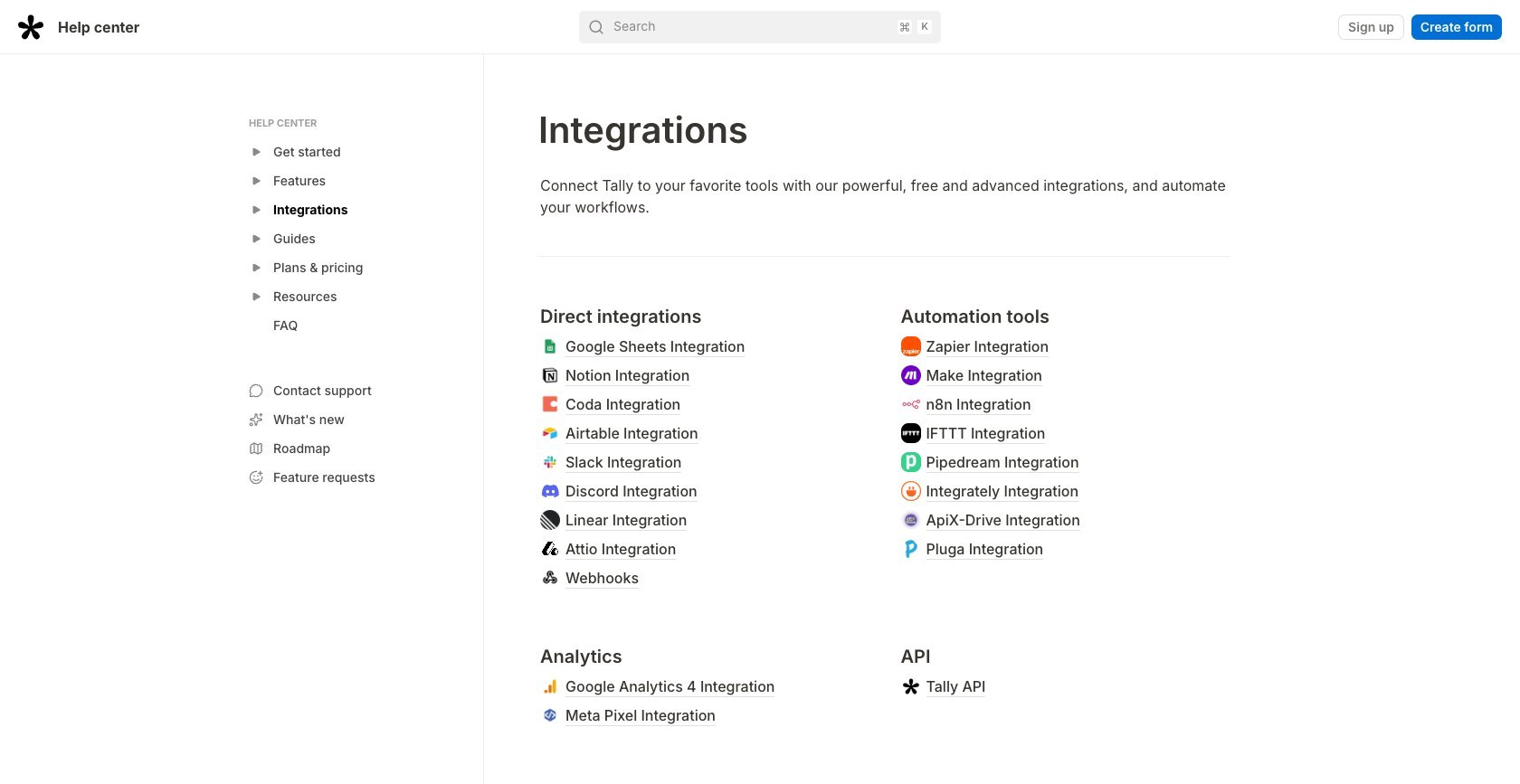
Typeform has far better integrations, with 300+ native connections, including two-way HubSpot sync on Plus ($56 per month) and Salesforce on Business ($91 per month). Tally connects natively to 9 tools and relies on Zapier, Make, or n8n for the rest.
| Tool | Typeform | Tally |
|---|---|---|
| HubSpot | Native, two-way sync | Zapier required |
| Salesforce | Native (Business plan) | Zapier required |
| Slack | Native | Native, free plan |
| Notion | Native | Native, free plan |
| Airtable | Native | Native, free plan |
| Klaviyo | Native (Plus plan) | Zapier required |
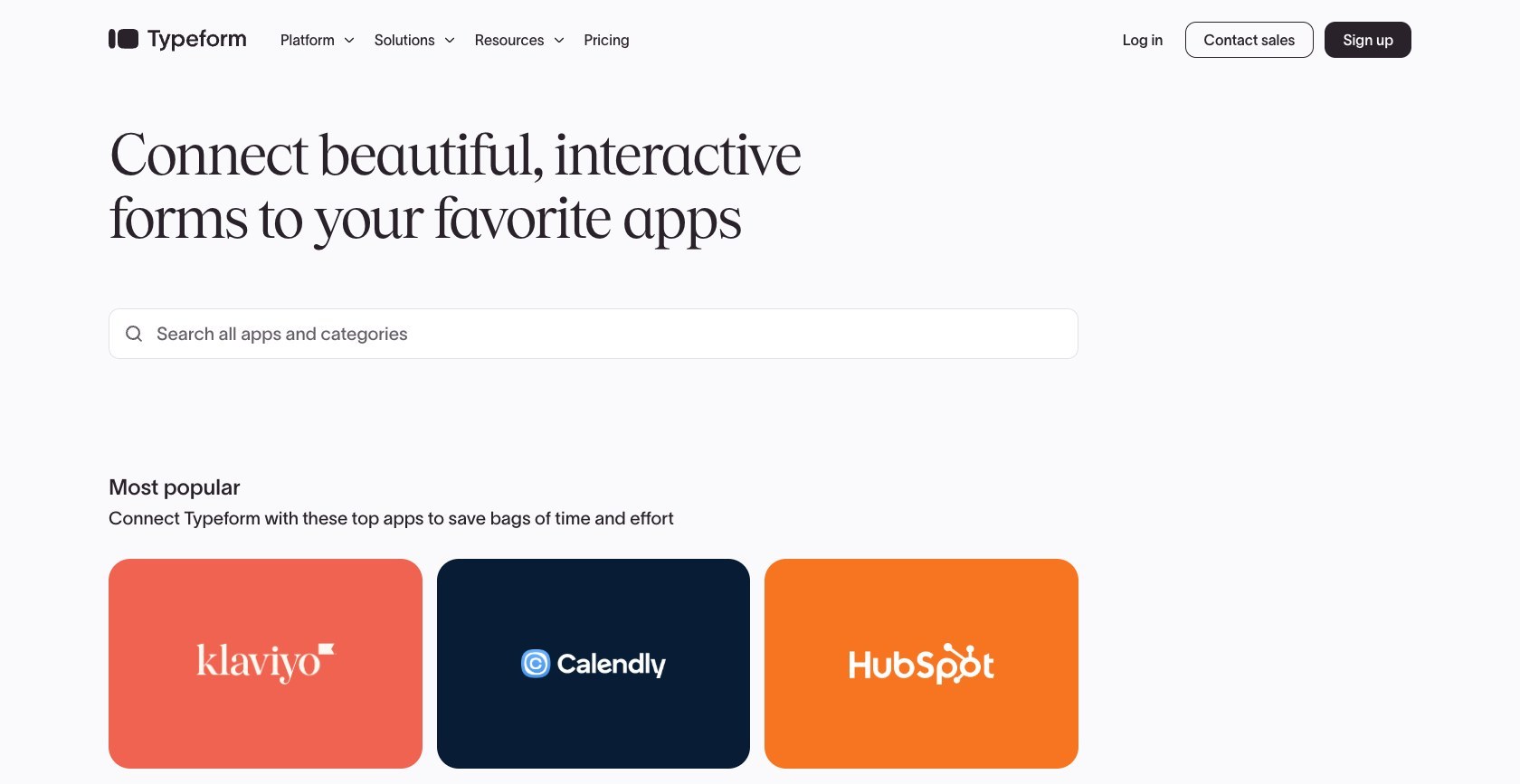
That said, Tally covers the tools most small teams use daily, and it’s ahead if your stack is built around Notion, Airtable, or Linear.
What AI Features Do Typeform and Tally Have?
Typeform has the more complete set of AI tools built into the builder:
- Creator AI: describe your goal in plain English and it drafts the whole form
- Clarify with AI: spots vague answers and asks a follow-up question automatically
- FAQ with AI: answers respondents’ questions from your own knowledge base
- AI Data Enrichment: fills in company details for B2B leads after they submit

Tally’s AI is lighter inside the builder, but its MCP server (launched April 2026) lets Claude, ChatGPT, and Cursor build forms and pull submissions for you. If you already work in an AI chat app or code editor, that can be more useful than another AI button.
Is Typeform or Tally Better for Taking Payments?
Tally is better for taking payments on a small scale, since you can collect Stripe payments on the free plan, while Typeform only allows payments from the Plus plan ($56 per month) upward.
The catch is that Tally takes a 5% commission on free-plan payments, on top of Stripe’s standard 2.9% + $0.30. On a $100 sale, that’s $8.20 in total fees on Tally Free, compared with $3.20 on Tally Pro or Typeform Plus.
When should you upgrade to Tally Pro? Once you’re processing about $580 a month in payments, the 5% commission costs more than the Pro plan itself. Above that point, upgrading to Pro saves you money every month.
Typeform doesn’t charge a commission, but it adds PayPal only on the Growth Flow plan. Neither tool supports recurring subscription payments natively, so subscription businesses will need Stripe Payment Links or a dedicated checkout tool.
How Do Typeform and Tally Support Your Business?
Typeform has better support and compliance for larger businesses, offering 24/7 live chat on paid plans, SOC 2 Type II certification, and HIPAA compliance on Enterprise. Tally offers email support only, with replies usually within 24 to 48 hours.
Here’s how their security and compliance compare:
- SOC 2 Type II: Typeform yes, Tally no
- GDPR: both
- HIPAA: Typeform on Enterprise only, Tally no
- EU data hosting: Tally by default (Frankfurt), Typeform on Enterprise only
- SSO: Typeform on Enterprise, Tally no
However, Tally is the easier choice for EU businesses, since every plan stores data in Frankfurt without an Enterprise contract.
A note on accessibility. Typeform claims WCAG 2.1 AA compliance for its full-screen forms, while Tally makes no accessibility claim. In my testing, though, screen readers announced some Typeform controls as “object object,” and moving backward through a form with only a keyboard was awkward. If you’re bound by the European Accessibility Act, get an independent accessibility review before you rely on either tool.
How We Test Form Builders
When comparing Typeform and Tally, we want our recommendations to reflect how each tool works today, not how it worked when it launched. That’s why we sign up for each tool and build the same set of forms in both.
We assess every form builder against the same core areas:
- Pricing: what each plan costs, what’s included, and how the price changes as your team grows
- Free plan: whether you can run real forms on it, or whether it’s just a trial
- Completion rates: how the form format affects how many people finish
- Ease of use: how quickly a first-time user can publish a working form
- Design: templates, branding controls, and how polished forms look to respondents
- Integrations and AI: native connections and how useful the built-in AI actually is
- Payments and support: fees, payment methods, help options, and compliance
Everything I say about using Typeform and Tally in this comparison comes from building forms in both tools myself.
Final Verdict: Should You Choose Typeform or Tally?
After comparing both form builders on pricing, ease of use, design, and integrations, Tally is my top choice for most small businesses because its free plan includes unlimited responses, payments, and e-signatures, and its $29 Pro plan covers a whole team.
That said, Typeform is the better choice if your forms are a key part of your marketing. Its conversational layout gets more strangers to finish, and its HubSpot and Salesforce integrations are worth paying for if you run lead-gen campaigns.
Typeform vs Tally FAQs
Is Tally really free forever?
Yes. Tally’s free plan includes unlimited forms and unlimited responses, with a fair-use limit of 50,000 responses a month. There are three catches: a “Made with Tally” badge on every form, no custom domain, and a 5% commission on Stripe payments. Upgrading to Tally Pro ($29 per month) removes all three. For most solo founders and small teams, the badge is the only catch that really matters.
Can I move my forms from Typeform to Tally?
Yes, though you’ll need to rebuild the forms themselves. Export your Typeform responses as a CSV, create a free Tally account, and recreate each form using slash commands. Then reconnect your integrations: Notion, Airtable, Google Sheets, and Slack connect natively, while HubSpot and Salesforce need Zapier. I’d recommend running both side by side for a week or two before switching your links over.
Does Tally have AI like Typeform?
Partly. Tally offers AI field suggestions and an MCP server that lets Claude, ChatGPT, and Cursor build forms and fetch submissions for you. It doesn’t have Typeform’s built-in AI form creator, AI follow-up questions, or lead enrichment. If you want AI inside the form builder itself, Typeform is ahead. If you’d rather work from your AI chat app or code editor, Tally’s approach is more flexible.
Is Typeform worth paying for over Tally?
It depends on who fills in your forms. If you’re sending cold traffic to a lead-gen form, Typeform’s higher completion rate can easily cover the cost of the Plus plan ($56 per month). If your forms go to customers or colleagues who already know you, the completion gap mostly disappears, and Tally’s free plan will do the same job without the monthly bill.


