If you’re choosing between GoDaddy and Squarespace, the decision likely comes down to your goals, budget, and how hands-on you want to be with design and ecommerce tools.
I’ve spent over 100 hours testing both platforms to help you understand how they compare in real-world use.
In this review, I’ll walk through everything that matters: pricing, ecommerce features, templates, ease of use, and more.
After extensive testing, Squarespace is the better platform for long-term business growth and visual polish.
But GoDaddy still holds its own as one of the easiest ways to get online fast.
GoDaddy vs Squarespace: Quick Verdict
Squarespace – Best overall, ideal for brand-focused sites and ecommerce businesses
GoDaddy – Best for basic websites and users who want to launch quickly
If you’re starting an online store or building a business website, I recommend Squarespace. If your main priority is speed and ease, GoDaddy might be the better fit.
Quick Comparison: GoDaddy vs Squarespace
Use this comparison table to get a high-level view of the key differences:
| Feature | GoDaddy | Squarespace |
|---|---|---|
| Ease of Use | Very beginner friendly | Simple, but more advanced |
| Templates | Basic | Premium quality |
| Ecommerce | Limited features | Full platform |
| Pricing | Starts at $0 | Starts at $16 per month |
| SEO and Analytics | Basic tools | Advanced tools |
| Blogging | Minimal support | Built-in, full editor |
| Best For | Quick, basic websites | Visual brands and stores |
Best for Pricing: GoDaddy
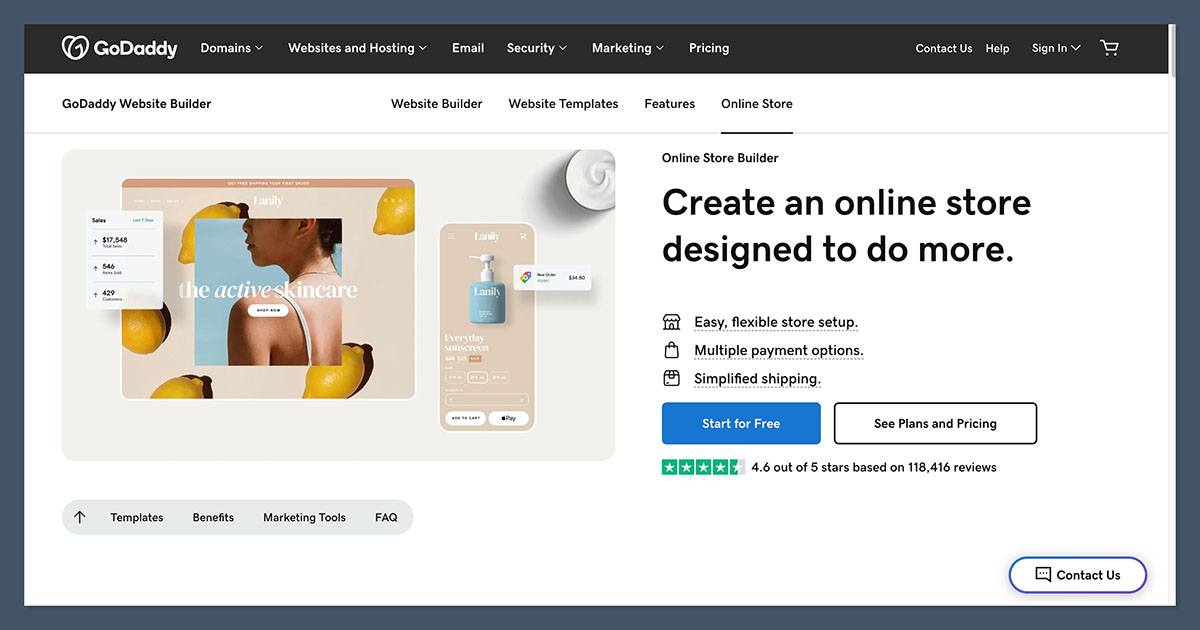
GoDaddy and Squarespace have very different pricing models. GoDaddy is more affordable to get started, while Squarespace includes more built-in tools, which can reduce the need for extra plugins or subscriptions.
GoDaddy Pricing
GoDaddy’s pricing starts with a free plan that allows you to publish a basic site. From there, it moves up through four tiers.
| Plan | Monthly Price (Annual Billing) | What’s Included |
|---|---|---|
| Free | $0 | Basic branded site |
| Basic | $9.99 | Connect domain, basic SEO |
| Premium | $14.99 | Appointments, social tools, email marketing |
| Commerce | $20.99 to $23.99 | Sell products, manage orders, payment options |
It’s affordable, especially for simple sites or one-product stores. But you’ll need to upgrade to get ecommerce, and advanced features are limited.
Squarespace Pricing
Squarespace doesn’t have a free plan, but every paid plan includes hosting, templates, analytics, and design tools.
| Plan | Monthly Price (Annual Billing) | What’s Included |
|---|---|---|
| Personal | $16 | Basic website, no ecommerce |
| Business | $23 | Ecommerce, analytics, marketing |
| Commerce Basic | $39 | No transaction fees, more sales features |
| Commerce Advanced | $99 | Subscriptions, shipping, abandoned cart recovery |
You also get a 14-day free trial to test the builder. The value is much better for long-term ecommerce and content-based sites.
The Winner
GoDaddy wins for affordability and entry-level simplicity. If you just need a functional website up fast, it’s hard to beat.
But Squarespace provides more value if you want your website to grow with your business.
Best for Selling Online: Squarespace
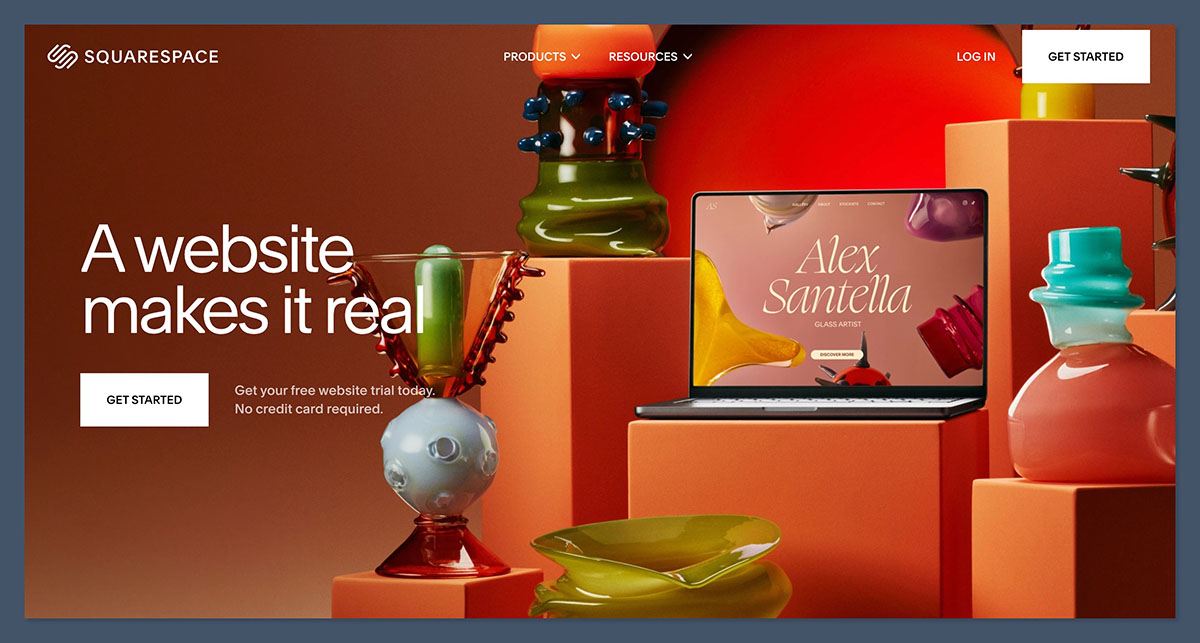
If ecommerce is a top priority, Squarespace is the stronger platform by far. GoDaddy offers basic tools, but Squarespace comes with everything you need to run a serious online store.
GoDaddy Ecommerce Features
GoDaddy only includes ecommerce features in its top-tier plans. Even then, the tools are fairly limited. You’ll get:
- Product listings and image galleries
- Payment options with Stripe and PayPal
- Shipping calculators and tax settings
- Order and inventory management
There’s no advanced discount logic, upsells, or abandoned cart recovery. You can run a small store, but growth may require switching platforms.
Squarespace Ecommerce Features
Squarespace includes ecommerce in its Business plan and above. All plans offer:
- Unlimited products with multiple variants
- Real-time shipping and tax tools
- Discount codes and promotions
- Abandoned cart recovery (Commerce Advanced)
- Subscription billing and digital products
- Detailed sales reports and analytics
It’s also integrated with appointment scheduling, which is great for service businesses.
The Winner
Squarespace offers a full ecommerce solution. Whether you sell physical products, digital goods, or services, it’s the more scalable and feature-rich option.
Best for Ease of Use: GoDaddy
Both platforms aim to make website building simple, but they do it in very different ways. GoDaddy is more hands-off and automatic, while Squarespace gives you more control.
GoDaddy’s Setup Experience
With GoDaddy, you answer a few questions about your business and goals. The platform then uses AI to build a site for you.
You can:
- Choose a style from prebuilt layouts
- Add your content and logo
- Make small changes to text and sections
This builder is ideal for first-time users who don’t want to deal with design choices or feature settings. But customization is limited.
Squarespace’s Design Experience
Squarespace provides a library of beautiful templates. From there, you can:
- Customize sections using a drag-and-drop editor
- Change fonts, colors, layout, and spacing
- Add pages like blogs, product galleries, and forms
The setup process takes longer, but the result is much more unique. It does require a bit of a learning curve, especially when exploring more advanced features.
The Winner
GoDaddy is faster to learn and launch, but Squarespace gives you more design control. If simplicity matters most, GoDaddy takes the lead.
Best Website Templates: Squarespace
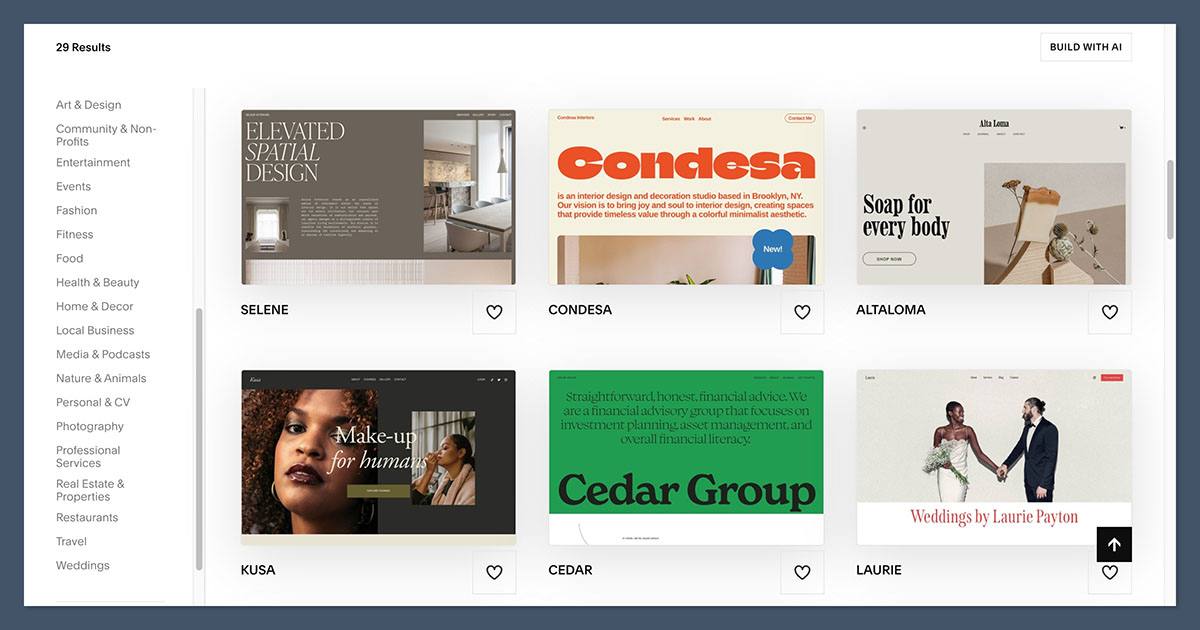
The quality and flexibility of your website template can make a huge difference in how professional your site looks and feels.
GoDaddy Templates
GoDaddy provides around 200 industry-specific templates. These are:
- Clean and mobile responsive
- Easy to customize on a surface level
- Designed for speed and functionality
However, they feel generic and are not as flexible once the site is live.
Squarespace Templates
Squarespace’s templates are among the best in the industry. You get:
- Dozens of award-winning designs
- Templates tailored to creative and business use cases
- Built-in mobile responsiveness
- Full customization over fonts, layouts, and animations
These templates are ideal for branding, portfolios, and businesses that care about their online image.
The Winner
Squarespace is the clear winner for design quality. Its templates are modern, flexible, and visually impressive.
Best for Business Features: Squarespace
Both builders offer business tools, but Squarespace provides more built-in functionality for growing your brand.
GoDaddy Business Tools
GoDaddy focuses on speed and essential tools. You’ll get:
- Domain name registration
- Built-in email marketing
- Appointments and bookings (Premium plan)
- SSL and basic SEO settings
You can launch quickly, but many tools are stripped down.
Squarespace Business Tools
Squarespace includes tools that help you manage and grow your business:
- Built-in email campaigns
- Social media integrations
- Appointment scheduling (via Acuity)
- Advanced SEO and analytics
- Blogging platform and member areas
It also offers integrations with tools like Zapier, QuickBooks, and social platforms.
The Winner
Squarespace wins with more complete tools for long-term business growth. Everything is built-in and ready to use.
Best for SEO and Analytics: Squarespace
If you’re trying to drive traffic through search engines or track your audience, Squarespace offers more depth.
GoDaddy SEO and Analytics
GoDaddy offers:
- Basic SEO wizard for titles and meta descriptions
- Google Analytics integration
- Social sharing previews
However, SEO settings are minimal, and analytics are limited unless you connect third-party tools.
Squarespace SEO and Analytics
Squarespace gives you more control over on-page SEO and site structure. You’ll get:
- Custom URLs, title tags, meta descriptions
- Automated sitemaps
- Image alt text
- Built-in analytics for traffic, conversions, and user behavior
You can also install Google Analytics, Facebook Pixel, and other tracking scripts easily.
The Winner
Squarespace provides stronger SEO features and better insight into your audience. This makes it the better choice for content marketing and scaling traffic.
GoDaddy vs Squarespace: Final Recommendation
Both GoDaddy and Squarespace can help you build a website, but they serve very different types of users.
Choose GoDaddy if:
- You want to launch a simple website quickly
- Your budget is under $10 per month
- You don’t need advanced features or design
- You prefer an AI-guided setup and fewer decisions
Choose Squarespace if:
- You care about your brand and design quality
- You’re planning to sell products or services online
- You want built-in tools for marketing, scheduling, and analytics
- You’re building a website that needs to grow with your business
Squarespace is the better investment for most ecommerce stores, personal brands, and service-based businesses. GoDaddy is a solid choice for simple websites, especially when speed and cost are top priorities.


