Building an online business comes with more decisions than most people expect, and one of the biggest is choosing the right tech stack.
At the center of that decision is the question: should I use Shopify or HubSpot?
If you’re new to these platforms, it’s easy to lump them together as “business tools,” but once you start digging into what each one is built for, it becomes clear that they address very different needs.
One focuses on sales transactions and the ecommerce backend. The other is a marketing, sales, and customer relationship engine.
In this guide, I’ll walk you through the real differences between the two, what each platform does best, how their pricing models work, and how to decide whether one — or both — should be part of your growth strategy.
What Shopify and HubSpot Are Really Built For
Shopify is a dedicated ecommerce platform designed to help you set up, run, and scale an online store.
Its core strength lies in providing everything you need to manage products, process orders, accept payments, and handle logistics like shipping and taxes.
From the moment a customer lands on your website to the moment their order is fulfilled, Shopify is designed to handle the entire commerce pipeline.
HubSpot, on the other hand, is a customer relationship management (CRM) platform that integrates tools for marketing, sales, customer service, and content management. Its value lies in how it helps you attract visitors, convert them into leads, nurture them through personalized email campaigns, and retain them long after the initial sale.
HubSpot doesn’t manage inventory or checkout processes — it manages everything else.
Here’s a foundational way to think about it:
Shopify handles the transaction. HubSpot handles the relationship.
Where Shopify is product-focused, HubSpot is people-focused. Businesses that only need an online storefront will find Shopify more than enough.
But as you grow, and customer behavior becomes more complex, HubSpot steps in to help you organize, understand, and engage with your audience in more meaningful ways.
Understanding Shopify and HubSpot’s Pricing Models
The way these two platforms charge for their services is a reflection of their focus.
Shopify offers a flat monthly fee based on the features you need to run your store.
HubSpot, on the other hand, charges based on usage: pricing scales with both the tools you need and the number of team members using them.
Shopify Pricing Tiers
Shopify offers four core plans, each designed to support businesses at different stages of growth.
- Basic Plan ($39/month, or $29 when billed annually)
This plan includes the core tools required to run a functional online store: website hosting, a customizable theme, inventory management, discount codes, and basic reporting. It’s best for new businesses just getting started with online sales. - Shopify Plan ($105/month, or $79 annually)
A step up in both features and flexibility, this plan adds more detailed reports, international domain and pricing control, and lower transaction fees. It’s ideal for businesses with steady sales that need stronger operational insights. - Advanced Plan ($399/month, or $299 annually)
With this tier, you get access to advanced reporting, third-party shipping rate calculations, and up to 15 staff accounts. It’s suitable for scaling businesses with growing teams and complex logistics. - Shopify Plus (Starting at $2,500/month)
This is Shopify’s enterprise-level solution, built for high-volume merchants. It includes advanced APIs, customizable checkout, automation tools like Shopify Flow, and dedicated support. Pricing can vary based on volume and contract length.
In all cases, Shopify charges payment processing fees. If you use Shopify Payments, these are competitive — ranging from 2.9% to 2.4% per transaction depending on your plan. However, using a third-party gateway like PayPal or Stripe introduces additional fees.
Total cost considerations:
Although Shopify’s pricing looks straightforward, additional costs arise quickly. Most businesses install apps for things like email marketing, subscription management, or customer reviews — many of which come with monthly fees. A typical store might spend $50 to $300 more each month on apps alone.
HubSpot Pricing Structure
HubSpot’s pricing is modular. You can use the free CRM forever, but as soon as you need access to marketing automation, advanced reporting, or service tools, you’ll need to upgrade to one or more paid “Hubs.”
- Free Tools
HubSpot’s free CRM includes contact management, email tracking, forms, and basic reporting. For solopreneurs or businesses just starting to organize customer data, this is a generous offering. - Starter Bundles (Starting at $20/month)
Starter plans include basic versions of Marketing, Sales, and Service Hubs, priced per seat. This gives you access to email marketing tools, limited automation, live chat, and deal pipelines — but most functionality is still limited. - Professional Plans (e.g., Marketing Hub Pro at $890/month)
These plans unlock full automation workflows, dynamic content personalization, A/B testing, and detailed attribution reporting. Sales Hub Pro, for example, costs $100 per seat per month and includes advanced pipeline customization and forecasting tools. - Enterprise Plans (e.g., Marketing Hub Enterprise at $3,600/month)
At the highest tier, HubSpot supports complex team structures, custom objects, advanced analytics, hierarchical teams, and more. These plans are often used by companies managing multiple business units or customer segments.
Additionally, most Professional and Enterprise plans require onboarding fees, which start at $3,000. These cover setup and implementation but add to the upfront investment significantly.
Pricing flexibility:
The upside to HubSpot’s pricing is that you can start small. The downside is that costs climb quickly as your team grows or you need more advanced functionality. Unlike Shopify, where growth means adding apps, growth in HubSpot often means upgrading to an entirely new tier.
Comparing Core Features: Where Each Platform Excels
Now that we’ve looked at what these platforms are designed for and how they charge, let’s examine what they actually offer — in detail.
Shopify’s Strengths
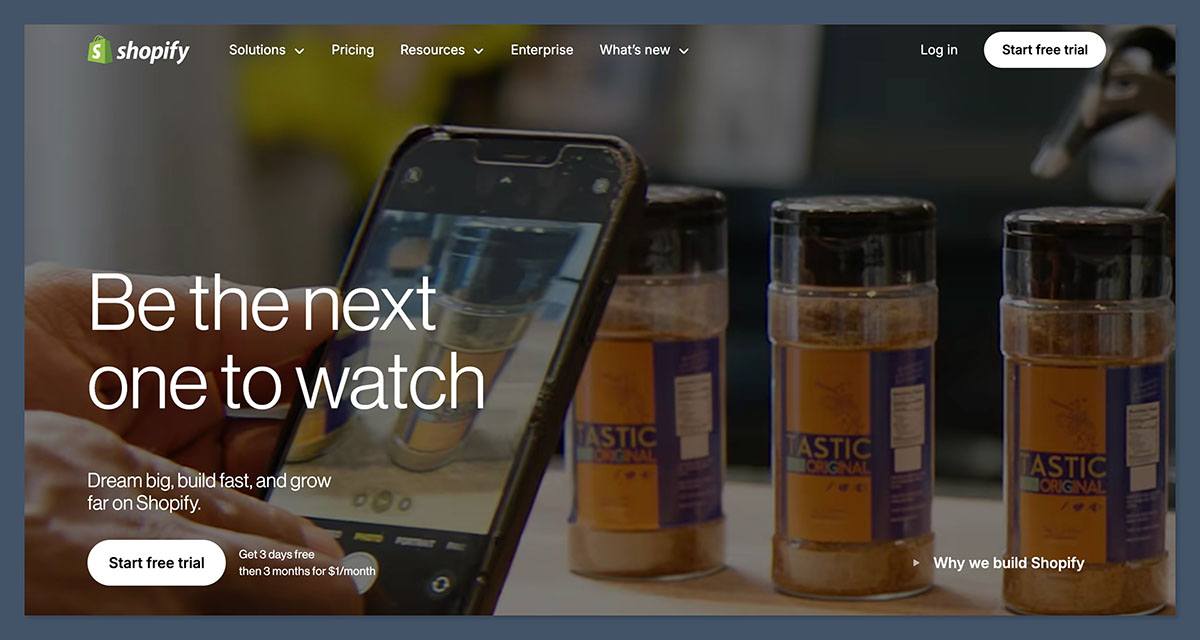
Shopify is designed from the ground up to be an ecommerce workhorse. Every feature is built with product sales in mind. You can create a polished online storefront with minimal effort, and Shopify handles the backend complexity for you.
Key features include:
- Customizable storefront themes
Shopify offers over 200 themes, including free and premium designs. These are mobile-optimized and tailored for ecommerce, with industry-specific layouts. - Robust product and inventory management
Shopify makes it easy to add product variants, track stock levels, and organize collections. - Integrated shipping and fulfillment tools
You can generate shipping labels, calculate real-time rates, and use third-party fulfillment services. - Multichannel selling
Shopify connects with Amazon, eBay, Facebook, Instagram, and TikTok, so you can list and manage products across platforms from a single dashboard. - Built-in payment gateway
Shopify Payments allows you to accept credit cards without third-party fees, while still supporting PayPal, Apple Pay, and others. - Shopify Flow and Scripts (Advanced/Plus plans)
These automation tools help larger businesses streamline operations like fraud detection, customer tagging, and checkout logic.
Shopify is best when your business revolves around products. It’s fast, reliable, and scalable — from a single-product landing page to a multi-national storefront.
HubSpot’s Strengths
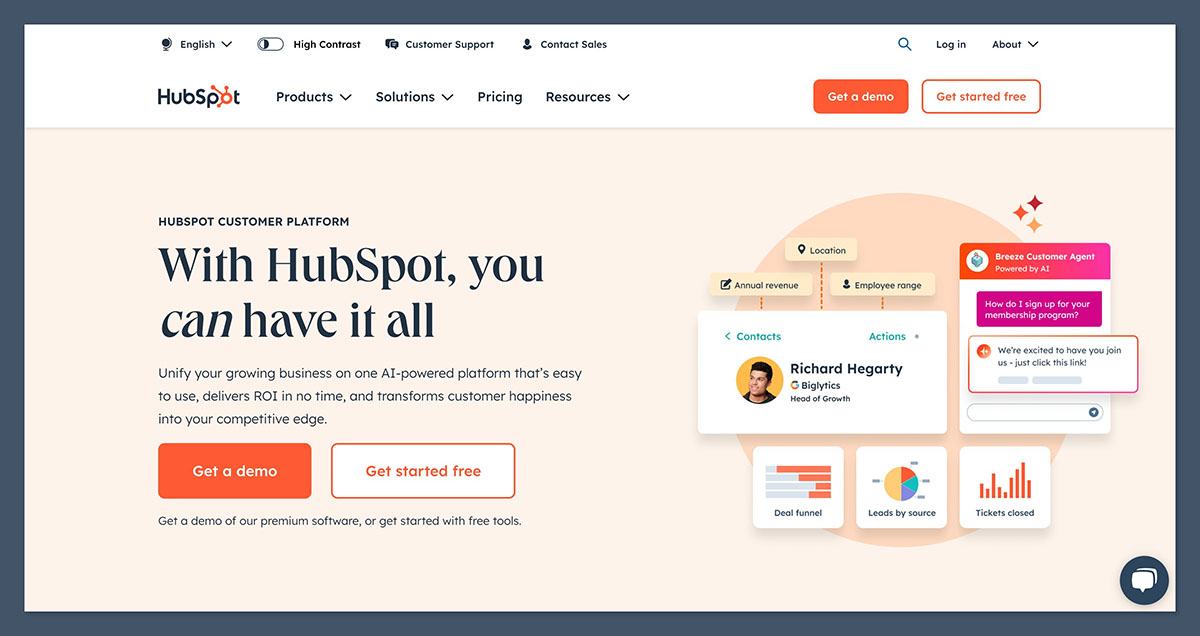
While Shopify helps you close the sale, HubSpot helps you make sure that sale happens in the first place, and continues to happen. Its ecosystem is built for nurturing relationships, managing leads, and turning one-time buyers into long-term customers.
Key features include:
- Smart CRM with full customer timeline
Every customer interaction — emails, page visits, form fills, conversations — is stored and viewable in a single profile. - Marketing automation
Build multi-step workflows triggered by specific behaviors. For example, send a discount code to a customer who views a product twice but doesn’t purchase. - Sales pipelines and sequences
Visual pipelines let your team manage deals and tasks. Sequences automate outreach with personalization tokens and automated follow-ups. - Advanced reporting and attribution
Track marketing ROI from first touch to purchase. Custom reports help connect revenue to channels, campaigns, and content. - Content tools and landing pages
The drag-and-drop builder helps create landing pages, blogs, and email templates — all with built-in SEO tools and form integrations. - Customer service and support
HubSpot’s Service Hub includes ticketing systems, live chat, surveys, and a knowledge base — all tied into the same CRM.
HubSpot is ideal when you need a complete view of your customer lifecycle and want to personalize their journey with targeted communication and automation.
Which Platform Should You Use; Or Should You Combine Both?
Making the right decision often comes down to your business type, your team’s capabilities, and where you’re feeling the most friction today.
- If your main priority is selling products online, and you want a reliable platform that handles logistics and checkout, Shopify is the stronger choice.
- If your priority is customer acquisition, retention, and lifecycle management, HubSpot provides far more power and flexibility.
- If you’re growing fast and need to improve both sales operations and customer engagement, integrating both platforms gives you the best of both worlds.
The Shopify-HubSpot integration allows customer and order data to flow between the systems. This means you can trigger email campaigns based on Shopify orders, track ecommerce behavior in HubSpot, and create a seamless customer journey from first visit to repeat purchase.
Here’s a summary based on business type:
| Business Type | Recommended Platform |
|---|---|
| Early-stage online store | Shopify |
| High-AOV or B2B ecommerce | Shopify + HubSpot |
| Subscription-based ecommerce | Shopify + HubSpot |
| Info-product or service business | HubSpot |
| Mid-market DTC brand | Shopify + HubSpot |
As this table shows, most businesses doing more than basic ecommerce will benefit from using both platforms together. Shopify handles the storefront and checkout, while HubSpot supports deeper marketing, sales, and customer engagement workflows behind the scenes.
Final Thoughts
Shopify and HubSpot each bring significant value to growing businesses, but in very different ways.
Shopify is your ecommerce backbone. It powers the storefront, handles transactions, and takes care of the details that make online shopping seamless.
HubSpot is your growth engine. It builds the relationships, powers the funnels, and ensures that your marketing and sales efforts are working together.
Rather than choosing between the two, most high-performing ecommerce brands eventually combine both.
If your business is growing, and you’re ready to invest in long-term success, this combination can unlock the kind of performance and insight that single-platform stacks rarely offer.


