Format and Squarespace are two popular website builders, but which is the better fit for your goals?
After reviewing their features, pricing, and workflows in detail, the answer depends on what you need: a portfolio-first experience or a full-featured business platform.
Format is the better choice for photographers and creatives who want client delivery tools with a light online store.
Squarespace is ideal for creators running full businesses who want stronger ecommerce, blogging, and marketing features.
In this article, I’ll walk through the differences between Format and Squarespace, breaking them down by pricing, ecommerce tools, templates, and more.
Quick Comparison: Format vs Squarespace
Get a quick look at how these two platforms compare at a glance:
| Feature | Format | Squarespace |
|---|---|---|
| Best For | Portfolio-first sites with light selling | Business websites with full content + ecommerce |
| Starting Price | $10/month (billed annually) | $16/month (billed annually) |
| Ecommerce Tools | Simple, product-limited store | Advanced commerce features |
| Transaction Fees | 0% (not including payment processor fees) | 2% on Business plan, 0% on Commerce plans |
| Client Galleries | Yes | No |
| File Delivery | Yes | No |
| SEO & Blogging | No blog, minimal SEO settings | Built-in SEO tools and blogging |
| Templates | Minimalist, designed for creators | Flexible and customizable across business types |
| Free Trial | 14 days | 14 days |
Best for Pricing: Format Wins for Creators, Squarespace Offers More Features
When comparing Format and Squarespace side by side on price, it’s clear they serve different budgets and priorities.
Format starts at $10 per month for a basic portfolio, while Squarespace starts at $16 per month for a personal website plan.
Format Pricing
| Plan | Monthly Price (Annual Billing) | Ecommerce Limitations |
|---|---|---|
| Basic | $10 | No ecommerce |
| Pro | $12 | 15 product limit |
| Pro Plus | $15 | Up to 1000 products |
Format’s Pro and Pro Plus plans include client galleries, file delivery tools, and access to the online store builder. All plans are commission-free, meaning you only pay standard Stripe or PayPal fees when selling.
Squarespace Pricing
| Plan | Monthly Price (Annual Billing) | Ecommerce Features | Transaction Fee |
|---|---|---|---|
| Personal | $16 | No ecommerce | N/A |
| Business | $23 | Basic store, limited features | 2% |
| Basic Commerce | $27 | Full store with 0% fee | 0% |
| Advanced Commerce | $49 | Full store + advanced features | 0% |
If you want to avoid transaction fees and unlock real store tools, Squarespace requires a minimum of $27/month for its Basic Commerce plan.
The Verdict
- Format is more affordable if you’re a photographer or creative focused on showcasing work and lightly selling it.
- Squarespace costs more but includes robust ecommerce tools and deeper features for content creation.
Best for Selling Online: Squarespace Is More Advanced
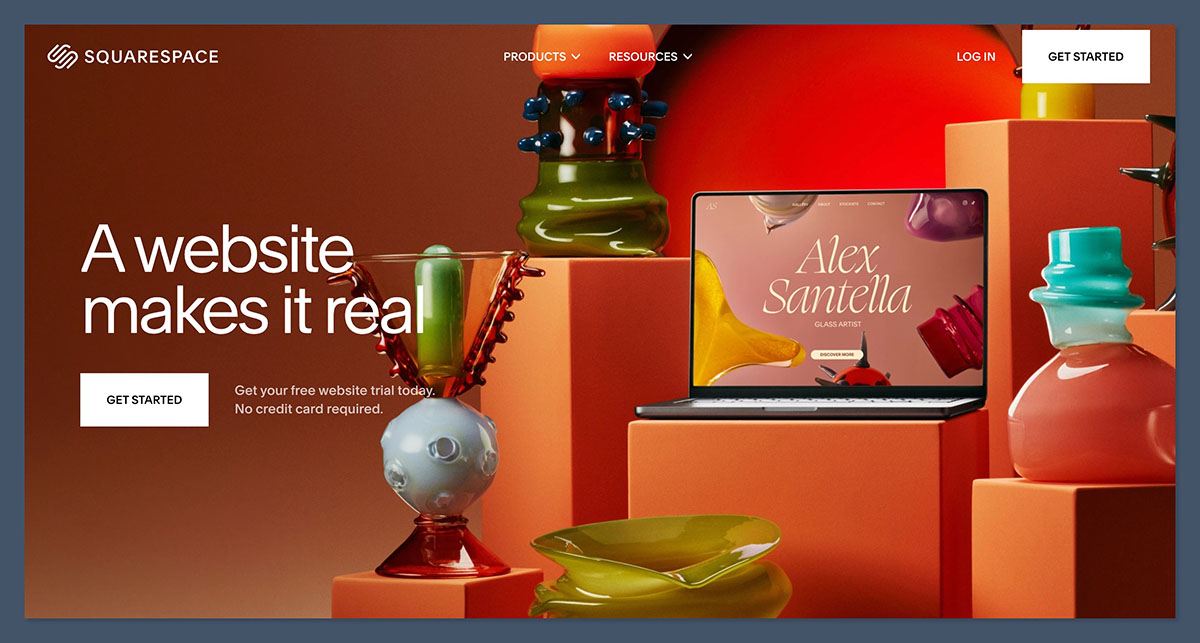
Both Format and Squarespace let you sell online, but Squarespace offers far more advanced features for serious sellers. Format is great for light sales, but it has product caps and fewer marketing tools.
Format’s Online Store
With Format, you can build a clean store and start selling without worrying about platform transaction fees. Key features include:
- Commission-free sales (just Stripe/PayPal fees)
- Digital and physical product support
- Clean checkout experience
- Client gallery upsell options
That said, Format limits how many products you can sell depending on your plan. For example, the Pro plan only supports 15 products, and Pro Plus caps out at 1000.
This works for small shops or creators selling a few prints, but it’s not ideal if you’re scaling inventory.
Squarespace’s Ecommerce Features
Squarespace offers a full commerce platform, complete with tools built to support growing online businesses. These include:
- Unlimited products on commerce plans
- Abandoned cart recovery
- Inventory management
- Subscriptions and digital product support
- Checkout customization
- Discount codes and promotional banners
It also supports multichannel selling through integrations with Instagram, Facebook, and marketplaces like Amazon and Etsy.
The Verdict
- Use Format if you sell a small number of products and want simplicity without fees.
- Use Squarespace if you need flexibility, inventory management, or want to grow your store long-term.
Best for Portfolios and Client Workflow: Format Is the Clear Winner
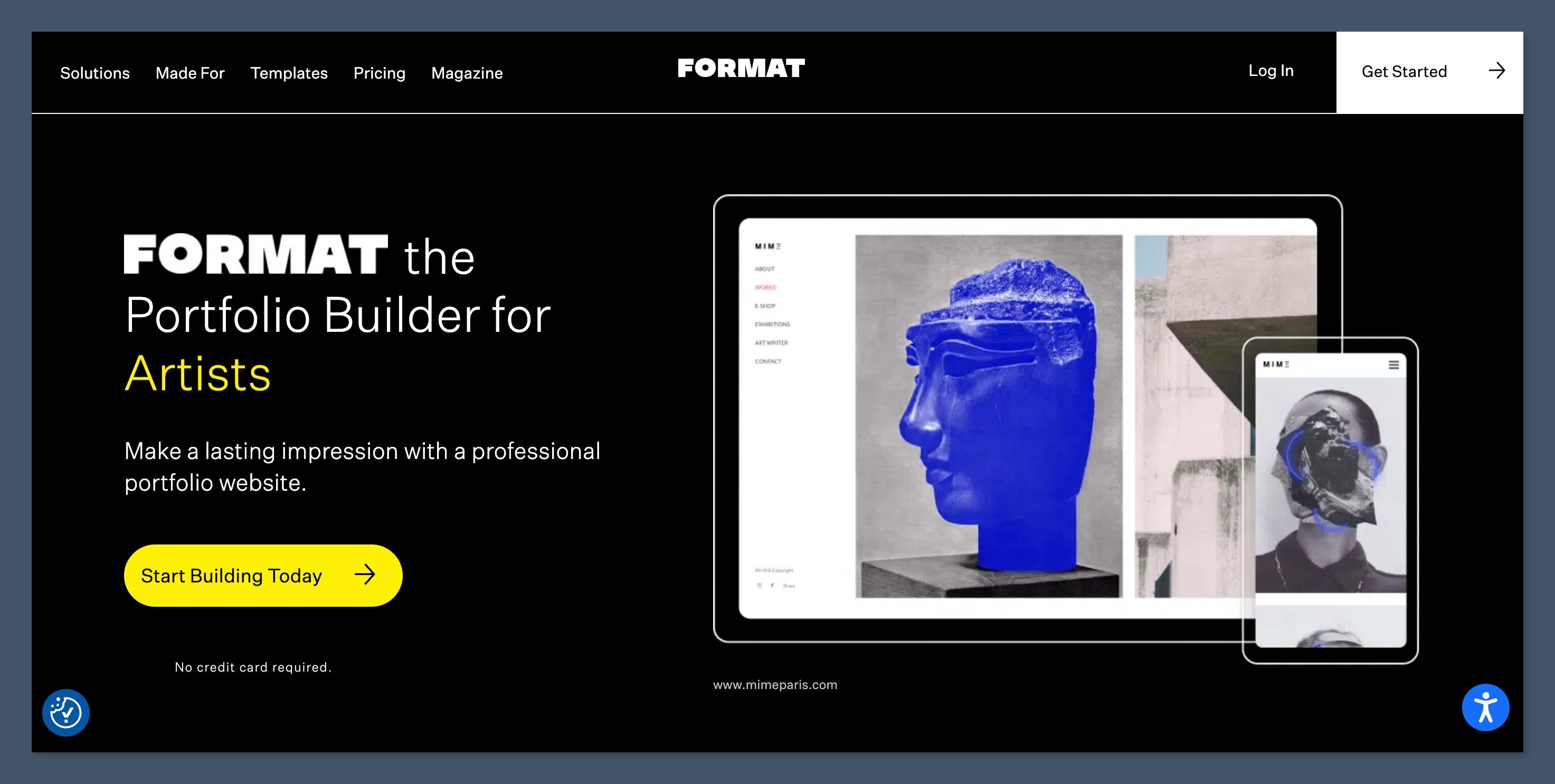
Format was built for photographers and visual creatives, and its features reflect that. If you need a website to showcase your work and deliver it to clients, Format is built for you.
Format’s Portfolio Strengths
Format offers tools no other platform includes natively, such as:
- High-resolution image galleries
- Proofing galleries for client review
- Password-protected client areas
- Built-in file delivery
- Photographer-focused templates
This client delivery system is especially valuable for wedding photographers, commercial shoots, and creative freelancers who want an easy way to deliver work without using external file transfer tools.
Squarespace’s Limitations for Portfolios
While Squarespace has beautiful templates that work for portfolios, it lacks integrated tools for:
- Client file delivery
- Proofing
- Password-protected galleries with review/feedback features
You can try to build workarounds with Squarespace’s features or apps, but Format’s workflow is much smoother if you work directly with clients.
The Verdict
- Format is purpose-built for portfolios and client work.
- Squarespace is more of a generalist and lacks dedicated delivery tools.
Best for Blogging and SEO: Squarespace Has the Edge
If your site needs content marketing, blogging, or SEO tools, Squarespace is the stronger platform. Format does not support blogging, which is a big limitation for creators who want to build traffic organically.
Format’s SEO and Content Features
- No blog or content engine
- Basic image alt tags and titles
- No custom meta titles or descriptions
- Not ideal for ranking content in search
Format’s focus is visual display and simple ecommerce. SEO and content strategy are not its strengths.
Squarespace’s SEO and Blogging Tools
Squarespace includes everything you need to publish content and rank online:
- Built-in blog with categories and tags
- Custom meta titles and descriptions
- Structured data and schema support
- URL customization
- Sitemap and SSL included
- Semrush-powered SEO Booster app
Squarespace also includes integrated email marketing so you can build campaigns without leaving the platform.
The Verdict
- Choose Squarespace if you plan to publish content or grow traffic from search.
- Skip Format if SEO and blogging are important to your strategy.
Best Templates and Design Flexibility: Squarespace Offers More Customization
Both platforms have clean, modern templates, but Squarespace offers more control over customization and layout flexibility.
Format Design Features
- Clean, minimalist templates designed for creatives
- Limited customization without code
- Quick setup for image-heavy sites
Format focuses on keeping things simple and visually appealing, but you may hit limitations if you want to build more custom layouts.
Squarespace Design Features
- 100+ templates across categories
- Section-based editor with layout control
- Custom font, color, and spacing controls
- Mobile editing and live preview
Squarespace also allows more advanced tweaks with custom CSS and developer mode if needed.
The Verdict
- Format wins for speed and simplicity in setting up a beautiful portfolio.
- Squarespace wins for flexibility and design control.
Best for Business Features and Marketing: Squarespace Takes the Lead
Format keeps things lightweight, while Squarespace gives you business tools to support long-term growth.
Format’s Business Tools
- Built-in online store
- Client delivery tools
- Basic contact forms
That’s about it. No blogging, no analytics dashboard, no integrations with other platforms.
Squarespace’s Business Tools
- Email marketing
- Social integrations
- Member areas
- Event scheduling (via Acuity)
- Advanced analytics
- Built-in form builder
If you’re building a business, Squarespace gives you the tools to manage customers, create content, and track performance — all without external tools.
The Verdict
- Squarespace is better for creators who treat their site like a business.
- Format is better for creatives who want to share their work and deliver it simply.
Final Verdict: Which One Should You Use?
Here’s my recommendation after testing both Format and Squarespace:
| Use Case | Best Platform |
|---|---|
| Photographer or visual artist | Format |
| Need client proofing and delivery | Format |
| Sell a few prints or digital downloads | Format |
| Run a creative business | Squarespace |
| Need blogging and SEO tools | Squarespace |
| Build a scalable online store | Squarespace |
Both platforms offer free trials, so I suggest trying them both.
Format will feel like home if you’re a photographer who needs galleries and file delivery. Squarespace will feel more complete if your business relies on content, ecommerce, and marketing.
If you’re serious about growing online, Squarespace is the more future-proof option.


