Shopify and GoDaddy are two of the most well-known platforms for building websites, and both now offer ecommerce tools that appeal to small business owners.
But after testing them both hands-on, I can say this confidently: if ecommerce is central to your business, Shopify is the more powerful long-term solution.
If your goal is to launch a simple business site quickly, and selling is more of a side feature, GoDaddy is likely the more convenient starting point.
I’ve built sites on both platforms, tested their commerce features, explored their pricing, and reviewed how they stack up across the most important criteria for online sellers.
Whether you are building your first store or rethinking your tech stack, this detailed breakdown will help you decide which platform fits your business.
Key Takeaways
- Shopify is the better option for online-first businesses focused on growth, with robust ecommerce features and long-term scalability.
- GoDaddy is ideal for small service businesses that want a quick online presence with light ecommerce functionality.
- Shopify includes advanced ecommerce tools like multichannel selling, app integrations, and abandoned cart automation from its entry-level plan.
- GoDaddy offers lower starting prices and a simple website builder, but ecommerce features are limited.
- Shopify charges extra fees for third-party payment gateways, while GoDaddy advertises zero transaction fees on its commerce plan.
A Quick Comparison of Shopify vs GoDaddy
Use the table below to get a quick overview of the key differences between these two platforms.
| Feature | Shopify | GoDaddy |
|---|---|---|
| Best for | Scalable ecommerce stores | Simple small business sites |
| Starting price | $29 per month (billed annually) | $9.99 per month |
| Ecommerce focus | Built-in from the ground up | Added as a feature to a site builder |
| Multichannel selling | Yes | Limited |
| App store | 8,000+ apps | Small selection |
| Ease of use | Moderate learning curve | Very beginner-friendly |
| Transaction fees | Up to 2 percent if not using Shopify Payments | 0 percent transaction fees |
| Support | 24/7 live chat and email | 24/7 support with knowledge base |
What Types of Businesses Should Use Shopify or GoDaddy?
Both Shopify and GoDaddy offer ecommerce features, but they serve different use cases depending on your goals, technical needs, and growth ambitions.
Shopify Is Best For:
- Businesses that plan to scale product catalogs, channels, and marketing over time
- Entrepreneurs focused on online revenue and growth
- Sellers who want access to powerful tools like reporting, automation, and third-party app integrations
- Brands that need a customizable, dedicated ecommerce storefront
- Stores that need features like custom discounts, abandoned cart recovery, or POS support
GoDaddy Is Best For:
- Small businesses that need an online presence quickly, with ecommerce as a secondary feature
- Local service providers, consultants, and appointment-based businesses
- Users who prefer an all-in-one solution with domain, email, and hosting included
- Sellers with fewer than 100 products and no plans to scale complexity
- Those looking for lower monthly costs with fewer moving parts
If you know ecommerce will drive the bulk of your income, Shopify is the safer bet. If your site is mostly about showcasing your business and selling a few products here and there, GoDaddy might be enough.
1. Best for Pricing: GoDaddy
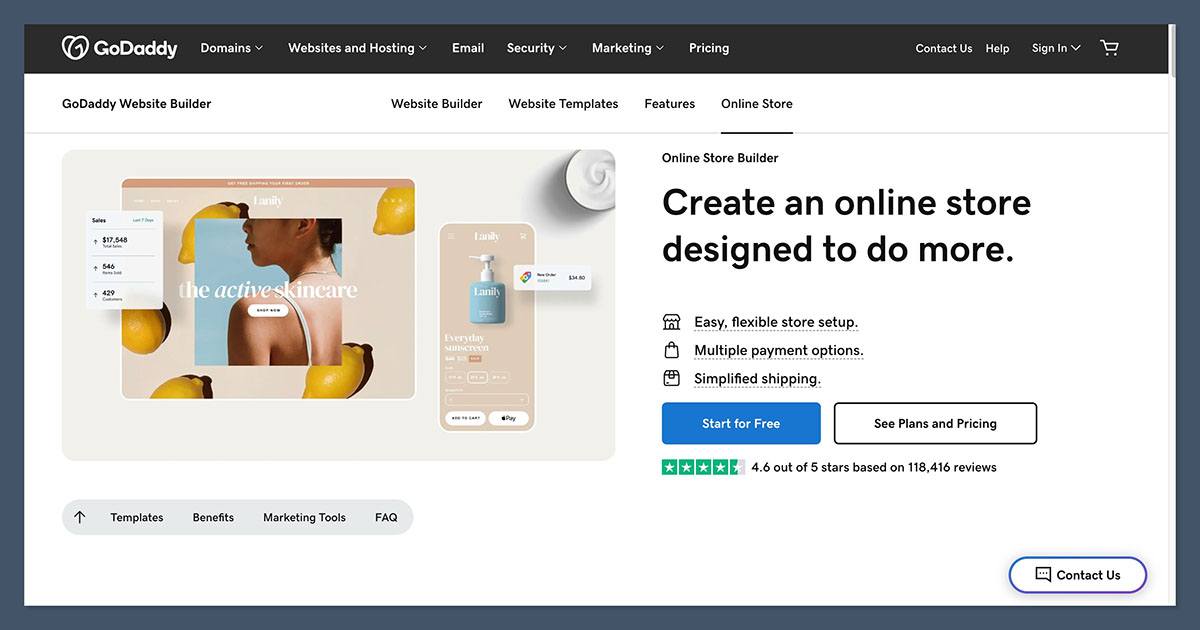
The Winner: GoDaddy’s lower starting prices and zero transaction fees make it the more affordable entry point for small businesses.
Let’s break down the pricing plans side by side.
Absolutely, here’s a fully expanded and detailed version of the Shopify pricing section. It keeps the same structured tone as the rest of your article and integrates the necessary context, trade-offs, and real-world implications.
Shopify Pricing
Shopify offers three main pricing plans that cover most use cases, from new businesses starting out to high-volume stores looking to scale. All pricing below is based on annual billing, which offers a discount compared to paying monthly.
Shopify Pricing Tiers
- Basic – $29 per month
Ideal for newer businesses or individuals just starting to sell online. This plan includes all the fundamental features needed to manage a small ecommerce operation. - Shopify (formerly “Standard” or “Grow”) – $79 per month
Designed for growing businesses. It includes additional reporting features, more staff accounts, and lower transaction fees. - Advanced – $299 per month
Built for scaling brands that need deeper insights, advanced shipping tools, and expanded customization. This tier unlocks the most detailed reports and supports higher order volume efficiently.
Here’s a quick breakdown of the core features included across all plans:
| Feature | Basic | Shopify (Grow) | Advanced |
|---|---|---|---|
| Online store | Yes | Yes | Yes |
| Unlimited products | Yes | Yes | Yes |
| Staff accounts | 2 | 5 | 15 |
| Discount codes | Yes | Yes | Yes |
| Abandoned cart recovery | Yes | Yes | Yes |
| Basic reports | Yes | Yes | Yes |
| Professional reports | No | Yes | Yes |
| Advanced report builder | No | No | Yes |
| Real-time carrier shipping | No | No | Yes |
| International pricing & domains | Yes | Yes | Yes |
Shopify Payments and Transaction Fees
One important consideration when choosing Shopify is how you plan to accept payments.
If you use Shopify Payments, which is their native payment processor, you avoid extra transaction fees charged by the platform. You’ll still pay credit card processing fees, which are standard in ecommerce. For U.S. merchants using Shopify Payments, those fees look like this:
- Basic: 2.9 percent + 30¢ per online transaction
- Shopify: 2.6 percent + 30¢ per transaction
- Advanced: 2.4 percent + 30¢ per transaction
However, if you choose to use a third-party payment provider (like PayPal, Authorize.net, or Stripe), Shopify charges an additional platform fee on every transaction. These fees are:
- Basic: 2 percent
- Shopify: 1 percent
- Advanced: 0.6 percent
This fee is on top of whatever the third-party provider charges for processing. It can add up quickly, especially for high-volume stores that don’t use Shopify Payments.
Extra Costs to Consider
While the core pricing gives you access to a fully functional store, many businesses find that the true monthly cost of running a Shopify store is higher due to:
- Apps – Many features, like advanced SEO tools, upsells, reviews, or loyalty programs, require third-party apps. These can range from $5 to over $100 per month.
- Themes – Shopify offers 24 free themes, but premium themes range from $100 to $500 as a one-time purchase.
- Custom domains – While you can connect your existing domain, purchasing one directly through Shopify usually costs around $14 per year.
- Shipping and fulfillment – Depending on your location and business model, you may need to integrate with fulfillment services, which can add further costs.
- Email marketing – Shopify Email is included with a limited number of sends. For larger campaigns or advanced automation, you may need to integrate with platforms like Klaviyo, Mailchimp, or Omnisend.
Shopify is not the cheapest ecommerce platform on the market, but it justifies its price with scalability and features. From the moment you start selling, it gives you tools for multichannel selling, abandoned cart recovery, and marketing — things that cost extra or are missing entirely on many competitors.
Still, it’s important to calculate your total monthly spend, not just the subscription cost. Once you factor in apps, payment fees, and add-ons, most Shopify users spend anywhere from $50 to $300+ per month, depending on business size.
If you want the most robust ecommerce experience, Shopify is a solid investment. But if you’re just starting and budget is tight, be prepared for the extras to add up.
Absolutely, here’s the fully expanded and detailed version of the GoDaddy Pricing section. It’s written in the same structured, narrative style as the rest of your article, and mirrors the format of the expanded Shopify pricing section for consistency.
GoDaddy Pricing
GoDaddy offers a simple, all-in-one pricing structure that appeals to small businesses looking to get online quickly without a large upfront investment. Unlike Shopify, GoDaddy’s pricing model blends website building and ecommerce into the same platform, with ecommerce features only available on the top tier.
GoDaddy Pricing Tiers
- Basic – $9.99 per month
This plan is suitable for small businesses that don’t need ecommerce. You can build a simple site, connect a custom domain, and access basic marketing and analytics tools. - Premium – $14.99 per month
This tier adds additional marketing tools, including expanded email marketing and appointment features. Still, ecommerce is not included. - Commerce – $20.99 per month
This is the only plan that includes ecommerce functionality. It allows you to sell products online, manage orders, set up shipping, and accept payments.
All pricing is based on standard monthly rates, but GoDaddy frequently offers discounted introductory offers, especially for the first year. It’s common to see promotional pricing as low as $1.00 to $6.99 per month for the first term, though regular pricing applies upon renewal.
What’s Included in GoDaddy’s Commerce Plan?
The Commerce plan is where GoDaddy becomes a true ecommerce platform. While it’s not as deep as Shopify’s offering, it does include everything needed for basic online selling, such as:
- Online store with support for physical and digital products
- Inventory tracking and low-stock alerts
- Built-in product catalog with category management
- Discount codes and promotional pricing
- Shipping and pickup options
- Tax calculations for U.S. sales
- Integration with marketplaces and social platforms (like Amazon, eBay, Facebook, Instagram)
- Appointment scheduling and service-based checkout options
GoDaddy’s dashboard is simplified, and most ecommerce features are bundled into the main interface, making it easier to manage for beginners who don’t want to deal with third-party plugins or integrations.
No Transaction Fees
One major advantage of GoDaddy’s Commerce plan is that it does not charge any platform-specific transaction fees. You can accept payments through PayPal or Stripe, and only the standard credit card processing fees from those providers apply.
This is in contrast to Shopify, which charges additional transaction fees if you use any gateway other than Shopify Payments.
For small businesses working with tight margins, avoiding extra platform fees can make a meaningful difference.
Additional Costs to Be Aware Of
Although GoDaddy’s pricing is simpler than Shopify’s, there are still a few optional costs to consider:
- Domains – A custom domain is often included for free in the first year but typically renews at around $19.99 per year.
- Email marketing – Basic tools are included, but email send limits may apply based on your plan.
- Website add-ons – While GoDaddy doesn’t rely on third-party apps the way Shopify does, some extra features like branded email or enhanced marketing tools may come with additional costs.
There is no app marketplace comparable to Shopify’s, which means fewer hidden costs, but also less flexibility if you want to expand beyond the included features.
GoDaddy offers one of the most affordable paths to launching an online store, especially for first-time sellers. At $20.99 per month with no added transaction fees, its Commerce plan is a solid option for basic ecommerce needs and fits well within most small business budgets.
It’s also worth noting that the all-in-one structure helps reduce the overall cost. You don’t need to pay for separate hosting, apps, or security tools — they’re built in.
That said, the affordability comes with trade-offs. You won’t get access to advanced ecommerce features like complex discount rules, multi-currency selling, deep analytics, or a large app ecosystem. As a result, GoDaddy is not ideal for businesses that plan to grow aggressively or require custom workflows.
Verdict
If your goal is to get online fast, start selling without complexity, and keep costs low, GoDaddy’s pricing is one of the easiest to manage in the ecommerce space. For more advanced selling needs or scalability, Shopify still holds the edge — but that flexibility comes with higher long-term costs.
2. Best for Selling Online: Shopify
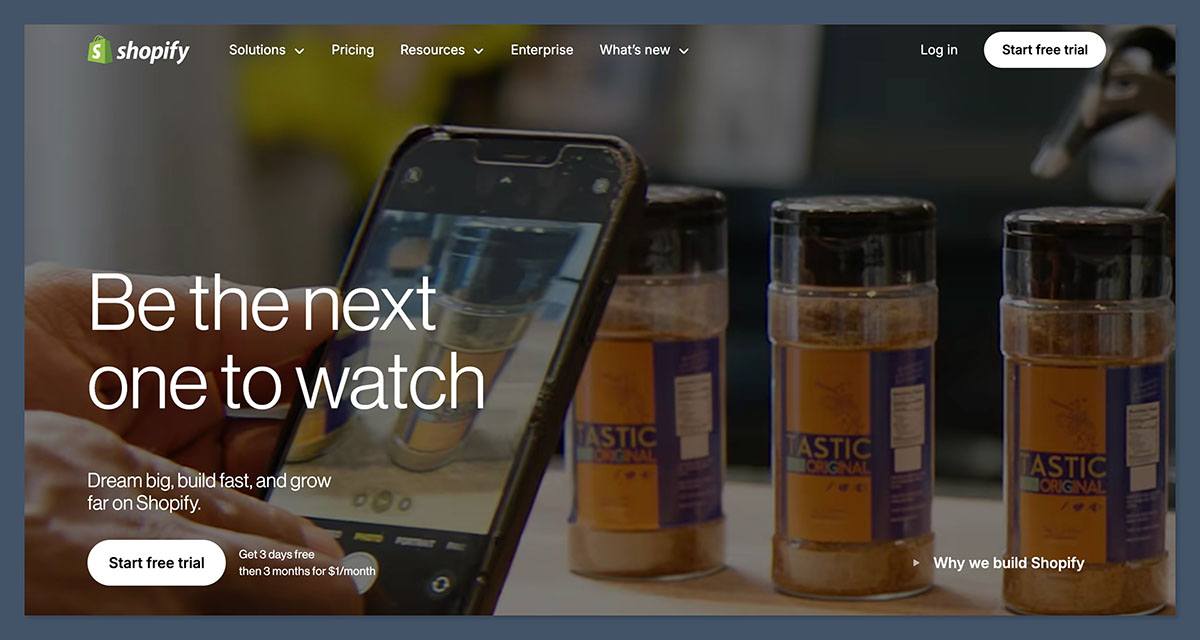
The Winner: Shopify offers a stronger set of ecommerce tools out of the box, making it ideal for serious selling.
When it comes to real ecommerce functionality, Shopify is built for the job. The entire platform revolves around product sales, customer management, shipping logistics, and marketing integrations.
Shopify Ecommerce Features
- Product variants, collections, and advanced inventory management
- Discount codes, gift cards, and abandoned cart emails
- Multichannel selling through Meta, TikTok, Amazon, eBay, and more
- 100+ payment gateways and its own Shopify Payments option
- Real-time shipping quotes and third-party fulfillment support
Shopify also allows for nearly unlimited customization through its large app ecosystem. You can find apps for upsells, bundling, loyalty programs, subscriptions, and advanced tax handling.
Shopify’s App Store features over 8,000 third-party integrations, giving merchants the flexibility to tailor their store to specific business models or industry needs.
While some of these apps are free, many come with monthly fees, so it’s important to factor them into your ongoing budget.
GoDaddy Ecommerce Features
- Product management with support for physical and digital goods
- Simple discount creation and shipping settings
- Appointment bookings and service scheduling
- Integrated checkout with PayPal and Stripe
- Built-in tax calculation for U.S. sales
GoDaddy’s ecommerce tools are fine for smaller stores but lack the flexibility and depth needed for scaling.
There are fewer customization options and limited support for complex promotions, multi-location inventory, or advanced reporting.
Verdict
If your business depends on ecommerce revenue, Shopify offers a more complete and flexible system. GoDaddy works well for lighter use cases but is not designed to power a full online retail operation.
3. Best for Site Design and Customization: Shopify
The Winner: Shopify provides more professionally designed templates and customization tools.
Shopify’s storefront designs are modern, mobile-friendly, and built with conversion in mind. You can choose from over 200 themes, including 24 free options, and each theme is customizable through a section-based editor.
Shopify also supports:
- HTML and CSS editing
- Third-party themes and template marketplaces
- App integrations for visual merchandising
GoDaddy has a much smaller template library. Its site builder is simple and user-friendly, but lacks flexibility. You can choose from preset layouts and edit text, images, and colors, but cannot go far beyond those limits.
Verdict
If brand identity and design control matter to your store, Shopify gives you more tools to create a unique experience.
4. Best for Marketing and SEO: Shopify
The Winner: Shopify has stronger tools for marketing automation, integrations, and SEO optimization.
Shopify includes robust marketing features and can easily connect with:
- Meta and TikTok ad platforms
- Google Shopping feeds
- Email marketing (via Shopify Email or integrations like Klaviyo)
- SEO apps and schema tools
- Social selling integrations with Instagram and Pinterest
SEO tools include editable URLs, image alt text, auto-generated sitemaps, meta fields, and canonical tags.
Shopify also supports customizable title tags and meta descriptions for every product, collection, and page, helping you optimize for target keywords. For more advanced users, it offers built-in support for 301 redirects and structured data, making it easier to manage SEO at scale.
GoDaddy’s marketing tools include:
- Simple email campaigns and social media posts
- Basic SEO (page titles, descriptions)
- Limited integrations with third-party ad platforms
GoDaddy also offers a built-in content creation tool for drafting blog posts and basic promotional material, although it lacks advanced formatting and automation.
While it covers the essentials, its SEO and marketing tools are more suited to businesses focused on local visibility rather than national or international search performance.
Verdict
While GoDaddy’s features cover the basics, Shopify gives you the depth and flexibility to run a full marketing strategy from one dashboard.
5. Best for Ease of Use: GoDaddy
The Winner: GoDaddy’s interface is easier for beginners and small business owners to navigate.
GoDaddy excels at simplicity. Its onboarding flow is clean, the dashboard is minimal, and the editor makes it easy to update pages, products, and settings. For someone without technical experience, it is one of the fastest ways to go from idea to live website.
Shopify’s admin panel is more powerful but also more complex.
While not difficult to learn, it does come with more settings, menus, and decisions to make. This tradeoff is the result of offering a more capable ecommerce system.
Verdict
If speed and ease are top priorities, and your selling needs are simple, GoDaddy makes setup fast and painless. If you are ready to manage a fuller ecommerce operation, Shopify is worth the learning curve.
6. Best for Business Growth and Scaling: Shopify
The Winner: Shopify’s infrastructure, features, and partner ecosystem are designed to support growth.
As your store grows, Shopify adapts. You can add more staff accounts, unlock analytics, expand internationally, and introduce new sales channels without switching platforms.
Key scaling features include:
- Shopify Plus for enterprise stores
- International selling with currency conversion
- Third-party fulfillment center integrations
- Headless commerce options via APIs
- Deep analytics and reporting tools
These features make Shopify a strong choice for businesses expecting rapid growth or managing complex operations across multiple regions.
As your needs evolve, Shopify’s infrastructure can support higher order volumes, advanced workflows, and custom development without requiring a platform switch.
GoDaddy does not offer the same extensibility. While fine for side hustles and small stores, it lacks the power to support complex operations or large catalogs.
Its limited app ecosystem and absence of advanced developer tools mean you won’t have much flexibility to build custom features or integrations. For businesses that outgrow GoDaddy’s built-in capabilities, migrating to a more robust platform is often necessary.
Verdict
If you expect your business to grow in complexity, team size, or market reach, Shopify offers the scalability and flexibility that GoDaddy simply cannot match.
Final Verdict: Shopify vs GoDaddy
If your main goal is to build a serious online store that grows with you, Shopify is the better platform. It offers more depth, better tools, and flexibility that GoDaddy simply cannot match.
Yes, it costs more, and yes, it takes longer to learn, but the tradeoff is a system that can scale with your business.
On the other hand, if you want a clean, simple website with some ecommerce functionality, GoDaddy makes that process quick and affordable. It is ideal for service providers, consultants, or small businesses that only need ecommerce occasionally.
Both platforms work, but they serve different needs. Choose based on where your business is today and where you want it to go next.


