Choosing the right platform to build your website is a foundational decision that can either support or limit your growth.
If you’re comparing Shopify and Google Sites, it’s likely because you’re weighing two vastly different types of tools: one designed to help you build and scale an online store, and the other meant to make it as simple as possible to publish content or internal resources.
While Shopify and Google Sites may appear side by side in some search results, they are designed for very different jobs.
I’ve personally tested both platforms, used them in different real-world contexts, and spoken with business owners and teams who rely on them daily.
This review will walk you through the strengths and weaknesses of each option and help you understand which one is best suited to your goals.
Shopify vs Google Sites: Quick Verdict
If your primary goal is to sell products online, whether physical, digital, or services, Shopify is the clear winner.
It is an ecommerce platform at its core, with tools that support every stage of selling: from listing products to accepting payments, managing orders, and scaling your marketing.
Google Sites, on the other hand, is best suited for publishing simple, static websites, especially for internal documentation, project overviews, or lightweight public pages.
It shines when you need something live quickly, especially if you’re already using Google Workspace in your organization.
These platforms don’t compete directly (they serve different purposes), but many people consider them side by side when starting out or working on small projects.
Overview Table: Key Differences Between Shopify and Google Sites
| Feature | Shopify | Google Sites |
|---|---|---|
| Core Purpose | Ecommerce website builder | Internal or public content publishing |
| Checkout and Payment | Built-in checkout, order and tax handling | No native checkout, only embeds or links |
| Product Management | Full catalog and inventory tools | Not supported |
| SEO and Marketing Tools | Advanced, with apps and integrations | Basic, limited to page titles and descriptions |
| Custom Domains | Fully supported | Supported, but setup can vary based on account type |
| Design and Templates | 200+ ecommerce-focused themes | Minimal templates for basic layouts |
| Integrations | Over 8,000 third-party apps | Deep integration with Google Workspace |
| Support | 24/7 live chat, help center, forums | Limited to Workspace support resources |
| Pricing | Starts at $39/month | Free, or bundled with Google Workspace plans |
Selling Online: Shopify Is Purpose-Built for Ecommerce
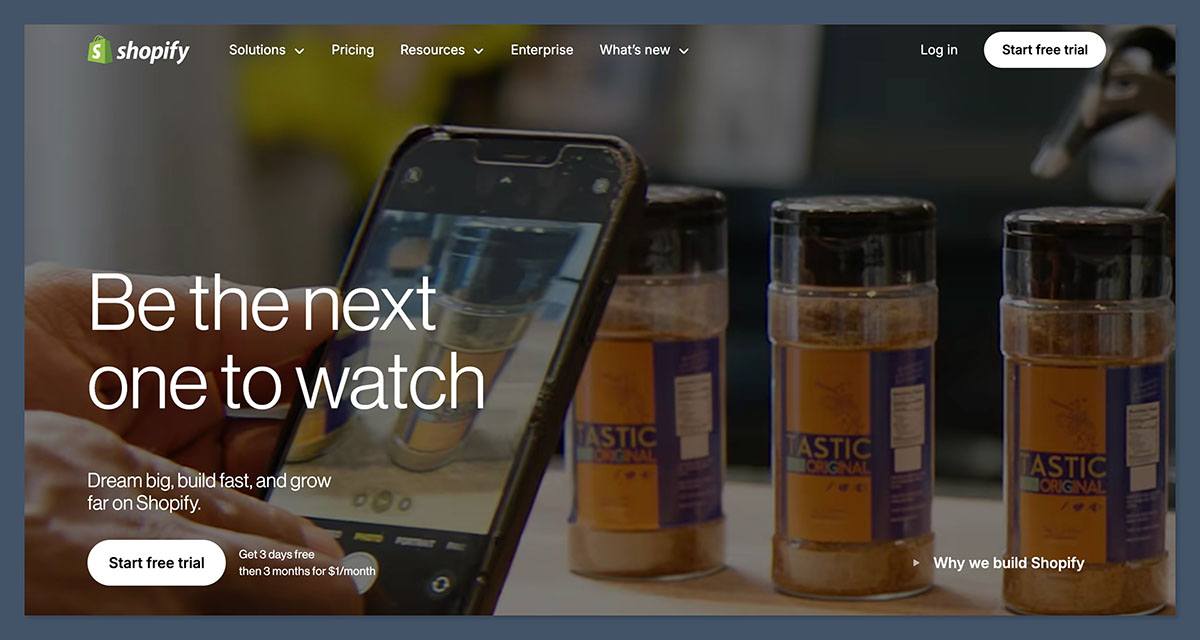
If you need to process payments, manage orders, run promotions, and grow your business through an online storefront, Shopify delivers a complete ecosystem designed to handle all of those tasks from day one.
Every feature in Shopify’s core experience is optimized for ecommerce.
When I set up a store on Shopify, I was guided through adding products, setting shipping rules, choosing payment providers, and customizing my storefront, all within a user interface that’s intuitive and made specifically for sellers.
Some of Shopify’s core selling tools include:
- A secure and customizable checkout process that works across desktop and mobile
- Native support for discounts, abandoned cart recovery, and sales tracking
- Real-time shipping quotes, tax settings by region, and multi-currency capabilities
- Integration with 100+ payment gateways, including Shopify Payments, PayPal, Apple Pay, and Stripe
- Centralized product inventory management with support for variations, collections, and bulk uploads
In contrast, Google Sites doesn’t offer any native ecommerce capabilities. There’s no shopping cart or payment processing.
You can add a PayPal button or embed a form that links to a third-party payment solution, but these are clunky workarounds. There’s also no order tracking, inventory control, or customer management built into the platform.
For selling anything beyond one-off digital products or event tickets, Shopify isn’t just the better option, it’s the only viable option among the two.
Pricing: Understanding the Cost Structure
One of the first questions any business asks is, “How much is this going to cost me?”
Shopify and Google Sites take fundamentally different approaches to pricing, one as a paid ecommerce platform with predictable tiers, the other as a mostly free service that may incur some backend costs if used professionally.
Shopify Pricing: Transparent, but Not Cheap
Shopify offers three main plans, each scaling in features and transaction fees:
| Plan | Monthly Price | Key Features | Transaction Fees (Third-Party Gateways) |
|---|---|---|---|
| Basic | $39/month | All core ecommerce features, 2 staff accounts | 2 percent |
| Shopify | $105/month | Additional reports, 5 staff accounts | 1 percent |
| Advanced | $399/month | Advanced reports, shipping discounts, 15 staff accounts | 0.6 percent |
Shopify Payments, their in-house payment system, removes those extra fees but still charges standard credit card processing rates (starting around 2.9 percent + 30¢ per transaction).
What stands out during real-world use is that many of the features sellers rely on live in Shopify’s app store. These include tools for upsells, subscriptions, review collection, email marketing, and more. While many apps have free tiers, some charge $10 to $50 per month. O
ver time, these can increase your monthly cost substantially — though they also allow your store to scale effectively.
There’s also an enterprise-grade plan called Shopify Plus for high-volume brands, which starts at around $2,000 per month.
Google Sites Pricing: Effectively Free (With Caveats)
Google Sites is free to use with any Google account. You can publish public or private sites, use your Google Drive for storage, and create as many pages as you need without incurring costs.
However, there are some scenarios where pricing does come into play:
- If you want to use a custom domain, you’ll need to purchase one from Google Domains or another registrar (usually around $12 to $20 per year).
- For teams and businesses, a Google Workspace account is recommended. This adds admin controls, enhanced collaboration features, and easier domain management.
| Google Workspace Plan | Monthly Cost (Per User) | What’s Included |
|---|---|---|
| Business Starter | $7 (annual) or $8.40 (flex) | 30GB storage, custom domain support |
| Business Standard | $14.40 | 2TB storage, team drives, enhanced support |
| Business Plus | $21.60 | 5TB storage, advanced admin and security |
If you’re already using Workspace for email and productivity tools, Google Sites feels like a bonus feature — it doesn’t require a separate subscription and fits naturally into your toolset.
Design Flexibility and Customization
Shopify: Highly Customizable Ecommerce Design
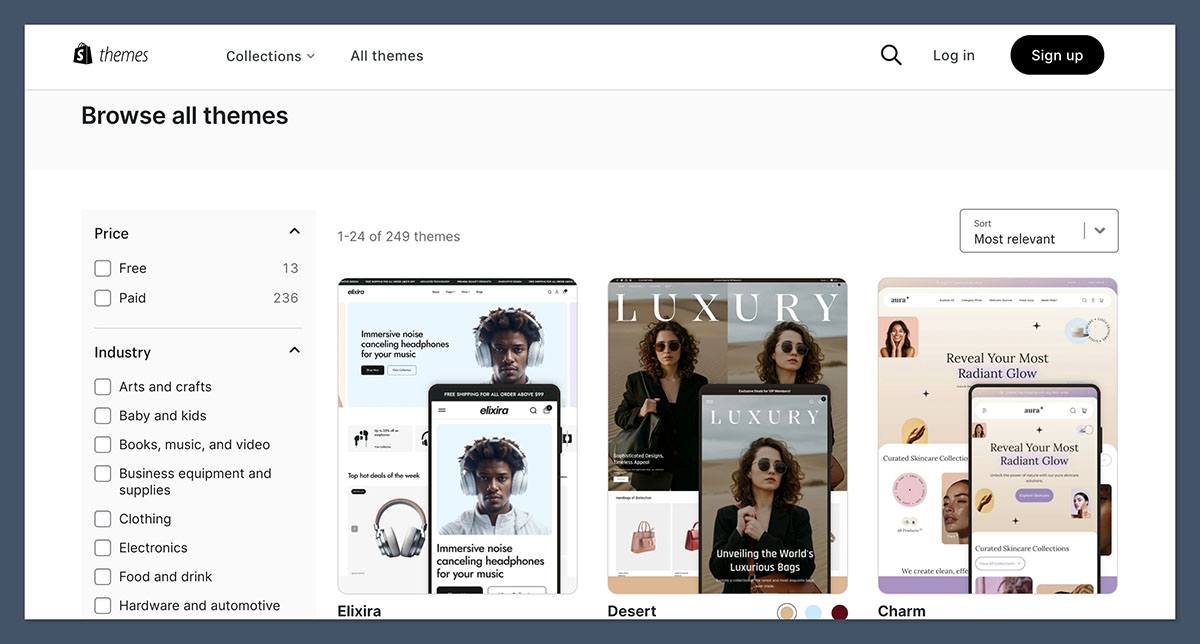
Shopify provides a rich design experience tailored to building professional, branded online stores.
Its template marketplace includes over 200 themes, with prices for premium designs ranging from $100 to $500. There are also 24 free themes available, which are modern and mobile-responsive.
Customization options include:
- Full control over typography, color schemes, and layout sections
- Access to the Shopify theme code for developers to make advanced changes
- Integration with page builder apps for drag-and-drop editing
- Custom templates for product, collection, and blog pages
Shopify themes are optimized for ecommerce — they include pre-built sections for featured products, customer reviews, collections, and dynamic product filtering.
Google Sites: Minimalist Templates for Simple Publishing
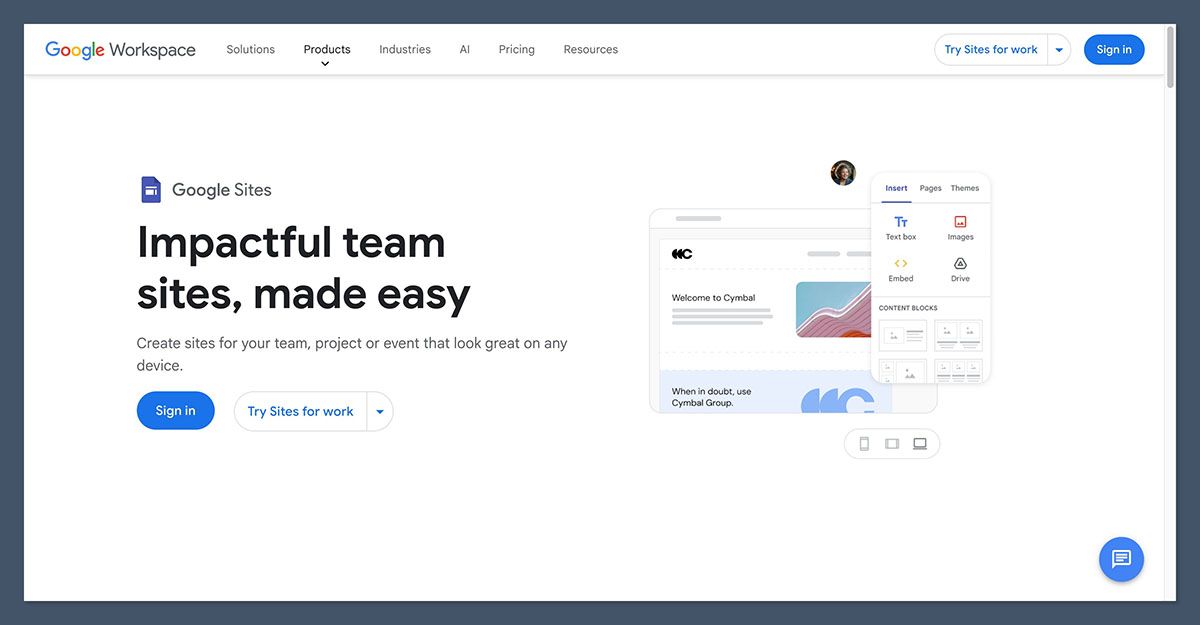
Google Sites offers a limited set of templates focused around common use cases, such as:
- Team intranets or project documentation
- Event pages or educational resources
- Internal training hubs or directories
Design customization is basic. You can choose from a small set of layout styles, adjust colors, and drag in elements like text blocks, images, embedded videos, calendars, and Google Docs.
There’s no ability to use external themes or edit underlying code. This keeps things simple, but also limits how distinctive or brand-consistent your site can be.
SEO, Performance, and Marketing Tools
Shopify: Built-In SEO With Room to Grow
Shopify provides a solid foundation for SEO out of the box.
It lets you manage key metadata across products, pages, and blog posts, and it generates clean, crawlable URLs automatically. Each product page includes fields for alt text, titles, and meta descriptions.
Additional SEO capabilities include:
- Built-in sitemaps
- Automatic canonical tags
- Integration with Google Search Console
- Access to powerful SEO apps like Plug in SEO, Smart SEO, and JSON-LD tools
- Integration with marketing platforms like Klaviyo, Mailchimp, and Semrush
From a performance standpoint, Shopify sites load quickly, are hosted on a global CDN, and are optimized for mobile. Page speed and uptime are rarely issues.
Google Sites: Lightweight but Limited SEO
Google Sites provides only basic SEO control:
- You can manually edit each page’s title and description
- URLs are automatically generated and not customizable
- No access to schema markup, redirects, or advanced metadata
- No app store or plugin support to extend functionality
It’s sufficient for internal documentation or publishing light public content that isn’t expected to rank for competitive keywords. But for serious digital marketing or SEO efforts, it falls well short of modern standards.
Best Use Cases for Each Platform
Shopify Is Ideal For:
- Businesses that sell products online — from physical goods to digital services
- Brands that want to build a customer base and scale over time
- Companies using multiple sales channels, like Amazon, TikTok, and Instagram
- Entrepreneurs looking for robust analytics, abandoned cart recovery, and upselling tools
- Anyone who needs checkout, order management, shipping, and tax handling
Google Sites Is Perfect For:
- Internal project documentation or team knowledge bases
- Schools and educators who need a place to share classroom materials
- Nonprofits and volunteer groups publishing event info or directories
- Startups that want to launch an internal wiki or simple portal quickly
- Businesses that are already using Google Workspace and don’t need ecommerce
Final Recommendation: Shopify vs Google Sites
The question isn’t which one is “better” — it’s about which one is better for your specific needs.
If you are building a business that relies on online sales, Shopify is the obvious choice. It’s designed for ecommerce, supported by a large ecosystem, and ready to grow with you.
If you need a no-fuss way to publish content — especially internally — and you already use Google Workspace, Google Sites is a lightweight and cost-effective solution.
In many cases, businesses benefit from using both. I’ve worked with teams who use Google Sites as their internal knowledge base while their customer-facing storefront is built and maintained on Shopify.
Each tool does its job well; the key is knowing what that job is.


