Weebly is one of the easiest website builders for beginners, with a simple editor and affordable pricing.
You can even sell online on the free plan, which is something most competitors don’t offer.
That said, Weebly’s overall direction is unclear, especially as its parent company, Square, focuses more on promoting Square Online.
In this review, I’ll cover Weebly’s latest pricing, features, ecommerce tools, and how it compares to other builders on the market.
I’ve tested the platform myself and gathered up-to-date insights to help you decide whether Weebly is still a smart choice in 2026.
Why You Can Trust This Review
This Weebly review is based on current product testing, customer feedback, and over 30 hours of hands-on research into Weebly’s builder, ecommerce capabilities, and support tools.
I’ve used the platform to build real websites and analyzed how it performs against other leading builders like Wix, Shopify, and Squarespace.
Weebly Pros and Cons
Best for small businesses on a budget
Rating: 3.9 out of 5
Pros
- Free plan allows ecommerce
- Simple drag-and-drop editor
- Affordable paid plans
- Integrated with Square for payments
Cons
- Limited design flexibility
- App ecosystem is outdated
- Poor long-term development outlook
- Mobile app support removed
Summary: What I Like and Dislike About Weebly
What I Like
- You can sell products on the free plan, which is extremely rare among website builders
- Weebly’s editor is straightforward and great for people with no technical experience
- Pricing is very affordable, starting at just $10/month for paid plans
- Square integration makes it easy to accept payments and manage orders
What I Don’t Like
- Templates feel dated and lack customization options
- The platform hasn’t received many updates, raising concerns about long-term support
- SEO and marketing tools are basic, requiring third-party apps for anything advanced
- The mobile app was discontinued in December 2025, meaning desktop is now required
Getting Started With Weebly
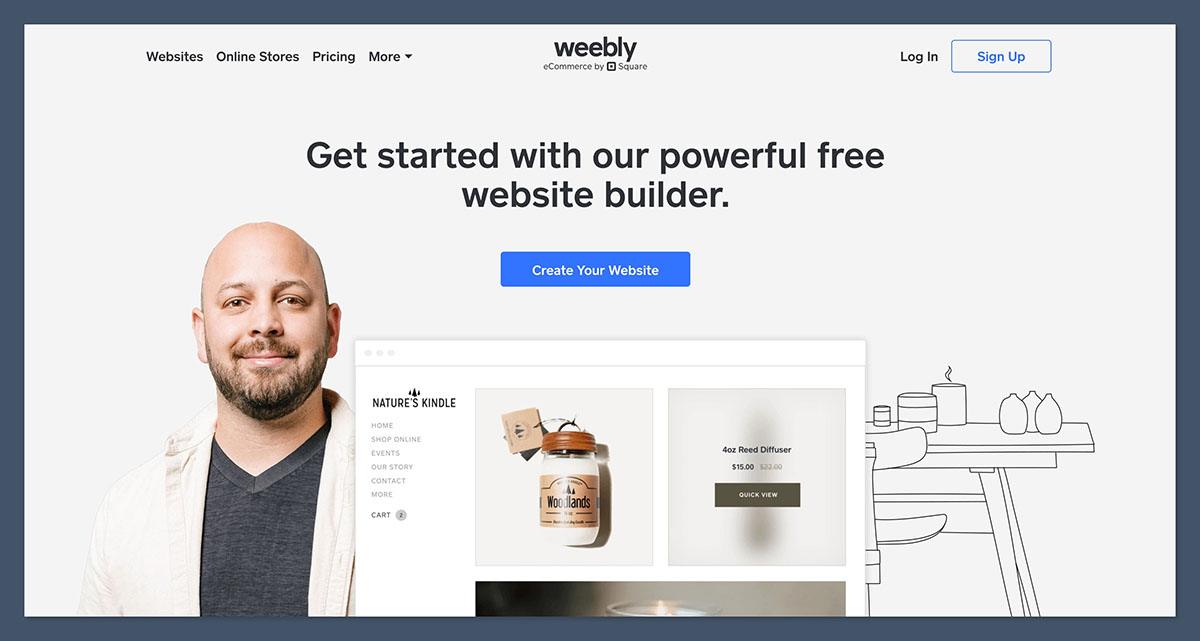
I was able to create a Weebly site without needing to enter payment info or connect a domain. After signing up, the setup process walked me through a few questions:
- What kind of site am I building?
- Do I want to sell products online?
- What’s my business category?
The onboarding was simple but felt a bit disconnected from the editor itself. My answers didn’t seem to influence the layout or settings in any visible way.
Compared to onboarding with Wix or Squarespace, Weebly’s experience feels behind the curve.
How Easy Is Weebly To Use?
Weebly’s editor is one of its biggest strengths. It’s a traditional drag-and-drop system, with a clear sidebar containing page elements like text, images, buttons, and contact forms.
I found it very beginner-friendly. You can build and publish a basic website in under an hour, and it doesn’t require any coding knowledge.
However, the editor hasn’t changed in years. While it’s easy to use, it also feels dated and rigid. Unlike modern builders that offer flexible grids or real-time inline editing, Weebly limits how much you can customize.
Editor Highlights:
- Sidebar element library
- Real-time visual preview
- Prebuilt page sections
- Mobile-responsive design
What’s missing?
- Inline text editing
- Section-based layouts
- Advanced design control
If you’re just trying to get a small site online, it’s more than enough. But if you’re looking for a creative, modern layout, you may find the editor restrictive.
Templates and Design Quality
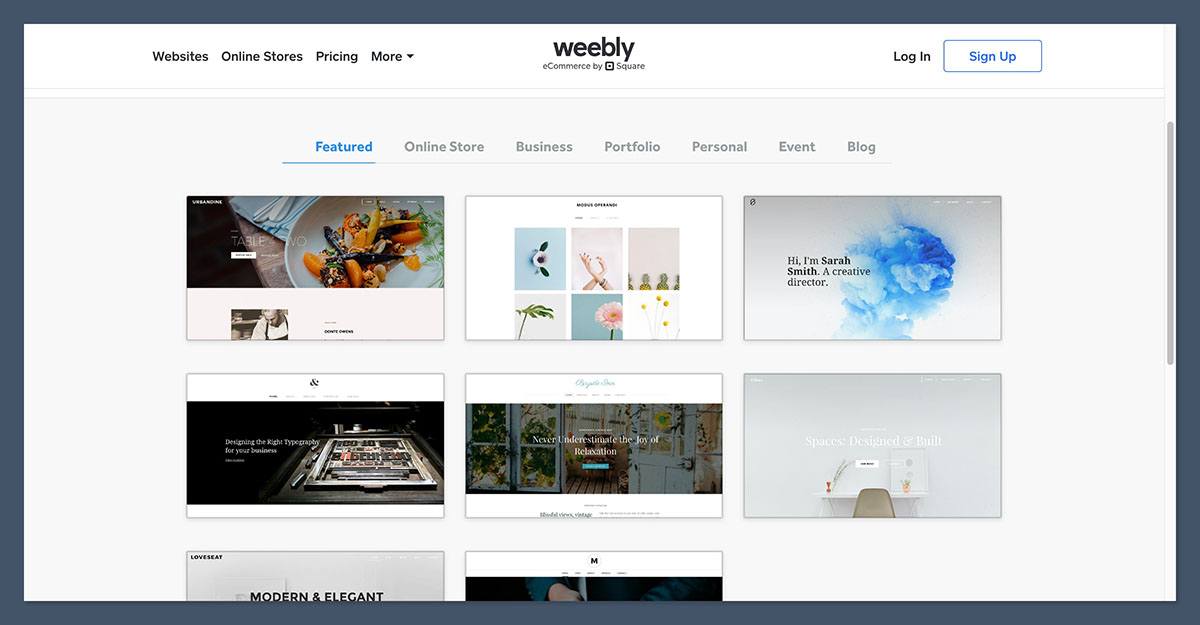
Weebly offers around 50 themes, organized by industry categories like business, portfolio, online store, and blog.
All templates are mobile-friendly and can be previewed before selection.
I appreciated how easy it was to switch templates, even after publishing. However, Weebly’s designs look outdated compared to what you’ll find on Squarespace or Wix.
The templates are functional but not particularly stylish. Most are very similar in layout and don’t offer much flexibility beyond swapping images and changing fonts.
Template Pros
- Mobile responsive
- Can switch themes anytime
- Easy to customize with text and images
Template Cons
- Limited variety
- Dated visual design
- No modern design features like parallax, animation, or section transitions
If you care about visuals, you’ll probably feel constrained by what Weebly offers out of the box.
Weebly Pricing
Weebly remains one of the most affordable website builders, with a free plan and three paid tiers. The prices below reflect annual billing:
| Plan | Annual Price | Monthly Price | Best For |
|---|---|---|---|
| Free | $0 | $0 | Testing or personal sites |
| Personal | $10/month | $13/month | Basic websites with a custom domain |
| Professional | $12/month | $16/month | Small businesses and ad-free sites |
| Performance | $26/month | $29/month | Ecommerce with full features |
All plans come with SSL security, hosting, and access to the App Center. The main upgrades happen on the Performance plan, which includes ecommerce tools like shipping labels, reviews, and abandoned cart recovery.
Best Value Plan
If you’re launching a small store, the Performance plan is your best bet. It’s the only plan with essential ecommerce tools that save time and increase conversions.
Ecommerce: Selling Products With Weebly
One of Weebly’s standout features is that you can sell products on the free plan. That includes:
- Unlimited items
- Shopping cart
- Inventory management
- Square payment processing
On higher-tier plans, you unlock:
- Digital product support
- Shipping calculators
- Gift cards and coupons
- Item reviews
- Shipping labels
- Abandoned cart emails
The ecommerce backend is powered by Square, which means you get built-in payment processing, inventory tracking, and order management tools.
Ecommerce Pros
- Sell physical or digital items
- Inventory tracking included
- Mobile-friendly product pages
- Real-time shipping calculators (Performance only)
Ecommerce Cons
- No support for multi-channel sales (e.g., Amazon, eBay)
- Basic checkout customization
- Limited third-party app integrations
Weebly is fine for smaller shops, but larger businesses with complex needs will likely need to move to Shopify or BigCommerce eventually.
SEO and Marketing Tools
Weebly includes basic SEO settings for all pages, such as:
- Title and meta description
- Custom URLs
- Image alt text
- Header tag structure
- 301 redirects
While that covers the essentials, advanced SEO tools are lacking. There’s no schema markup support, no structured data tools, and no built-in blog optimization features like what Wix or WordPress offer.
Marketing Tools Available
- Newsletter signup forms
- Popups via App Center
- Email marketing through Square
- Social sharing buttons
The App Center offers a few marketing integrations, but the catalog is smaller and less frequently updated than competitors.
Verdict: Weebly is adequate for SEO if you’re building a local business site or a small store. If organic search traffic is a priority, you’ll likely outgrow it quickly.
App Center and Integrations
Weebly’s App Center includes several hundred apps for marketing, analytics, bookings, and site tools. Most can be installed in one click, and some are developed by third parties.
Popular apps include:
- Social media feeds
- Live chat
- Event calendars
- Form builders
- Coupon tools
However, the ecosystem is small. Many apps haven’t been updated in a while, and integrations with modern tools (like Zapier, Calendly, or CRM systems) are limited or require workarounds.
If your business depends on deep integrations or automations, Weebly’s App Center may not have what you need.
Customer Support
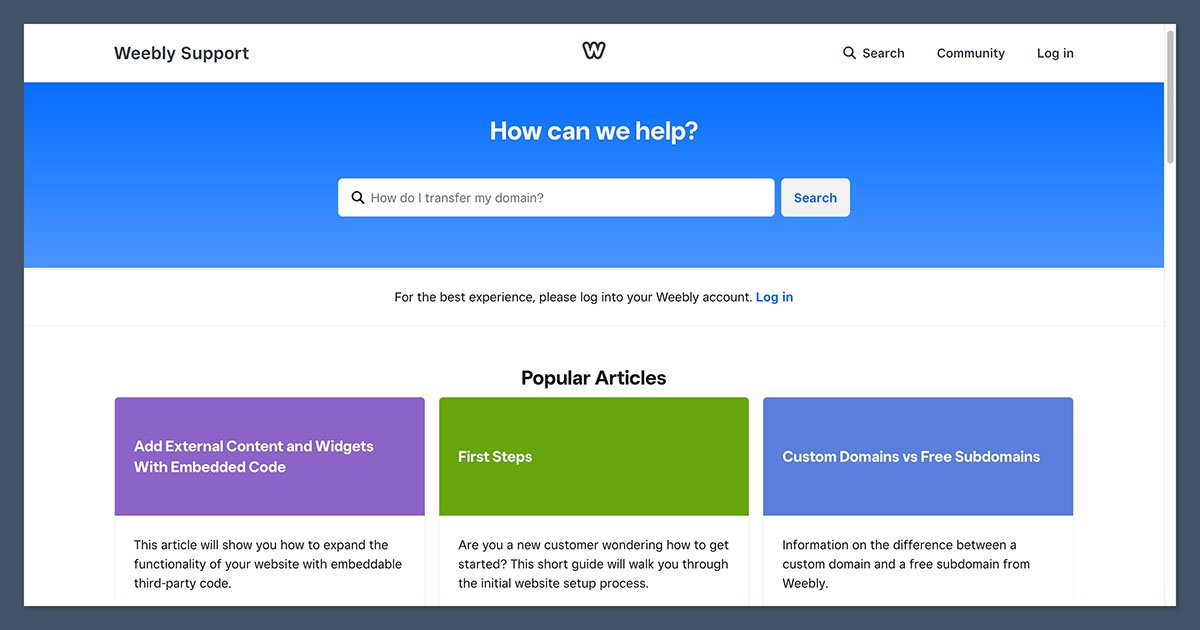
Customer support with Weebly varies by plan:
| Plan | Support Options |
|---|---|
| Free | Email, Community Forums |
| Personal | Email, Chat Support |
| Professional | Email, Chat Support |
| Performance | Priority Email, Phone Support |
There’s a searchable Help Center with articles and guides.
In my experience, the documentation is clear but not very detailed. Without phone support on the lower plans, you may run into delays if something goes wrong.
It’s also worth noting that since Square is moving its resources toward Square Online, support for Weebly is not as robust as it once was.
Is Weebly Shutting Down?
As of January 2026, Weebly is still online and functional, and Square has not announced a shutdown. However, several signs suggest that development has slowed significantly:
- The mobile app was removed from app stores in December 2025
- Square Online is now the preferred product for ecommerce
- Weebly hasn’t received major feature updates in over a year
If you’re considering Weebly for a short-term or low-risk project, it’s still a viable option. But I wouldn’t recommend starting a mission-critical business on a platform that may not be actively supported in the near future.
Who Should Use Weebly?
Weebly is a good choice if you:
- Want to launch a basic website or small store quickly
- Are on a tight budget and prefer a free or low-cost plan
- Don’t need advanced design or integrations
- Are already using Square for payments
Avoid Weebly if you:
- Want a modern design with full creative control
- Rely heavily on SEO or content marketing
- Need advanced ecommerce tools
- Want long-term product stability
Final Verdict: Is Weebly Still Worth It?
Weebly is still one of the easiest and most affordable website builders available. For personal projects, local business sites, or small stores on a budget, it remains a practical option.
However, the platform is showing signs of age, and Square’s shift in focus raises concerns about Weebly’s future.
If you need a site that can scale, integrate with modern tools, and grow with your business, Weebly likely won’t be the best long-term fit.
For now, Weebly still gets the job done; just be aware of the limitations before you build your business around it.


