BigCommerce vs Shopify: Compare Ecommerce Platforms
Quick answer: Shopify is the better all-in-one platform for retail stores using POS systems, especially if you’re scaling up. BigCommerce is great if you want to save on fees and keep things lean — but it comes with trade-offs.
I’ve run stores, tested both systems hands-on, and helped retail clients scale with POS tech.
This review pulls together what actually matters — not just feature lists, but how these platforms feel and function in the real world of physical sales.
Quick Verdict: The POS Showdown
If you’re in retail, you know this: your POS setup isn’t just a checkout screen. It’s your inventory brain, your customer data collector, and your staff’s best friend — or worst nightmare.
My top-line take:
Feature
Shopify
BigCommerce
POS App
Built-in, robust
Available via third-party apps
Pricing
Starts at $29/mo + POS add-on
Starts at $29/mo
Hardware
Sold direct by Shopify
Compatible with third-party options
Inventory Sync
Real-time, fast
Syncs well, slower under load
App Market
8,000+
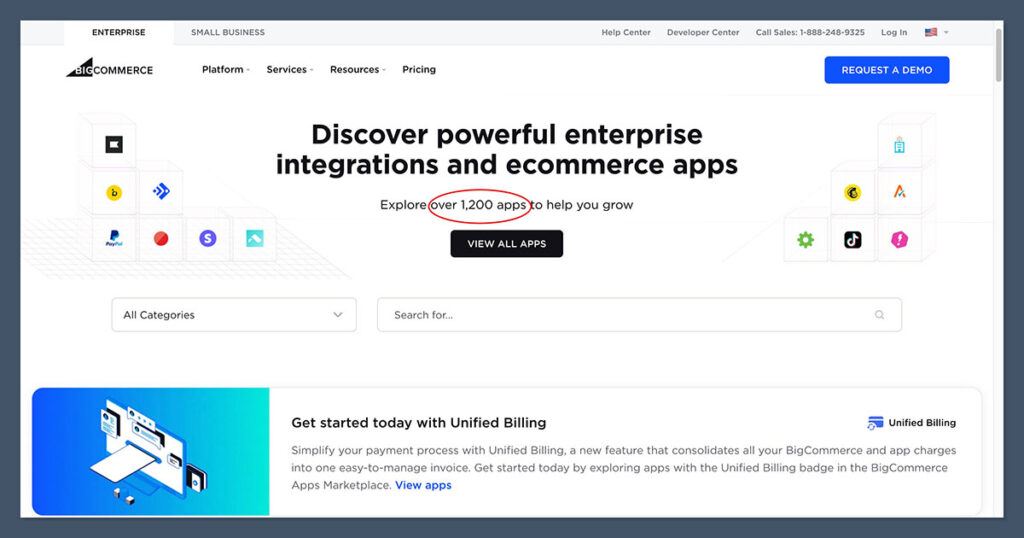
1,200+
Offline Mode
Yes
Yes (via integrations)
Best For
Growing retail brands
Budget-conscious multi-store sellers
Winner: Shopify. Better POS experience out of the box and smoother scaling.
Shopify vs BigCommerce: What Retailers Need
Most ecommerce platforms aren’t built with physical stores in mind. That’s where these two stand out. But what actually matters for retail?
From working with dozens of brick-and-mortar brands, I’ve found that a retail-ready platform has to do more than process payments — it needs to run the day-to-day operations like clockwork.
Core Features Retailers Expect
Here’s a breakdown of key functionality retail stores need from their ecommerce + POS setup:
Real-time inventory sync between POS and online to avoid double selling
Flexible in-store payments including tap, chip, swipe, and mobile pay
Staff account control with permissions based on role or location
Fast POS interface that doesn’t lag during high-volume periods
Mobile checkout options for events, pop-ups, or curbside pickup
Gift card sales and redemption, with loyalty program integration
Returns and exchanges that sync across channels and locations
Local delivery and in-store pickup baked into checkout
The smoother these systems run together, the better your customer experience — and your team’s workflow.
Where Each Platform Stands
Feature
Shopify
BigCommerce
Native POS
Yes
No (uses integrations)
Inventory Sync
Real-time
Depends on POS app used
Mobile Checkout
Included
Depends on partner
Staff Permissions
Built-in
Via POS provider
Gift Cards & Loyalty
Native and third-party
Requires third-party setup
Omnichannel Features
Strong
Limited natively
Offline Access
Yes
Varies by integration
From personal use and client work, I’ve found Shopify nails these better overall — mostly because their POS is native. It’s tightly integrated with your store backend, and updates flow through automatically.
BigCommerce, on the other hand, can technically do many of the same things — but only if you piece together the right apps and integrations. That adds complexity, maintenance, and sometimes support headaches. It works, but it’s more hands-on.
And when you’ve got staff who need to process returns, access inventory across multiple locations, or pull up loyalty info mid-sale, those delays add up.
Verdict: Shopify is designed for retail-first sellers. BigCommerce needs more setup to reach parity.
Pricing Comparison – POS Costs That Creep Up
At first glance, both platforms have identical pricing structures:
Plan
Shopify
BigCommerce
Basic
$29/month
$29/month
Mid
$79/month
$79/month
Advanced
$299/month
$299/month
These prices look straightforward, but once you factor in the real costs of running a retail store with POS, the numbers start to drift.
Shopify Pricing Breakdown
Shopify’s pricing is split between ecommerce and POS. Here’s what retailers typically spend:
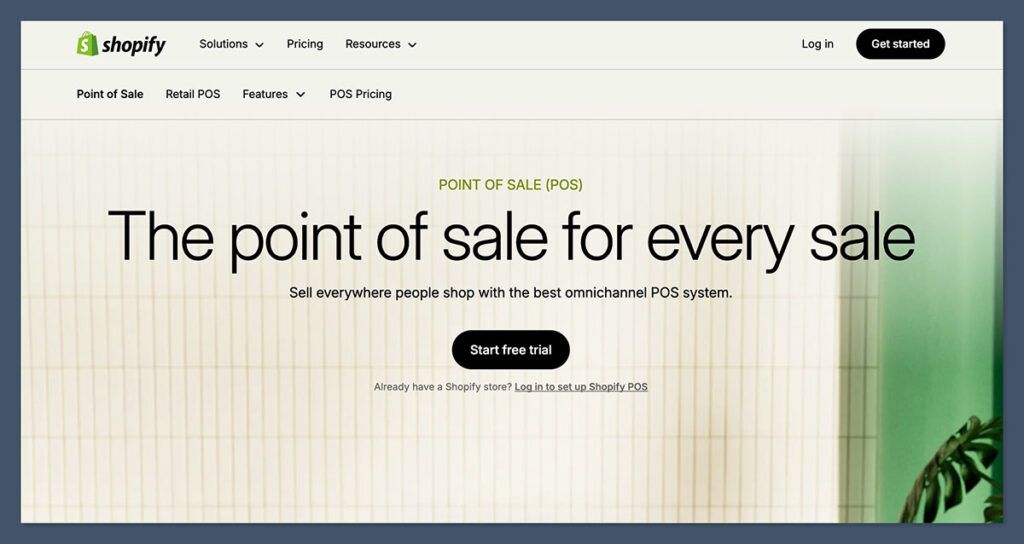
Shopify POS Lite: Included on all plans, allows basic in-person selling
Shopify POS Pro: $89/month per location, adds advanced features like staff roles, analytics, and in-store pickup
Additional 1%–2% if using an external payment gateway
If you plan to operate multiple retail locations or want advanced POS features, these add-ons quickly increase your monthly spend.
BigCommerce Pricing Breakdown
BigCommerce sticks to its core ecommerce pricing, but POS features depend on third-party systems:
No built-in POS, but you can integrate with:
Square
Clover
Vend
Hike
No native hardware sales, but works with popular third-party POS equipment
0% transaction fees, regardless of payment gateway
Free Trial: 15 days (versus Shopify’s 3-day trial)
Costs for POS software or hardware will depend on the partner provider — and those can vary widely
So while BigCommerce doesn’t charge extra for POS tools directly, you’ll still need to account for the costs of third-party POS licenses and hardware.
Additional Cost Considerations
Cost Category
Shopify
BigCommerce
POS App
$89/mo (Pro)
Varies by provider
Hardware
In-house kits available
Use third-party
Transaction Fees
2.4%–2.9% + $0.30
0% from BigCommerce
Free Trial
3 days
15 days
In my experience, Shopify’s app ecosystem and native hardware make setup easier — but the costs add up fast if you scale. BigCommerce feels more DIY, but if you’re already using Square or Clover, it’s more cost-effective long term.
Verdict: Tie on base price. Shopify ends up more expensive with Pro POS, but it’s more powerful. BigCommerce wins on fee transparency.
Sales Tools & Features – What Moves Product?
You’re not just selling anymore. You’re pushing products in-store, online, at events, and possibly through B2B or wholesale. That requires systems that don’t just process transactions but actively help you sell smarter — with speed, consistency, and flexibility.
Both Shopify and BigCommerce cover the basics: discount codes, coupons, product bundles, and promotional rules.
But when it comes to what actually drives conversions in a retail setting, Shopify gives you more tools that are easier to activate.
Shopify’s Standouts
Here’s where Shopify gives retailers an edge:
Advanced Discount Triggers
Set rules by cart value, specific products, or entire collections
Stack discounts automatically or limit by customer type
Shopify Magic AI
Generate clean, optimized product descriptions using prompts
Saves time for high-inventory stores
Shopify POS Retail Features
Staff-specific permissions and roles
Split payments and store credit support
Customer tags and segmentation at checkout
Customer Profile Syncing
Real-time syncing between online and in-store data
Purchase history, contact info, loyalty all under one profile
These features matter most when speed and personalization are key — like upselling at the counter or applying VIP discounts mid-transaction.
BigCommerce’s Highlights
BigCommerce has improved in recent years, especially with its 2024 feature drop. Here’s what stands out:
Multi-storefront Capabilities
Manage multiple storefronts from one backend
Useful for niche product lines or brands with subdomains
Abandoned Cart Saver
Available starting from the $79/month plan
Automates follow-ups without needing extra apps
BigAI Copywriter
New in 2024, helps generate SEO-friendly descriptions
Less robust than Shopify Magic, but helpful for simple product lines
Promotion Rules
Tiered discounting and coupon codes built into backend
Flexible, but slightly more complex to set up
While BigCommerce hits many of the same marks, execution matters — especially in retail, where seconds count. Setting up advanced promotions or syncing customer data between POS and online can take longer to configure.
Side-by-Side Feature Comparison
Feature
Shopify
BigCommerce
AI Tools
Shopify Magic
BigAI Copywriter
Discount Rules
Extensive, easy to stack
Flexible, more setup time
Customer Sync
Full POS-online integration
Requires manual or app-based sync
Staff Permissions
Built into POS Pro
Depends on POS app
Abandoned Cart Recovery
Add-on or app
Native on Plus plan
Product Bundling
App or native depending on theme
Native or via app
If you’re managing flash sales, quick product swaps, or upsells at checkout, Shopify gives you what you need with fewer clicks. That speed translates directly to better sales performance in-store.
Verdict: Shopify has stronger, retail-relevant sales tools — especially for in-store performance.
POS Functionality: Who Wins the Counter Battle?
This is where things get real. If your POS doesn’t perform at the register, it doesn’t matter how pretty your online store is.
A good POS system needs to be fast, reliable, and tightly integrated with your backend. It should work as smoothly on a Saturday rush as it does at a weekday pop-up.
For retail, the checkout experience is everything. It’s where the sale happens — and where things can fall apart if the system lags, crashes, or can’t access real-time inventory.
How the Two Platforms Stack Up
Feature
Shopify
BigCommerce
POS App
Native, Shopify POS
Third-party integrations
Offline Mode
Yes
Yes (via apps)
Mobile POS
Yes
Yes (limited to app chosen)
Inventory Sync
Instant
Sync speed varies
Staff Permissions
Native
Depends on POS app used
Returns/Exchanges
Simple in-app
Based on POS partner rules
What Makes a Good POS System in Retail?
When evaluating POS performance for brick-and-mortar, these are the non-negotiables:
Fast Checkout Flow
Customers don’t wait — the POS should respond instantly.
Reliable Offline Mode
Internet goes down? The sale still goes through.
Real-Time Inventory Updates
What sells in-store reflects online immediately.
Mobile Flexibility
iPads, tablets, handhelds for events or flexible layouts.
Staff Access Controls
Limit what each team member can do or view.
Integrated Returns and Exchanges
Seamless customer service from any location.
Hands-On Experience
In my experience, Shopify POS just works. Tap, scan, swipe, done. It doesn’t make you think — which is what you want in a high-traffic retail environment.
Everything syncs smoothly, and since it’s built directly into the Shopify ecosystem, there’s no bouncing between systems.
With BigCommerce, the story is different. You’ll need to pick a POS partner — like Square, Clover, or Vend — and then integrate it. That means managing another dashboard, syncing data between platforms, and dealing with support from two separate companies if something breaks.
Some of my clients using BigCommerce with Square have managed fine, but setup takes longer, and issues are harder to debug when something’s off during a sale.
Verdict: Shopify wins for POS. It’s plug-and-play, no middleman required.
Payment Options & Fees – What Eats Your Margins?
Margins are tight in retail, and payment processing is one of those hidden costs that adds up quickly. Every tap, swipe, or online checkout carries a fee.
Over time, those pennies turn into real dollars. That’s why understanding how each platform handles payments is critical for profitability — especially when you’re processing hundreds of in-person sales a day.
Shopify Payments Breakdown
Shopify offers a seamless system if you stick to their in-house processor. But go outside of it, and you’ll feel the pinch.
100+ payment methods supported including Apple Pay, Google Pay, PayPal, and manual options
Shopify Payments is their built-in solution (powered by Stripe)
No extra transaction fees when using Shopify Payments
Up to 2% added fees for third-party gateways like Authorize.net or Square
Instant payouts available through Shopify Balance (helps cash flow for high-volume sellers)
This model is great if you’re all-in with Shopify, but restrictive if you prefer more payment flexibility or already work with a processor like Square in-store.
BigCommerce Payment Flexibility
BigCommerce takes a different approach — one that gives merchants more choice without added penalties.
65+ integrated gateways, including PayPal, Stripe, Square, Amazon Pay, and more
No native payment processor, but wide compatibility
0% transaction fees regardless of the gateway used
Payout timelines vary by processor (Stripe and PayPal typically take 1–3 business days)
This structure gives you more room to negotiate your own rates with payment providers and swap processors without worrying about penalties.
Fee Comparison Table
Feature
Shopify
BigCommerce
Payment Methods
100+
65+
Built-In Gateway
Shopify Payments
None
Extra Fees (Non-native gateways)
Up to 2%
None
Transaction Fees
0% with Shopify Payments
0% always
Payout Speed
Instant (Shopify Balance) or 1–3 days
Varies by processor
Best For
Shopify-only sellers
Merchants who want flexibility
If you’re okay using Shopify Payments, the system is seamless. It integrates with your POS, ties into your reporting, and supports fast payouts. But if you prefer to use a third-party provider, those additional fees chip away at your margins.
BigCommerce is the better fit if you want flexibility. You can use Square for your retail checkout, Stripe for your online orders, and not worry about penalty fees from the platform itself. That flexibility can mean meaningful savings for high-volume or multi-location stores.
Verdict: BigCommerce wins on payment flexibility. Shopify’s model locks you in unless you pay extra.
App Stores – Retail Extensions That Actually Work
Apps are the backbone of ecommerce functionality. They extend your store far beyond what’s included in your base plan. But for retailers, apps are more than just add-ons — they’re critical tools for running day-to-day operations.
If you run a brick-and-mortar location or operate hybrid retail, you need apps that handle:
Loyalty programs to encourage repeat purchases in-store and online
Local delivery scheduling for same-day or zip-code-specific drops
Employee scheduling and permissions for different roles and shifts
Gift card integrations usable both online and at POS
In-store pickup and curbside fulfillment features synced with inventory
Without the right retail extensions, even the best POS system will feel incomplete.
Shopify App Store
Shopify’s ecosystem is enormous. It’s not just the number of apps — it’s the range of functions and third-party partners that plug directly into your workflow.
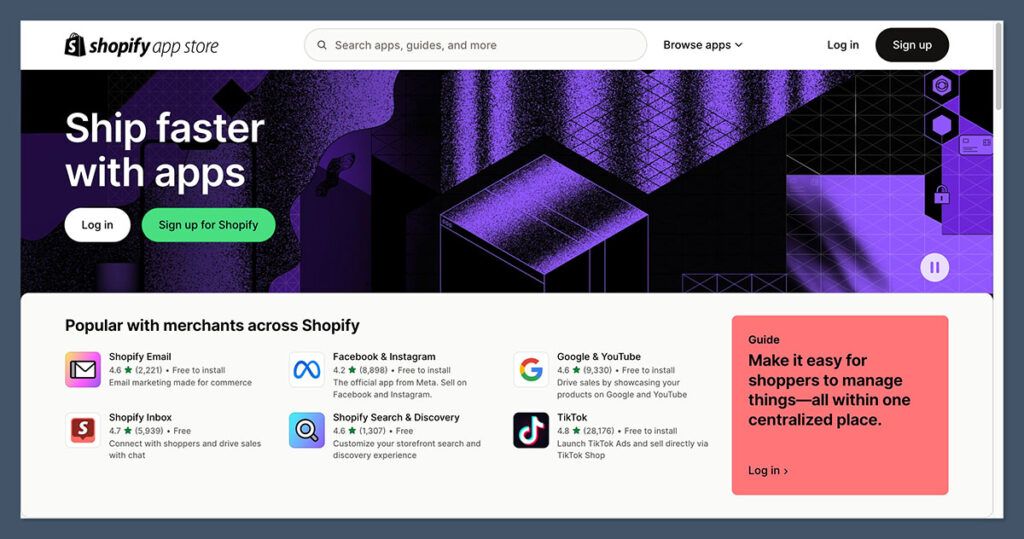
8,000+ apps across categories like marketing, inventory, operations, and customer service
Well-known loyalty apps like Smile.io and Rise.ai
POS-specific add-ons for:
Barcode scanning
Local inventory lookups
Custom checkout flows
Appointment booking
Many integrations are deeply tied into the Shopify backend, which makes setup easier and syncing smoother
A growing selection of Shopify-built tools like Shopify Email and Shopify Inbox
Some of the most powerful tools come with monthly fees, so budgeting is important
BigCommerce App Store
BigCommerce takes a more built-in approach. While the app selection is smaller, some essentials are included directly in the platform.
Roughly 1,200 apps
Features like product reviews and unlimited staff accounts come built-in
POS extensions are available but more limited, with fewer options for:
Loyalty and rewards
In-store pickup customization
Local delivery plugins
Still supports strong tools like ShipperHQ, Klaviyo, and ShipStation
App discovery can feel slower, and some integrations aren’t as seamless
Feature Comparison
Feature
Shopify App Store
BigCommerce App Store
Number of Apps
8,000+
Around 1,200
POS Loyalty Tools
Many (Smile, Rise, etc.)
Limited
Local Delivery Integrations
Multiple advanced options
Fewer, less retail focused
Employee Tools
Role-based apps available
More native staff support
Setup Process
App-based
More native features, fewer customizations
App Costs
Free and paid
Mostly free or one-time, fewer advanced options
If you’re running a growing retail operation and need tools to match the pace, Shopify’s app ecosystem offers more — more depth, more variety, and more retail-ready options. Yes, it can get expensive if you load up on premium apps, but the flexibility is worth it.
BigCommerce plays it safer. You get more out-of-the-box essentials but fewer specialized retail tools. That might be fine for smaller operations that want fewer moving parts, but if you’re scaling or running multiple locations, you’ll likely outgrow it.
Verdict: Shopify takes it for depth. More POS-related tools, especially for customer loyalty and in-store workflows.
Templates & Storefront Design – Real Life Retail Ready
Your storefront isn’t just for online shoppers. For retail brands using features like BOPIS (buy online, pick up in store) or ship-from-store, your website has to do double duty — acting as both a sales channel and a digital window into your physical inventory.
A good ecommerce theme needs to look clean, load fast, and adapt across devices.
It should be easy to update without hiring a developer every time you want to tweak a product category or promotional banner. That’s especially true for retailers who launch seasonal collections or operate flash sales.
Shopify Themes
Shopify has built its reputation on sleek, ecommerce-first designs. Whether you’re selling candles or cross-trainers, there’s a layout built with your niche in mind.
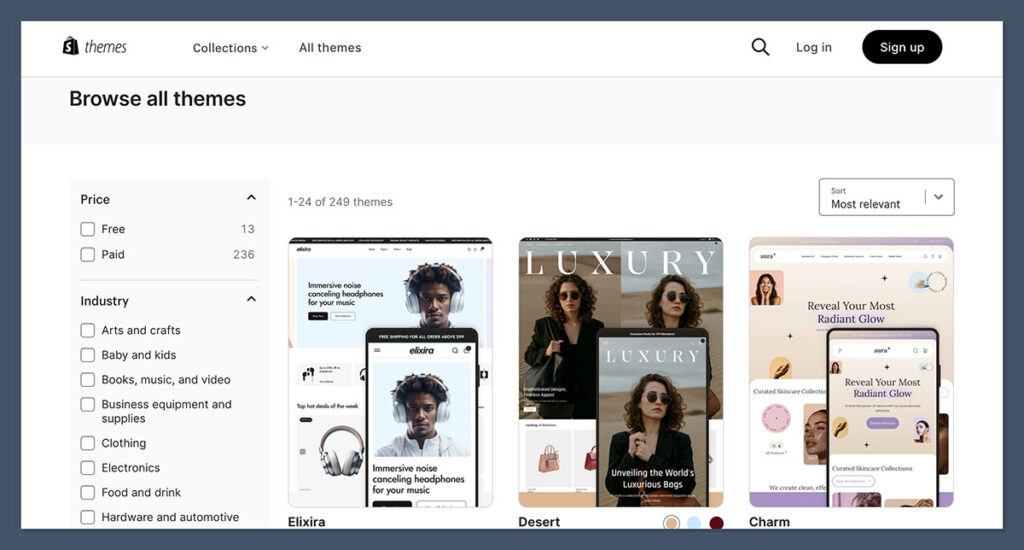
13 free templates available, professionally designed and mobile-friendly
190+ premium themes, priced between $100 and $500 (one-time fee)
Templates built for industries like:
Fashion and apparel
Health and beauty
Electronics
Food and beverage
Themes are optimized for speed, accessibility, and conversion
Customize sections without touching code using Shopify’s theme editor
Many themes support advanced filtering, product upsells, and video integration
Shopify themes are also constantly updated to reflect new design trends and mobile standards, which helps from both a branding and SEO perspective.
BigCommerce Themes
BigCommerce offers a wide range of templates too, but the platform leans more traditional — and some themes show their age.
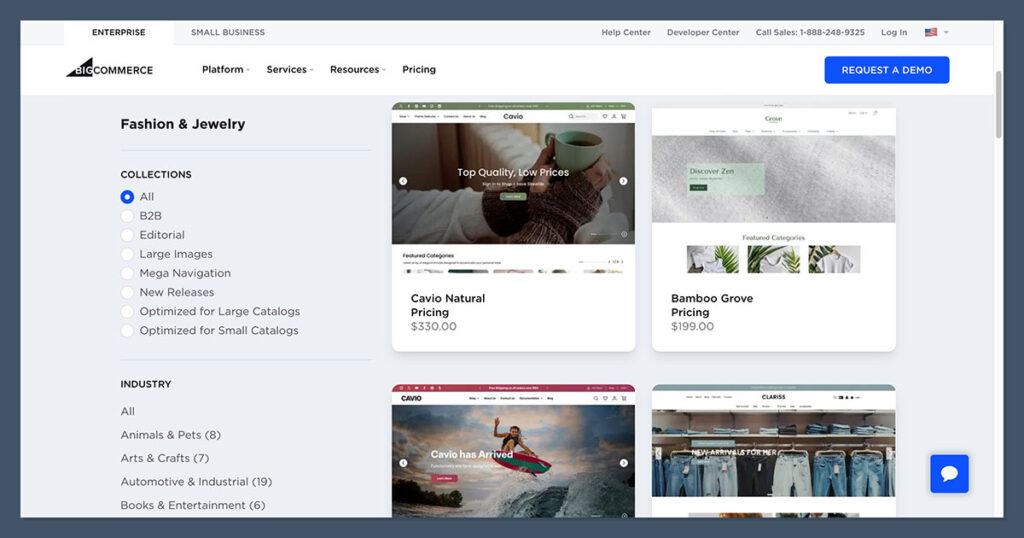
12 free themes to choose from
150+ premium themes, typically priced between $100 and $400
Industry-specific categories are available, but fewer modern, bold layouts
Many themes require HTML/CSS editing for deeper customization
Some layouts are less responsive on mobile compared to Shopify’s newer themes
Design interface feels more static — ideal for stores that don’t update layouts frequently
That said, BigCommerce themes do cover the essentials. You can still create a functional, clean-looking store.
But if you’re trying to compete visually or create a seamless branded experience, you may find yourself needing a developer more often.
Design Comparison
Feature
Shopify
BigCommerce
Free Themes
13
12
Premium Themes
190+ ($100–$500)
150+ ($100–$400)
Mobile Optimization
Excellent
Decent, varies by theme
Customization
Drag-and-drop (sections)
Limited without code
Industry Templates
Broad, updated often
Covers basics
SEO Performance
High-performing themes
Mixed results by theme age
Both platforms give you visual control, but Shopify makes it easier to design a modern storefront without getting stuck in the code.
For retailers selling across multiple channels or using in-store pickup, having a fast, intuitive layout isn’t just nice — it’s necessary.
Verdict: Shopify wins for visual polish and retail fit. Templates are better quality out of the gate.
Support & Help – When Tech Fails You
You don’t want support when things go wrong. You need it.Especially in retail, where downtime at the register isn’t just frustrating — it costs you money.
Whether it’s a misfiring POS, a theme glitch, or a gateway connection issue, the speed and quality of support can make or break your workflow.
Both Shopify and BigCommerce understand this, and they offer solid customer service infrastructure. But they don’t approach support the same way — and that’s important if you’re running a busy storefront or managing multiple locations.
Shopify Support
Shopify has put a lot of effort into its support ecosystem, especially for users on higher-tier plans.
24/7 live chat available for all plans via the Help Center
Phone support is available, but only for Shopify Plus customers
A comprehensive Help Center, packed with:
Step-by-step guides
Setup walkthroughs
Video tutorials
Community forums with input from users and Shopify staff
No longer supports direct email tickets, which limits options for more complex or documented inquiries
Active presence on social media and community forums, with fast responses on platforms like Twitter and Reddit
While email is no longer available, the chat system is responsive and includes escalation paths to human support agents when AI bots hit their limits.
BigCommerce Support
BigCommerce also offers good baseline support, with a similar 24/7 model. But it’s a bit more traditional in how it handles cases.
24/7 phone and chat support available for all plans
Help Center includes:
Knowledge base articles
Product update guides
Community forums
Email support is available through a contact form
Response times can be slow, especially on weekends or outside US hours
Fewer interactive walkthroughs and tutorials than Shopify
Support for third-party POS integrations (like Square or Clover) may require contacting the POS vendor separately
For standard ecommerce help, BigCommerce handles requests fairly well. But if your issue touches both ecommerce and POS (like an inventory sync issue), you might find yourself bouncing between vendors.
Support Comparison
Feature
Shopify
BigCommerce
Live Chat
24/7
24/7
Phone Support
Shopify Plus only
24/7 all plans
Email Support
Not available
Available via contact form
Help Center Depth
Extensive with tutorials
Solid but less interactive
Third-Party Support Handling
Shopify handles internally
POS support may defer to app provider
Response Speed
Fast on live chat
Slower on email/ticketed requests
In fast-paced retail, time is money. When something goes wrong, you want the fix now — not a support ticket that waits until Monday morning. Shopify’s system is faster and more polished, especially on chat. The lack of email is frustrating, but in practice, I’ve had most issues resolved quickly over live chat.
BigCommerce is reliable and offers decent help across the board. But it’s slower, and it’s harder to escalate complex problems — particularly if they involve third-party integrations.
Verdict: Shopify’s support ecosystem is larger and faster. BigCommerce is fine but slower.
Final Verdict: My Real Recommendation
After testing both platforms in real retail environments — including everything from single-location boutiques to multi-store chains — here’s the blunt truth:
Shopify is built for retail. BigCommerce can handle it, but it takes more effort.
If you care about the in-store experience, tight POS integration, and fast onboarding for staff, Shopify wins hands down.
Yes, it can cost more once you add POS Pro and premium apps. But what you get is a smoother system, built around how modern retail stores operate.
Go with Shopify if:
You need real POS integration out of the box with minimal setup
You want a system your staff can learn and use fast
You’re planning to expand into multi-location retail
You care about storefront design, mobile responsiveness, and fast templates
You’re fine trading some flexibility for an ecosystem that just works
Choose BigCommerce if:
You already use Square, Clover, or another POS system and want to connect it
You’re budget-conscious and want to avoid transaction fees or POS subscription add-ons
You prefer backend flexibility, with more developer control
You don’t need a deeply integrated POS setup but still want strong ecommerce features
My Final Take
For retail businesses that rely on POS — Shopify just makes more sense. It’s faster to deploy, easier to train staff on, and more scalable as your business grows.
You’ll pay a bit more for that convenience, but in every store I’ve worked with, it’s been worth the investment in both time and revenue.
If you’re running lean and already committed to a separate POS system, BigCommerce can absolutely work. Just be ready to put in more time on setup and integrations.
Bottom line: If retail POS is a key part of your operation, Shopify is the smarter long-term play.