Namecheap and Squarespace solve very different problems, but many people still compare them when trying to launch a website.
I’ve spent hours using both platforms to understand how they work, and more importantly, who they’re right for.
In this review, I’ll explain the key differences between Namecheap and Squarespace, and help you figure out which one is the better choice for your site or online store.
Quick Comparison: Namecheap vs Squarespace
Get a quick overview of Namecheap and Squarespace in the table below:
| Feature | Namecheap | Squarespace |
|---|---|---|
| Best For | Low-cost domains and hosting | Quick website setup and ecommerce |
| Ecommerce Ready | Only with WordPress + WooCommerce | Yes, built-in ecommerce tools |
| Site Builder | Site Maker | Built-in editor |
| Hosting Included | Yes (shared or WordPress) | Yes |
| Starting Price | $1.98 per month | $16 per month |
| SEO Control | High (with WordPress) | Moderate (limited customization) |
| Templates | Basic (Site Maker) or custom (WP) | Premium and professionally designed |
| Support | 24/7 live chat | 24/7 email, live chat on weekdays |
Quick Verdict
Choose Squarespace if you want to launch a professional-looking website quickly and plan to sell products, services, or digital downloads.
Choose Namecheap if your goal is low-cost hosting or you want to build a flexible WordPress site, especially for blogging or SEO-focused content.
Pricing and Plans: Affordability vs Convenience
If you’re looking at pricing alone, Namecheap is the cheaper option. That said, it depends on what you’re trying to build.
Namecheap Pricing
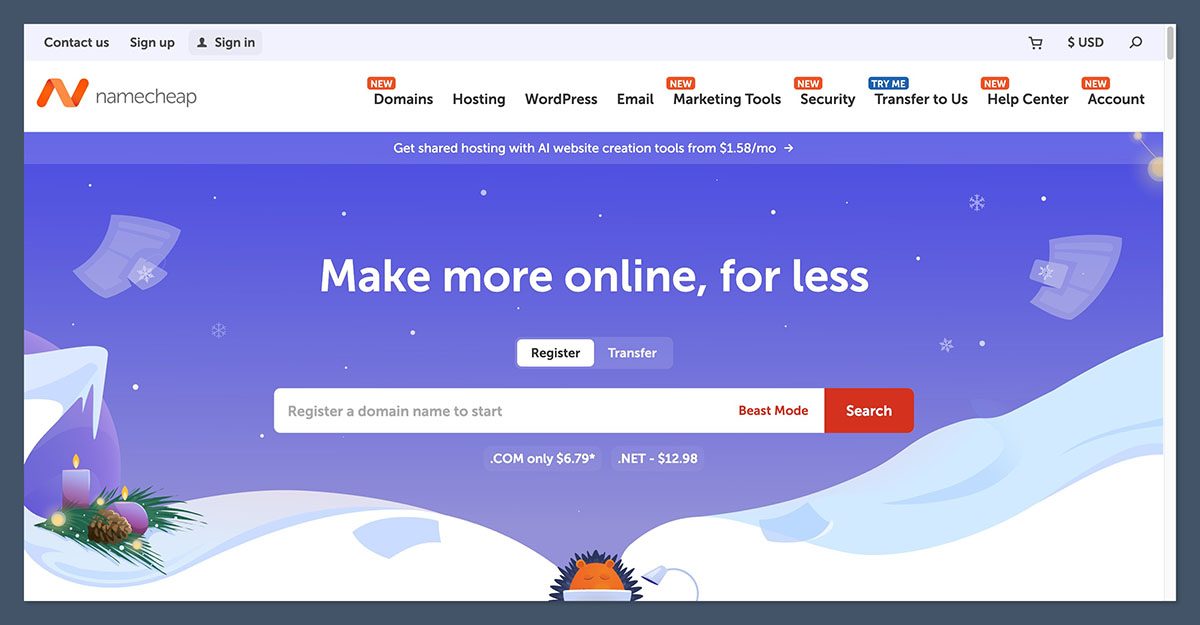
You can register a domain for under $10 per year and get shared hosting for as little as $1.98 per month.
Site Maker, Namecheap’s own website builder, starts at $2.33 per month. For more flexibility, EasyWP managed WordPress plans begin at $9.88 per month.
| Product | Price (monthly) | What You Get |
|---|---|---|
| Stellar Shared Hosting | $1.98 | Host 3 websites, free CDN and SSL |
| Site Maker Personal | $2.33 | One-page site builder, no ecommerce |
| Site Maker Business | $5.33 | Extra features but still no selling capabilities |
| EasyWP Starter | $9.88 | Managed WordPress, 10 GB SSD storage |
These prices look great, but once you start adding paid themes, premium plugins, and extra tools for WordPress, your total cost can rise.
Squarespace Pricing
Squarespace is more expensive upfront, but that price includes everything: hosting, templates, SSL, ecommerce features, and support.
| Plan | Price (monthly, billed annually) | Ecommerce Ready? |
|---|---|---|
| Personal | $16 | No |
| Business | $23 | Yes (with fees) |
| Commerce | $39 | Yes |
| Advanced | $49 | Yes |
You’ll get a free domain for the first year if you choose an annual plan. Squarespace also includes unlimited storage and bandwidth on all plans.
Which Offers Better Value?
If you’re launching a blog or informational site on a tight budget, Namecheap is a smart choice.
But if you want to sell products and keep your site easy to manage, Squarespace is worth the higher monthly cost.
Ecommerce Features: One Clear Winner
This is the category that often makes the decision simple.
Namecheap’s Site Maker does not support ecommerce. If you want to sell products through Namecheap, you’ll need to use WordPress with WooCommerce installed on your hosting plan.
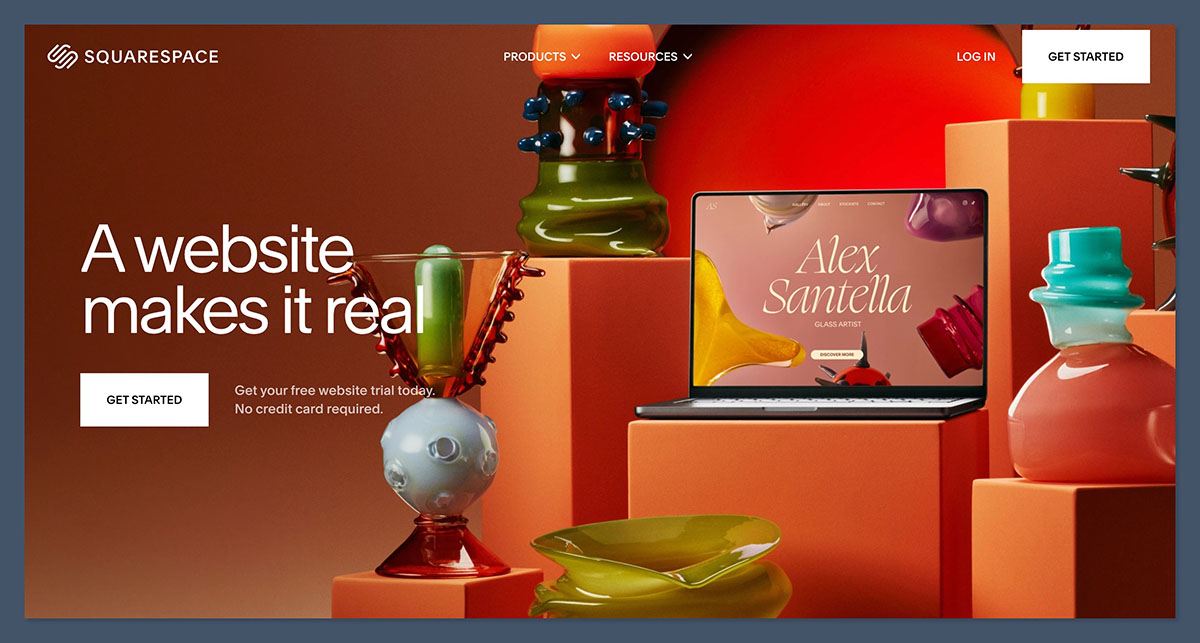
Squarespace, by contrast, was built for selling online. You can create product pages, manage inventory, connect payment processors, and track orders from day one.
Squarespace Ecommerce Tools
- Sell physical or digital products
- Integrated checkout system
- Accepts Stripe, PayPal, Apple Pay
- Sales tax automation
- Abandoned cart recovery (on higher-tier plans)
- Discount codes and promotions
- Inventory and order management
Selling on Namecheap (WordPress)
- Install WooCommerce plugin
- Set up payment gateways manually
- Customize product pages using WordPress themes
- Manage shipping, taxes, and inventory through additional plugins
Squarespace is the better fit for ecommerce businesses. It’s faster to set up and easier to manage.
If you’re tech-savvy and want full control, WordPress can work well on Namecheap, but it’s not plug-and-play.
Ease of Use: Which Platform Is More Beginner Friendly?
This category comes down to how quickly you want to go live and how comfortable you are with technology.
Squarespace
Squarespace is known for its streamlined onboarding. You pick a template, add your content, and go live. Everything happens in one place and there’s no need to install separate tools or updates.
I found the editor easy to use. It uses sections and blocks to build your site layout. You can add text, images, galleries, contact forms, and ecommerce features using the same interface.
Namecheap
Using Namecheap’s Site Maker is also beginner friendly, but it’s a much more limited tool. It’s designed for one-page websites and cannot handle ecommerce or advanced site layouts.
If you choose WordPress on Namecheap, setup becomes more complex. You’ll need to:
- Install WordPress on your hosting
- Choose a theme
- Install plugins for SEO, security, backups, and ecommerce
- Keep everything updated manually
The Verdict on Ease of Use
Squarespace is easier and faster for beginners. You don’t need any technical knowledge to build a site, manage a store, or update your content.
Namecheap can work if you’re comfortable with WordPress or want to learn it, but expect a steeper learning curve.
Templates and Design: Visual Quality vs Flexibility
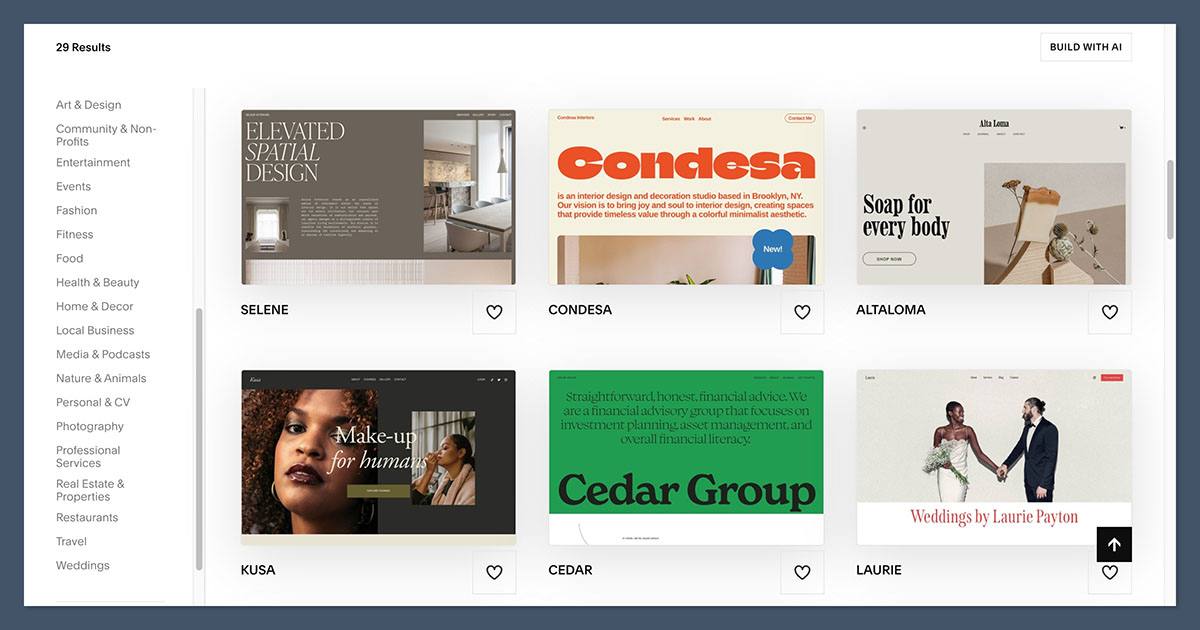
Your website needs to look professional, especially if you’re selling something. Both platforms offer templates, but the quality and ease of customization vary.
Squarespace Templates
- Over 100 professionally designed themes
- All are mobile responsive
- Built-in styling controls for fonts, colors, spacing
- Focused on creative industries, ecommerce, and service businesses
Squarespace templates are known for their high-end aesthetic. You can build a visually impressive site quickly without a designer.
Namecheap Templates
- Site Maker includes a few basic templates
- WordPress themes offer thousands of options (free and premium)
- Many themes require some customization to match your brand
- Greater flexibility, but harder to get a polished look without experience
If design is a top priority, Squarespace has the edge.
If you want total control and access to thousands of templates and page builders, WordPress on Namecheap is a better long-term option.
SEO Capabilities: Control vs Simplicity
Getting found in search engines matters. Squarespace and Namecheap both offer solid SEO tools, but in different ways.
Squarespace SEO Features
- Built-in SEO controls for page titles and descriptions
- Automatic sitemap generation
- Mobile responsive design
- Free SSL certificate
- Clean URL structures
Squarespace gives you enough tools to rank for most local or niche keywords. It’s not built for deep customization, but for many small businesses, that’s fine.
Namecheap + WordPress SEO
Using WordPress hosted on Namecheap opens up full SEO flexibility:
- Use plugins like Yoast or Rank Math
- Customize structured data (schema markup)
- Control crawl settings and redirects
- Improve site speed with caching plugins and CDNs
You can also connect to Google Analytics and Search Console without limitations. WordPress is the better option if SEO is a major traffic strategy for your business.
Support and Help: What Happens When You Need Assistance
Support can make or break your experience when something goes wrong.
Namecheap
- 24/7 live chat support
- No phone or email support
- Strong knowledge base for domains and hosting
- Less support for third-party platforms like WordPress
Squarespace
- 24/7 email support
- Live chat during weekdays
- Help center with articles and tutorials
- No phone support
Squarespace’s support is more tailored to its platform and is helpful during setup.
Namecheap’s chat is fast but not always helpful when dealing with WordPress-specific issues.
Final Recommendation
Choosing between Namecheap and Squarespace depends on your goals, budget, and technical comfort.
Use Squarespace if you:
- Want to sell online and need ecommerce features built in
- Prefer an all-in-one platform with hosting, design, and support
- Need to launch a professional website quickly
- Don’t want to deal with updates, plugins, or code
Use Namecheap if you:
- Want the lowest possible cost to launch a website
- Are comfortable using WordPress or want to learn it
- Care about long-term SEO flexibility
- Are building a blog, affiliate site, or content-driven platform
I’ve used both platforms for different types of projects. When time is short and I need something that works out of the box, Squarespace is my go-to.
When I want full control over everything from SEO to design to speed, I’ll build on WordPress through Namecheap.
The Bottom Line: Namecheap vs Squarespace
Squarespace is ideal if you want a beautiful, ecommerce-ready site that you can build and manage yourself.
Namecheap is better if you’re focused on low-cost hosting or building a site with WordPress where flexibility matters more than convenience.
Before you decide, think about what your website actually needs. Do you want to sell something soon? Are you planning to scale your SEO content?
Do you want something you can launch today or a setup you can grow and tweak over time?
Once you’re clear on your goals, the better choice between Namecheap vs Squarespace becomes obvious.


